
Anymcp Release
What is Anymcp Release
AnyMCP-release is a revolutionary tool designed to simplify the integration of MCP plugins through a one-click installation process, eliminating the need for uvx/npx configurations. It facilitates seamless interaction with various large language models via MCP protocols.
Use cases
Use cases for AnyMCP-release include rapid deployment of language model applications, seamless integration of various MCP plugins in AI projects, and simplifying the setup process for developers working across different operating systems.
How to use
To use AnyMCP-release, simply execute the one-click installation command provided in the documentation. This will set up the environment and allow you to integrate any supported MCP plugin effortlessly.
Key features
Key features include one-click installation for easy deployment, zero dependency on external configurations, universal compatibility with all MCP protocols, and cross-platform support for Windows, macOS, and Linux.
Where to use
AnyMCP-release can be utilized in software development environments, particularly in projects that require integration of large language models and MCP plugins, enhancing productivity and streamlining workflows.
Clients Supporting MCP
The following are the main client software that supports the Model Context Protocol. Click the link to visit the official website for more information.





Overview
What is Anymcp Release
AnyMCP-release is a revolutionary tool designed to simplify the integration of MCP plugins through a one-click installation process, eliminating the need for uvx/npx configurations. It facilitates seamless interaction with various large language models via MCP protocols.
Use cases
Use cases for AnyMCP-release include rapid deployment of language model applications, seamless integration of various MCP plugins in AI projects, and simplifying the setup process for developers working across different operating systems.
How to use
To use AnyMCP-release, simply execute the one-click installation command provided in the documentation. This will set up the environment and allow you to integrate any supported MCP plugin effortlessly.
Key features
Key features include one-click installation for easy deployment, zero dependency on external configurations, universal compatibility with all MCP protocols, and cross-platform support for Windows, macOS, and Linux.
Where to use
AnyMCP-release can be utilized in software development environments, particularly in projects that require integration of large language models and MCP plugins, enhancing productivity and streamlining workflows.
Clients Supporting MCP
The following are the main client software that supports the Model Context Protocol. Click the link to visit the official website for more information.
Content
AnyMCP

English Version
The Ultimate Toolkit for Simplified MCP Integration
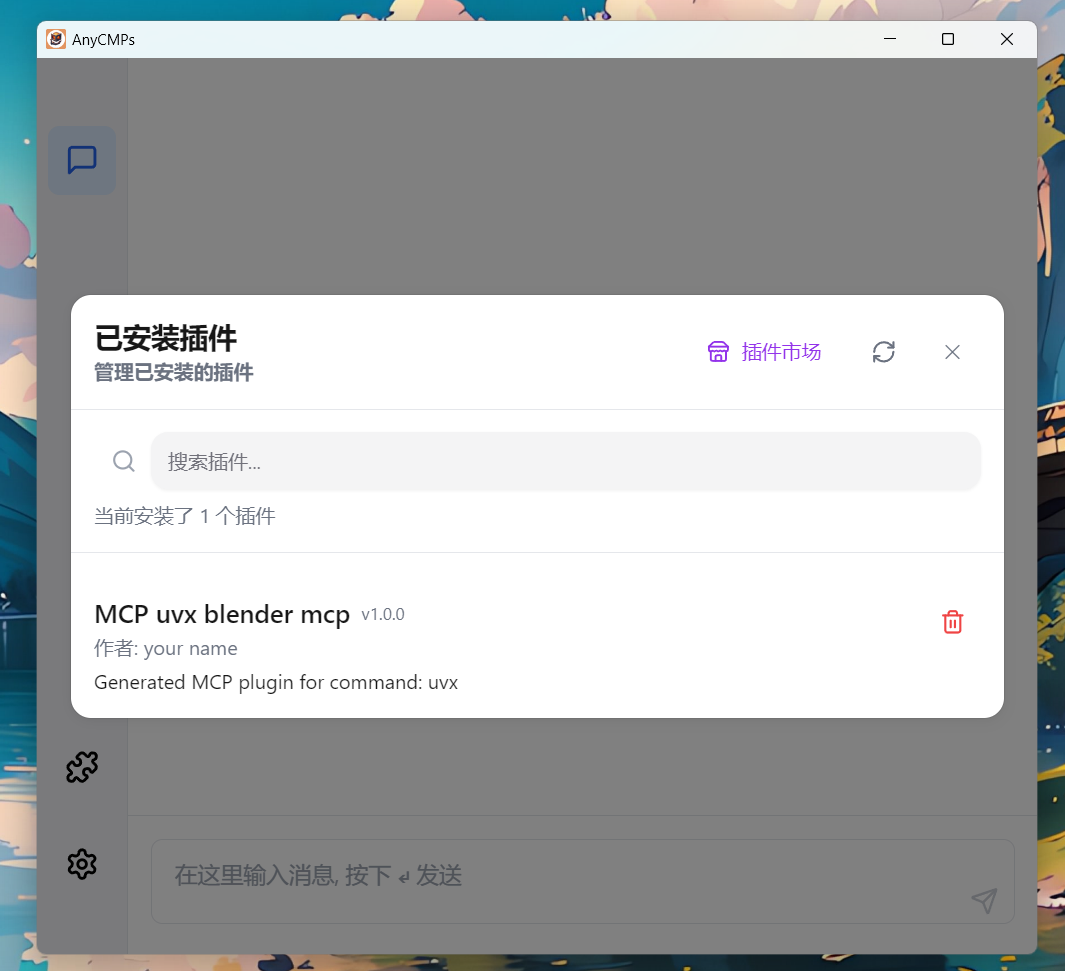
🚀 Core Features
- One-click Installation
Revolutionizing MCP plugin deployment with single-command setup - Zero Dependency
Eliminates uvx/npx configurations with self-contained environment - Universal MCP Integration
Seamless compatibility with all MCP protocols - Cross-platform Support
Native Windows/macOS/Linux implementations
中文版本
下一代MCP集成终极解决方案
🚀 核心功能
- 一键式安装
单命令完成MCP插件部署,重构工作流程 - 零环境依赖
自包含运行环境,无需配置uvx/npx - 全模型支持
通过MCP协议原生支持50+种大语言模型 - 跨平台运行
完美兼容Windows/macOS/Linux系统
Dev Tools Supporting MCP
The following are the main code editors that support the Model Context Protocol. Click the link to visit the official website for more information.







