
Minimax Ai Minimax Mcp
What is Minimax Ai Minimax Mcp
MiniMax-AI_MiniMax-MCP is a project that serves as a mirror of the original MiniMax-MCP repository on GitHub, focusing on advanced AI algorithms for decision-making processes.
Use cases
Use cases include developing AI for board games, optimizing resource allocation in simulations, and enhancing decision-making systems in software applications.
How to use
To use MiniMax-AI_MiniMax-MCP, clone the repository from GitHub, install the necessary dependencies, and follow the instructions in the README file to set up and run the application.
Key features
Key features include advanced decision-making algorithms, user-friendly interface, and comprehensive documentation for easy integration and use.
Where to use
MiniMax-AI_MiniMax-MCP can be used in various fields such as game development, AI research, and any application requiring strategic decision-making.
Clients Supporting MCP
The following are the main client software that supports the Model Context Protocol. Click the link to visit the official website for more information.





Overview
What is Minimax Ai Minimax Mcp
MiniMax-AI_MiniMax-MCP is a project that serves as a mirror of the original MiniMax-MCP repository on GitHub, focusing on advanced AI algorithms for decision-making processes.
Use cases
Use cases include developing AI for board games, optimizing resource allocation in simulations, and enhancing decision-making systems in software applications.
How to use
To use MiniMax-AI_MiniMax-MCP, clone the repository from GitHub, install the necessary dependencies, and follow the instructions in the README file to set up and run the application.
Key features
Key features include advanced decision-making algorithms, user-friendly interface, and comprehensive documentation for easy integration and use.
Where to use
MiniMax-AI_MiniMax-MCP can be used in various fields such as game development, AI research, and any application requiring strategic decision-making.
Clients Supporting MCP
The following are the main client software that supports the Model Context Protocol. Click the link to visit the official website for more information.
Content









Official MiniMax Model Context Protocol (MCP) server that enables interaction with powerful Text to Speech and video/image generation APIs. This server allows MCP clients like Claude Desktop, Cursor, Windsurf, OpenAI Agents and others to generate speech, clone voices, generate video, generate image and more.
Quickstart with MCP Client
- Get your API key from MiniMax.
- Install
uv(Python package manager), install withcurl -LsSf https://astral.sh/uv/install.sh | shor see theuvrepo for additional install methods.
Claude Desktop
Go to Claude > Settings > Developer > Edit Config > claude_desktop_config.json to include the following:
{
  "mcpServers": {
    "MiniMax": {
      "command": "uvx"
      "args": [
        "minimax-mcp"
      ],
      "env": {
        "MINIMAX_API_KEY": "<insert-your-api-key-here>",
        "MINIMAX_MCP_BASE_PATH": "<local-output-dir-path>",
        "MINIMAX_API_HOST": "https://api.minimaxi.chat"
      }
    }
  }
}
If you’re using Windows, you will have to enable “Developer Mode” in Claude Desktop to use the MCP server. Click “Help” in the hamburger menu in the top left and select “Enable Developer Mode”.
Cursor
Go to Cursor -> Preferences -> Cursor Settings -> MCP -> Add new global MCP Server to add above config.
That’s it. Your MCP client can now interact with MiniMax through these tools:
Example usage
⚠️ Warning: Using these tools may incur costs.
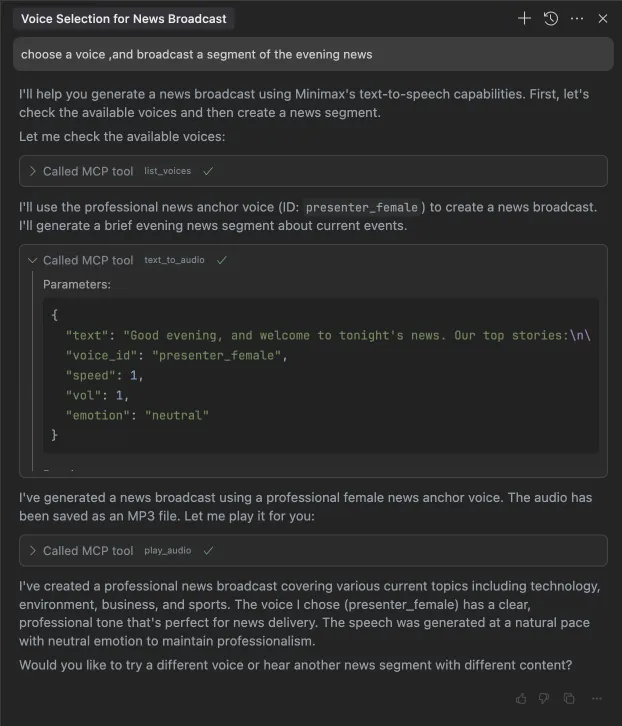
1. broadcast a segment of the evening news
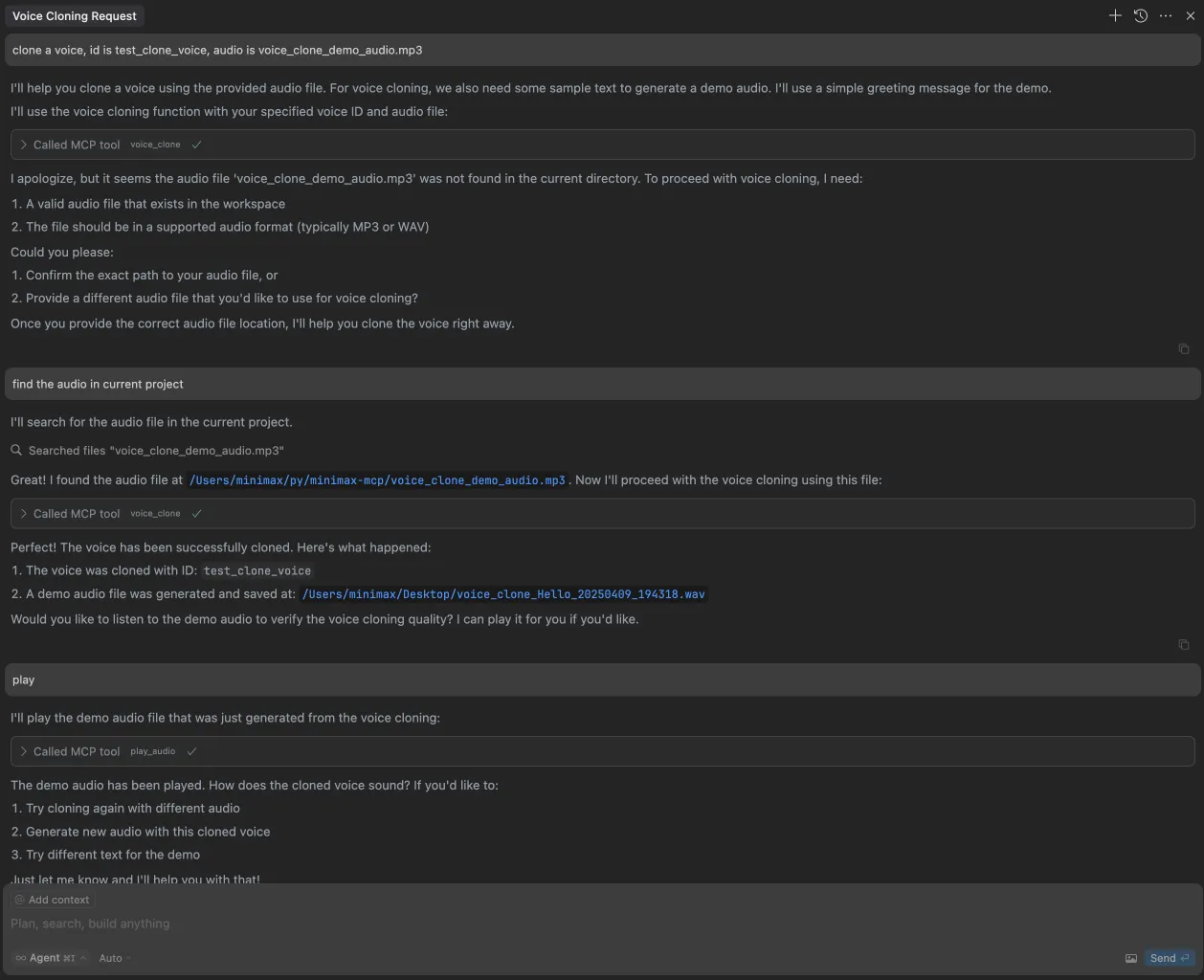
2. clone a voice
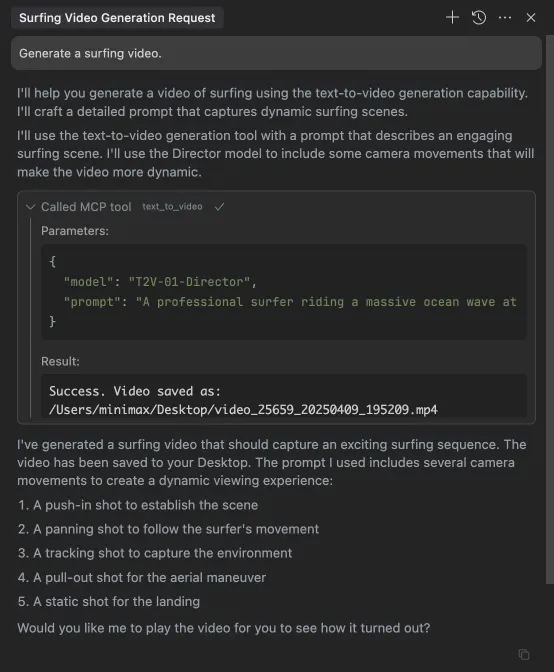
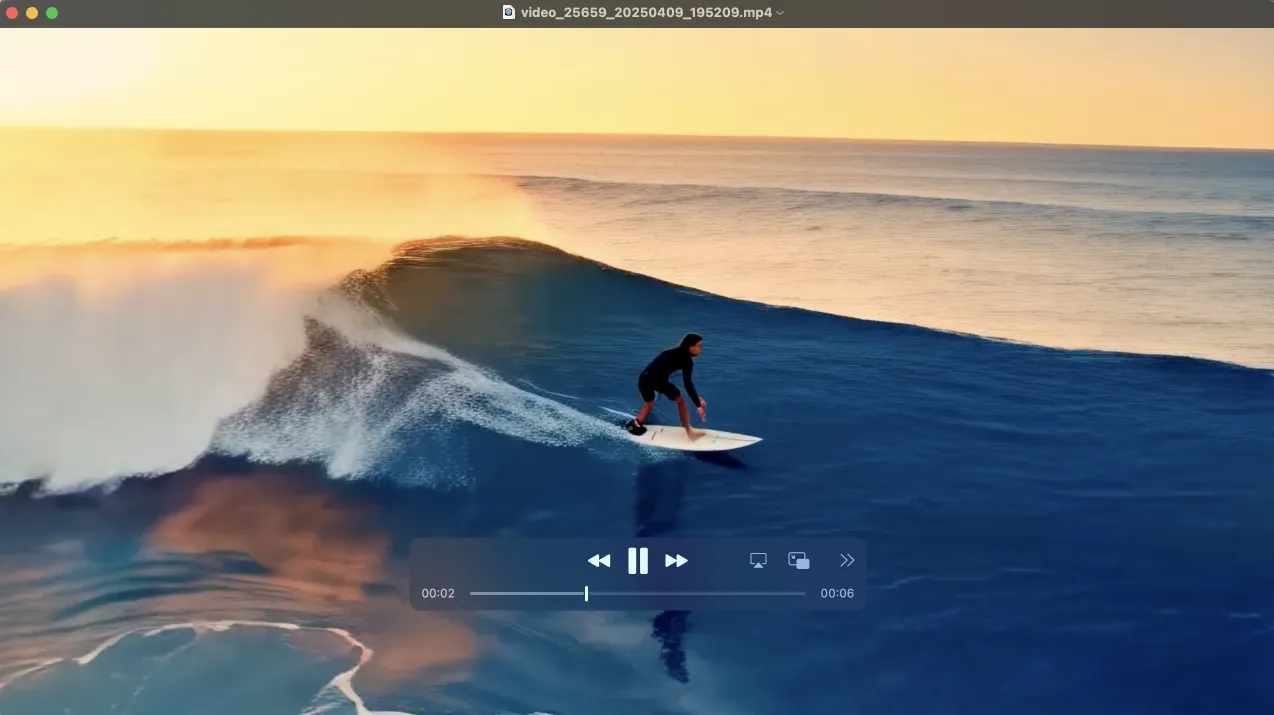
3. generate a video
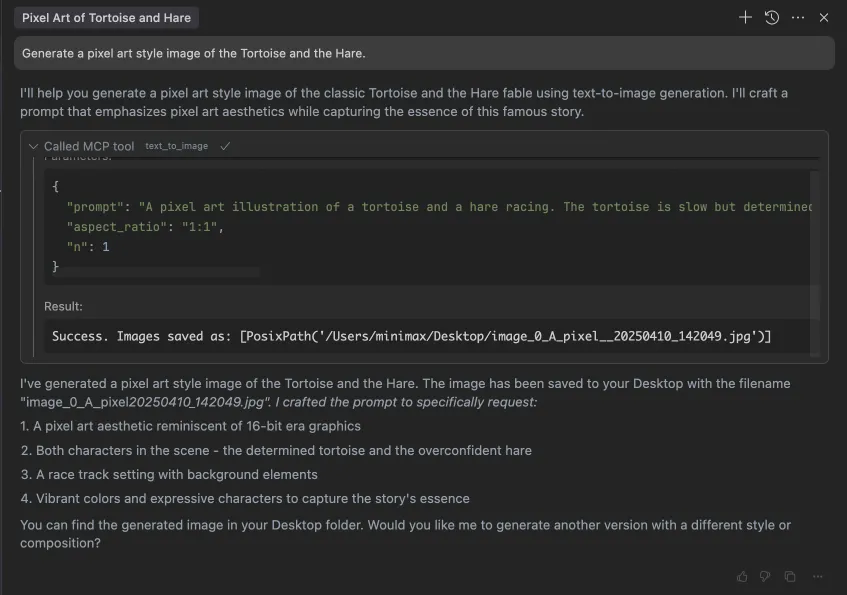
4. generate images

Dev Tools Supporting MCP
The following are the main code editors that support the Model Context Protocol. Click the link to visit the official website for more information.







