
Subnet Calculator Mcp Server
What is Subnet Calculator Mcp Server
Subnet-Calculator-MCP-Server is a simple Model Context Protocol (MCP) server designed to calculate subnet details based on CIDR (Classless Inter-Domain Routing) notation. It utilizes the FastMCP library to provide subnet calculation functionalities.
Use cases
Use cases include network configuration, troubleshooting IP address allocation, and educational demonstrations on subnetting concepts.
How to use
To use the Subnet-Calculator-MCP-Server, clone the repository, install the required dependencies using ‘pip install fastmcp mcp[cli]’, and run the server with ‘python main.py’. You can then add the server to your MCP client by following the specific client instructions provided in the README.
Key features
Key features include calculating subnet details such as network address, broadcast address, netmask, wildcard mask, usable host range, and the number of usable hosts. It operates as an MCP server with Server-Sent Events (SSE) transport.
Where to use
Subnet-Calculator-MCP-Server can be used in network management, educational environments for teaching subnetting, and by developers needing to integrate subnet calculation into their applications.
Clients Supporting MCP
The following are the main client software that supports the Model Context Protocol. Click the link to visit the official website for more information.





Overview
What is Subnet Calculator Mcp Server
Subnet-Calculator-MCP-Server is a simple Model Context Protocol (MCP) server designed to calculate subnet details based on CIDR (Classless Inter-Domain Routing) notation. It utilizes the FastMCP library to provide subnet calculation functionalities.
Use cases
Use cases include network configuration, troubleshooting IP address allocation, and educational demonstrations on subnetting concepts.
How to use
To use the Subnet-Calculator-MCP-Server, clone the repository, install the required dependencies using ‘pip install fastmcp mcp[cli]’, and run the server with ‘python main.py’. You can then add the server to your MCP client by following the specific client instructions provided in the README.
Key features
Key features include calculating subnet details such as network address, broadcast address, netmask, wildcard mask, usable host range, and the number of usable hosts. It operates as an MCP server with Server-Sent Events (SSE) transport.
Where to use
Subnet-Calculator-MCP-Server can be used in network management, educational environments for teaching subnetting, and by developers needing to integrate subnet calculation into their applications.
Clients Supporting MCP
The following are the main client software that supports the Model Context Protocol. Click the link to visit the official website for more information.
Content
Subnet Calculator MCP Server

This project provides a simple MCP (Model Context Protocol) server for calculating subnet details based on a given CIDR (Classless Inter-Domain Routing) notation. It uses the FastMCP library to expose the subnet calculation functionality as a tool.
Features
- Calculate subnet details for a given CIDR.
- Provides:
- Network address
- Broadcast address
- Netmask
- Wildcard mask
- Usable host range
- Number of usable hosts
- Runs as an MCP server with SSE (Server-Sent Events) transport.
Requirements
- Python 3.7+
- fastmcp library
Installation
- Clone the repository or copy the script.
- Install the required dependencies:
pip install fastmcp mcp[cli]
Usage
THis MCP runs with SSE transport mode.
Run the MCP server:
python main.py
How to add this Server to your MCP Client
Goose MCP Client
- Click Menu (“…” icon) and select Advanced settings:
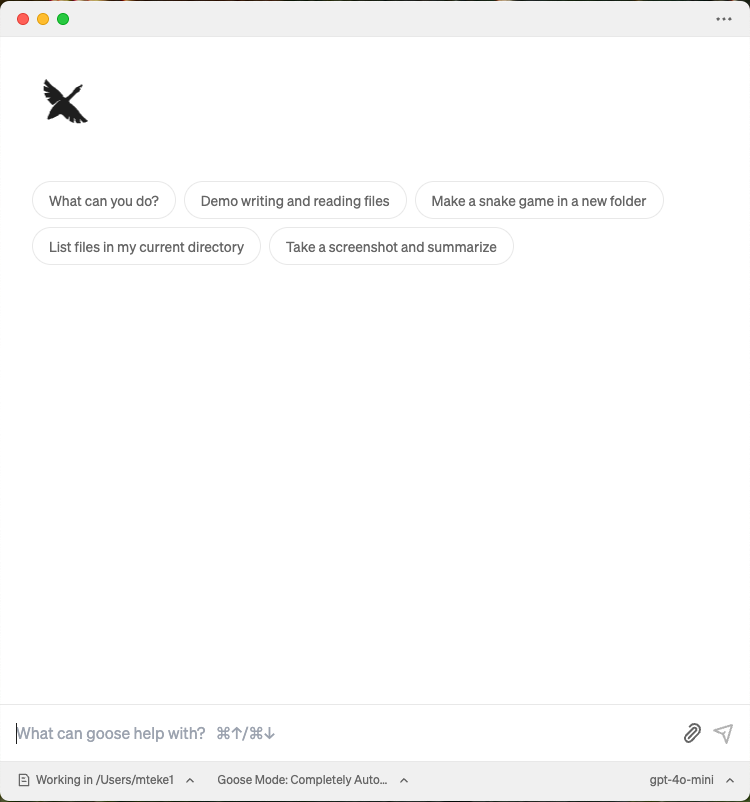
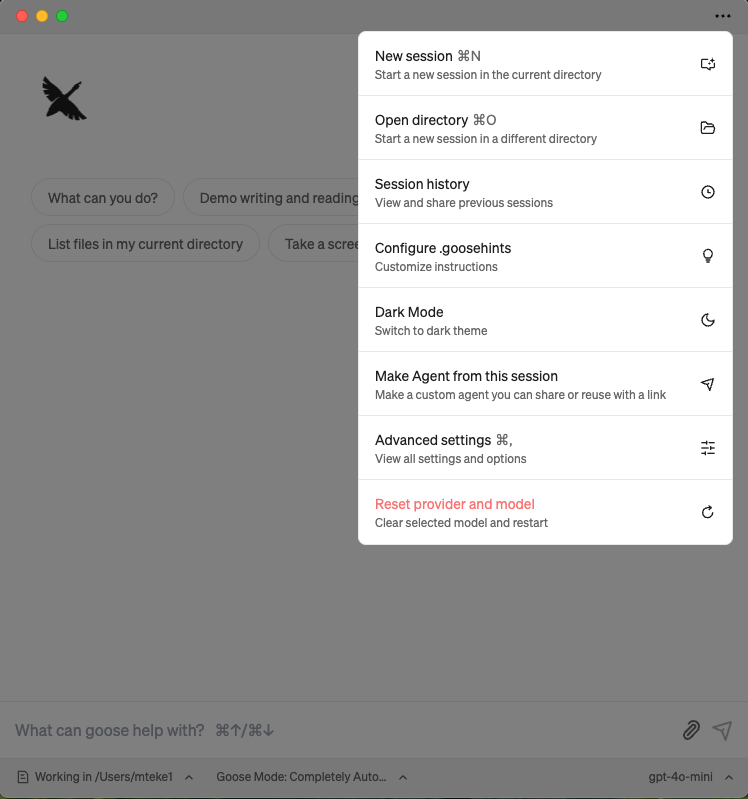
- Go extentions section
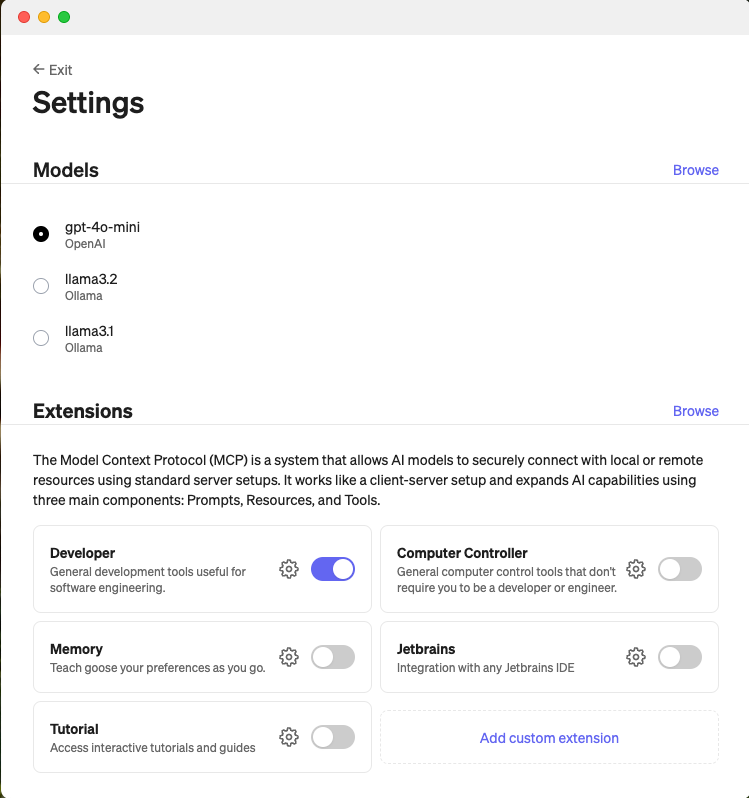
- Select “Add custom extentions”
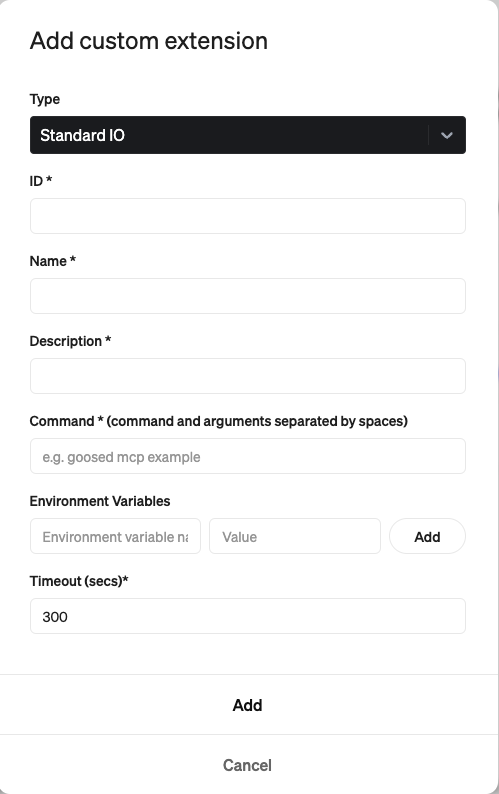
- Select Server-Sent Events as Type
- Select a random ID
- Select Name for the MCP Server
- Sleect Description
- Enter URI : https://mcp-subnet-calculator.mteke.com/sse
- Click Add button
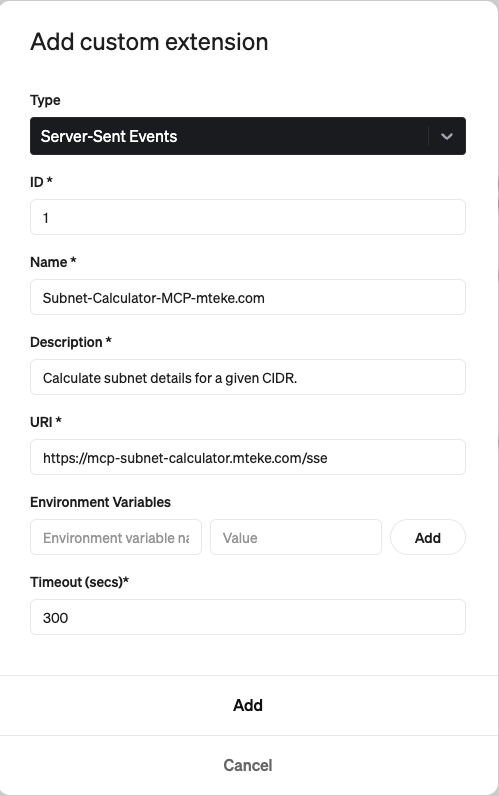
Now the MCP Server(extention is added and enabled)
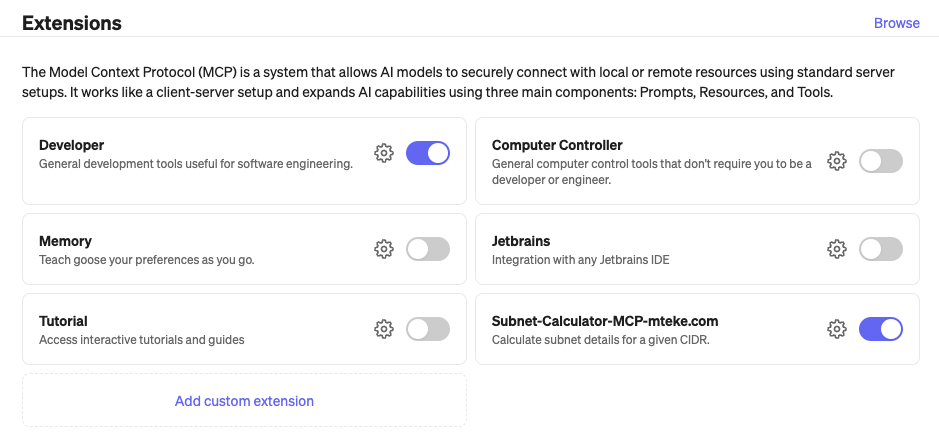
Now the MCP server is activated:
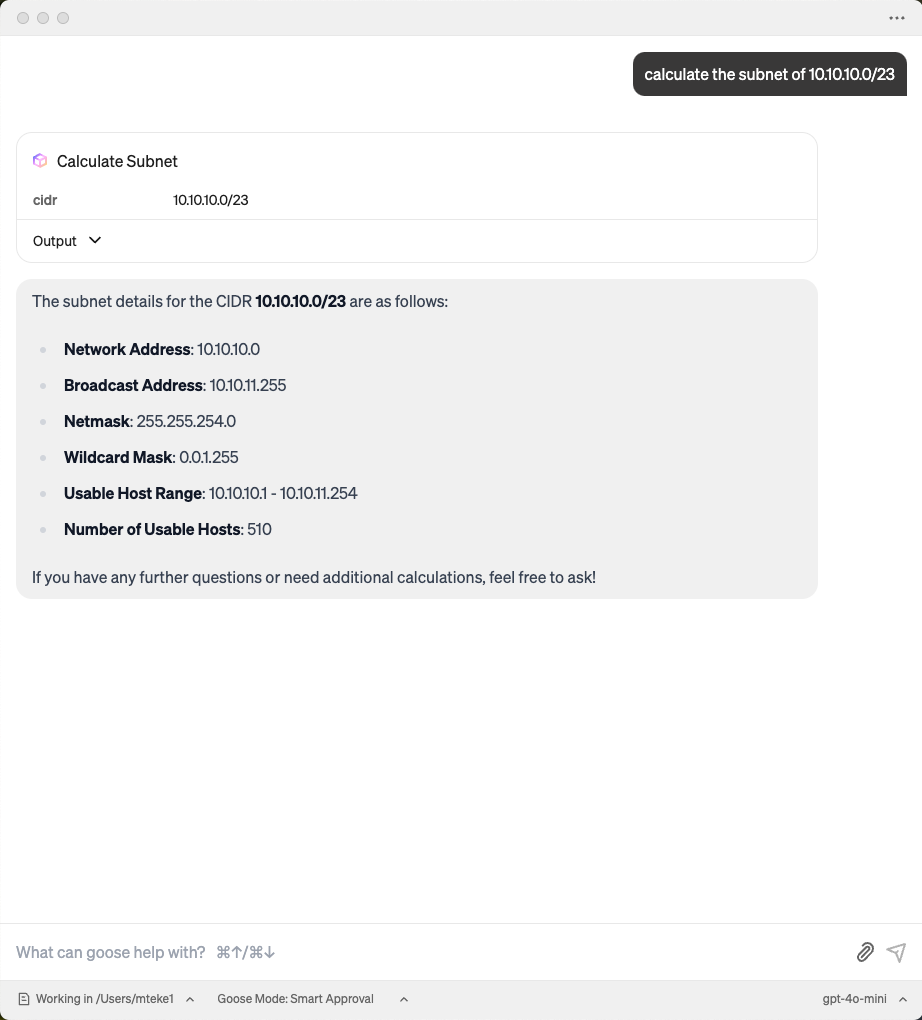
You can watch the video to demonstrate how to enable mcp server on Goose Client App:

Claude Desktop MCP Client
- Select Claude Desktop Settings
- Select Developer and Edit config
- Change claude_desktop_config.json content to below
{
  "mcpServers": {
    "mcp-subnet-calculator-sse": {
      "command": "npx",
      "args": [
        "-y",
        "supergateway",
        "--sse",
        "https://mcp-subnet-calculator.mteke.com/sse"
      ]
    }
  }
}
- Close Claude Desktop App completely and restart it
You can watch the video to demonstrate how to enable mcp server on Claude Desktop Client App:
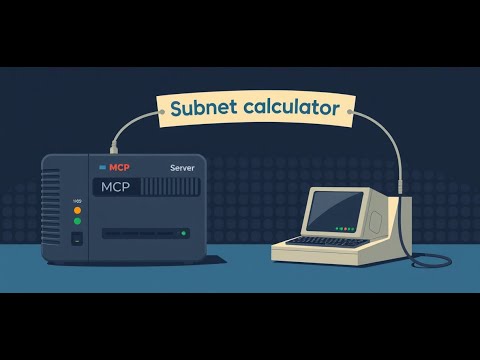
How to add Subnet Calculator MCP Server to your Goose Client
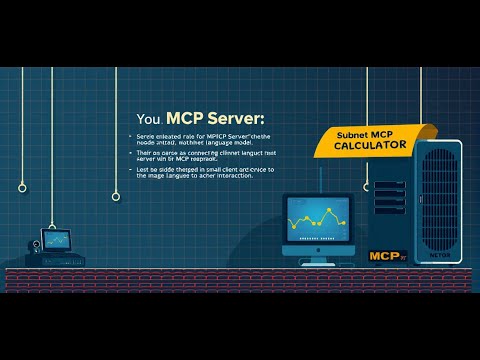
How to add Subnet Calculator MCP Server to N8N Instance
Dev Tools Supporting MCP
The following are the main code editors that support the Model Context Protocol. Click the link to visit the official website for more information.







