
Vibe Model Context Protocol Server
What is Vibe Model Context Protocol Server
Vibe-Model-Context-Protocol-Server (VMCPS) is a Python-based server designed for managing and analyzing code context to assist AI-driven development, eliminating the need for costly subscription APIs.
Use cases
Use cases include analyzing codebases for AI integration, managing project dependencies, generating context for files, and providing real-time feedback during development.
How to use
To use VMCPS, clone the repository, set up a virtual environment, install dependencies, and configure environment variables. Start the server and use the provided API endpoints to analyze projects and retrieve context.
Key features
Key features include real-time code analysis, automatic file change detection, secure authentication, RESTful API for context management, project structure analysis, dependency tracking, and cross-platform support for Windows, Linux, and macOS.
Where to use
VMCPS is suitable for software development environments, particularly in projects that require AI assistance for code analysis and context management.
Clients Supporting MCP
The following are the main client software that supports the Model Context Protocol. Click the link to visit the official website for more information.





Overview
What is Vibe Model Context Protocol Server
Vibe-Model-Context-Protocol-Server (VMCPS) is a Python-based server designed for managing and analyzing code context to assist AI-driven development, eliminating the need for costly subscription APIs.
Use cases
Use cases include analyzing codebases for AI integration, managing project dependencies, generating context for files, and providing real-time feedback during development.
How to use
To use VMCPS, clone the repository, set up a virtual environment, install dependencies, and configure environment variables. Start the server and use the provided API endpoints to analyze projects and retrieve context.
Key features
Key features include real-time code analysis, automatic file change detection, secure authentication, RESTful API for context management, project structure analysis, dependency tracking, and cross-platform support for Windows, Linux, and macOS.
Where to use
VMCPS is suitable for software development environments, particularly in projects that require AI assistance for code analysis and context management.
Clients Supporting MCP
The following are the main client software that supports the Model Context Protocol. Click the link to visit the official website for more information.
Content
Vibe Model Context Protocol Server (VMCPS)
A Python-based server for managing and analyzing code context for AI-assisted development.
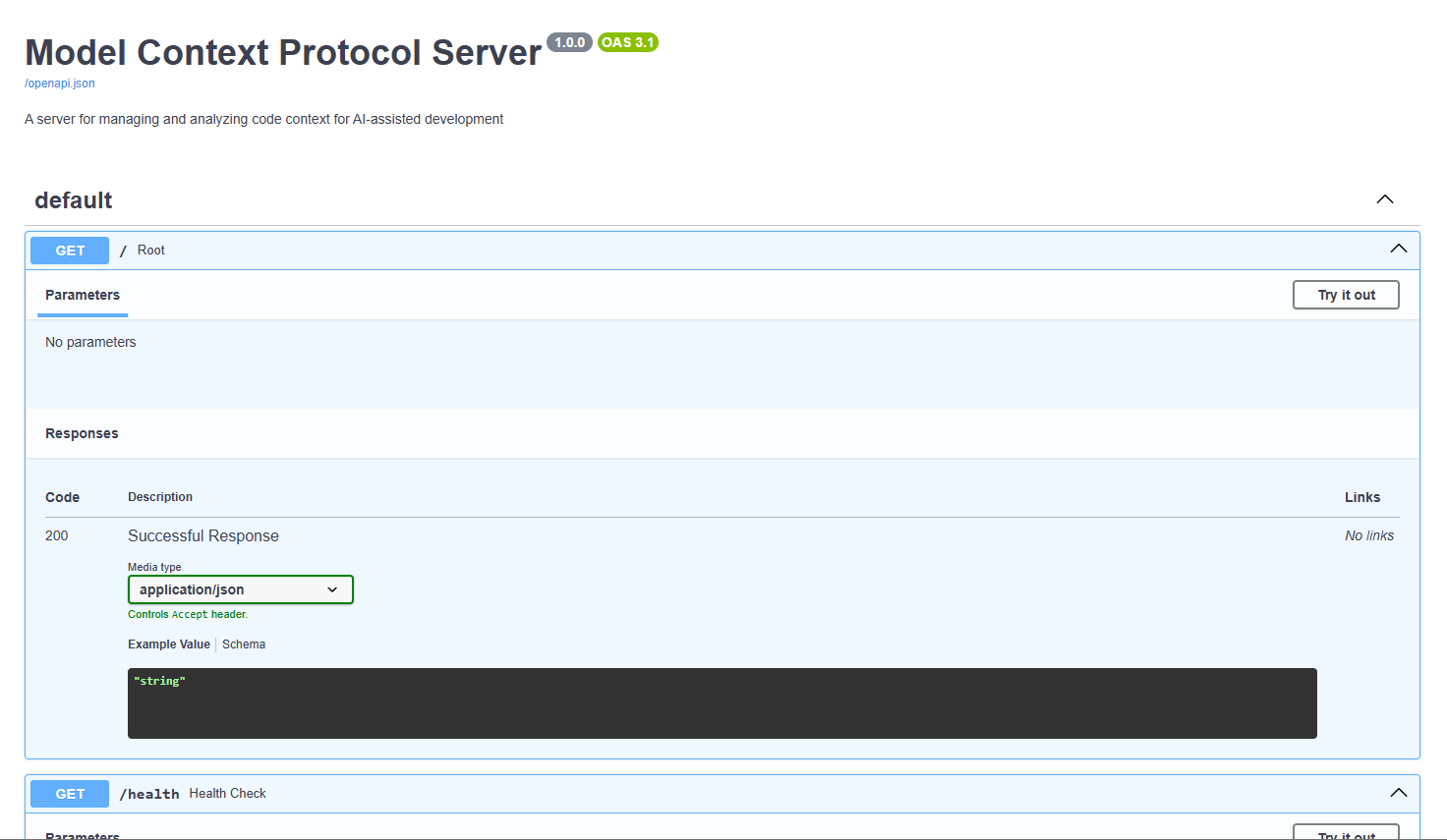
Features
- Real-time code analysis and context generation
- Automatic file change detection
- Secure authentication and authorization
- RESTful API for context management
- Project structure analysis
- Dependency tracking
- Cross-platform support (Windows, Linux, macOS)
API Endpoints
POST /token- Get authentication tokenPOST /analyze- Analyze a projectGET /context- Get context for a file or projectGET /dependencies- Get project dependenciesGET /structure- Get project structure
Security
- JWT-based authentication
- Password hashing with bcrypt
- CORS protection
- Environment-based configuration
Installation
- Clone the repository:
git clone https://github.com/non-npc/Vibe-Model-Context-Protocol-Server.git
cd mcps
- Create a virtual environment:
python -m venv venv
source venv/bin/activate  # On Windows: venv\Scripts\activate
- Install dependencies:
pip install -r requirements.txt
- Configure environment variables:
- Copy
.env.exampleto.env - Update the values in
.envas needed
Example API Usage (curl commands)
Start the server:
python -m mcps.main
- Get token:
curl -X POST "http://localhost:8000/token" -H "Content-Type: application/x-www-form-urlencoded" -d "username=admin&password=admin"
- Analyze project (replace
with actual token):
curl -X POST "http://localhost:8000/analyze" -H "Authorization: Bearer <token>" -H "Content-Type: application/json" -d '{"project_path": "/path/to/your/project"}'
- Get context:
curl -X GET "http://localhost:8000/context" -H "Authorization: Bearer <token>"
Access the API:
- The server will be running at
http://localhost:8000 - API documentation is available at
http://localhost:8000/docs
Development
- Install development dependencies:
pip install -r requirements-dev.txt
- Run tests:
pytest
Contributing
- Fork the repository
- Create a feature branch
- Commit your changes
- Push to the branch
- Create a Pull Request
License
Dev Tools Supporting MCP
The following are the main code editors that support the Model Context Protocol. Click the link to visit the official website for more information.







