
Cf Mcp Client
What is Cf Mcp Client
cf-mcp-client is a client application designed to interact with the MCP server, facilitating communication and data exchange.
Use cases
Use cases include developing chatbots, real-time data analytics platforms, and applications requiring AI-driven insights.
How to use
To use cf-mcp-client, first install Angular CLI, set the required environment variables for API keys and passwords, then build the project using Maven and run the generated JAR file.
Key features
Key features include integration with Angular for a responsive user interface, support for OpenAI API, and secure password management.
Where to use
cf-mcp-client can be used in web applications that require real-time data processing and interaction with AI services.
Clients Supporting MCP
The following are the main client software that supports the Model Context Protocol. Click the link to visit the official website for more information.





Overview
What is Cf Mcp Client
cf-mcp-client is a client application designed to interact with the MCP server, facilitating communication and data exchange.
Use cases
Use cases include developing chatbots, real-time data analytics platforms, and applications requiring AI-driven insights.
How to use
To use cf-mcp-client, first install Angular CLI, set the required environment variables for API keys and passwords, then build the project using Maven and run the generated JAR file.
Key features
Key features include integration with Angular for a responsive user interface, support for OpenAI API, and secure password management.
Where to use
cf-mcp-client can be used in web applications that require real-time data processing and interaction with AI services.
Clients Supporting MCP
The following are the main client software that supports the Model Context Protocol. Click the link to visit the official website for more information.
Content
Tanzu Platform Chat: AI Chat Client for Cloud Foundry
Overview
Tanzu Platform Chat (cf-mcp-client) is a Spring chatbot application that can be deployed to Cloud Foundry and consume platform AI services. It’s built with Spring AI and works with LLMs, Vector Databases, and Model Context Protocol Agents.
Prerequisites
- Java 21 or higher
- e.g. using sdkman
sdk install java 21.0.7-oracle
- e.g. using sdkman
- Maven 3.8+
- e.g. using sdkman
sdk install maven
- e.g. using sdkman
- Access to a Cloud Foundry Foundation with the GenAI tile or other LLM services
- Developer access to your Cloud Foundry environment
Deploying to Cloud Foundry
Preparing the Application
- Build the application package:
mvn clean package
- Push the application to Cloud Foundry:
cf push
Binding to Large Language Models (LLM’s)
- Create a service instance that provides chat LLM capabilities:
cf create-service genai [plan-name] chat-llm
- Bind the service to your application:
cf bind-service ai-tool-chat chat-llm
- Restart your application to apply the binding:
cf restart ai-tool-chat
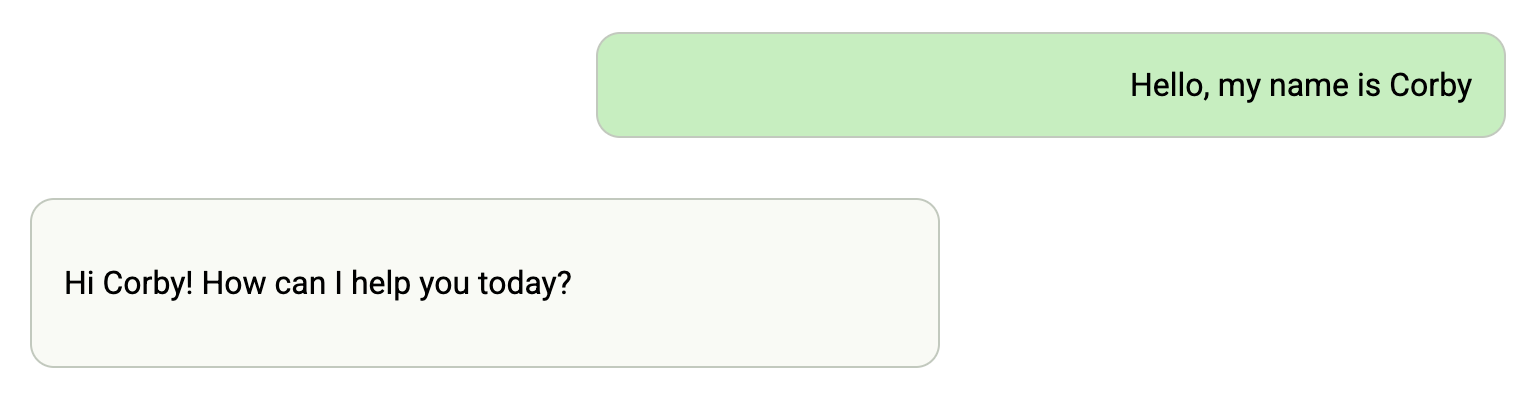
Now your chatbot will use the LLM to respond to chat requests.
Binding to Vector Databases
- Create a service instance that provides embedding LLM capabilities
cf create-service genai [plan-name] embeddings-llm
- Create a Postgres service instance to use as a vector database
cf create-service postgres on-demand-postgres-db vector-db
- Bind the services to your application
cf bind-service ai-tool-chat embeddings-llm
cf bind-service ai-tool-chat vector-db
- Restart your application to apply the binding:
cf restart ai-tool-chat
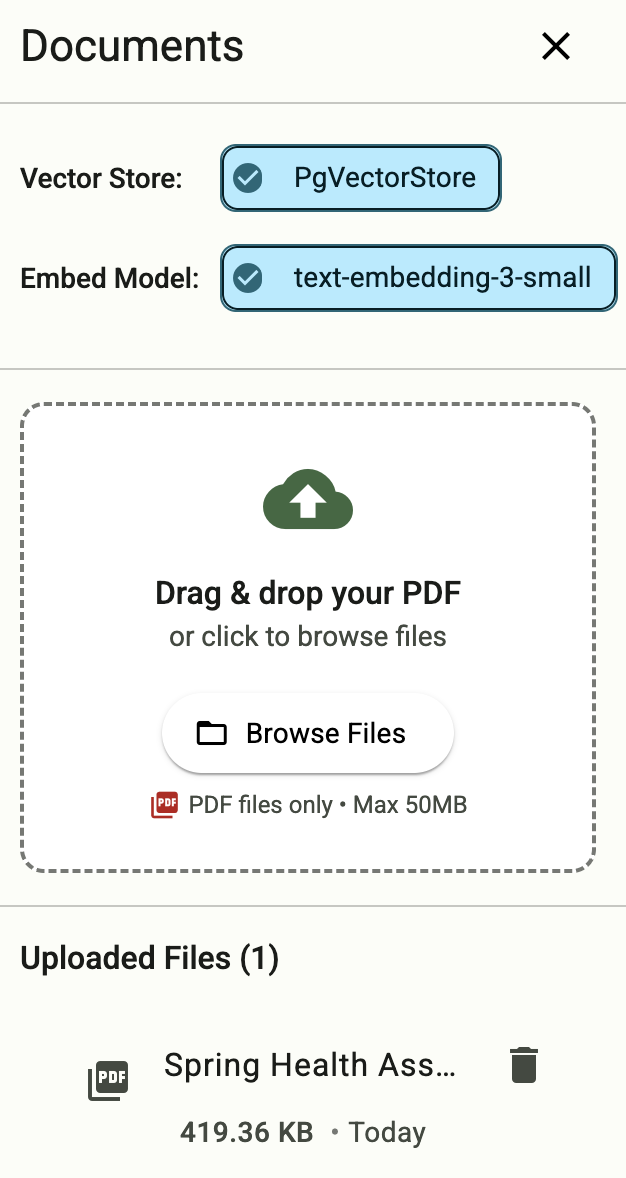
- Click on the document tool on the right-side of the screen, and upload a .PDF File
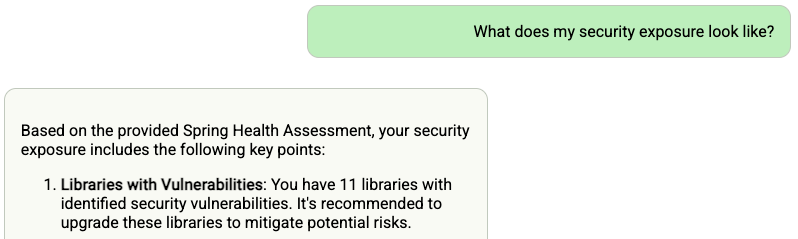
Now your chatbot will respond to queries about the uploaded document
Binding to MCP Agents
Model Context Protocol (MCP) servers are lightweight programs that expose specific capabilities to AI models through a standardized interface. These servers act as bridges between LLMs and external tools, data sources, or services, allowing your AI application to perform actions like searching databases, accessing files, or calling external APIs without complex custom integrations.
- Create a user-provided service that provides the URL for an existing MCP server:
cf cups mcp-server -p '{"mcpServiceURL":"https://your-mcp-server.example.com"}'
- Bind the MCP service to your application:
cf bind-service ai-tool-chat mcp-server
- Restart your application:
cf restart ai-tool-chat
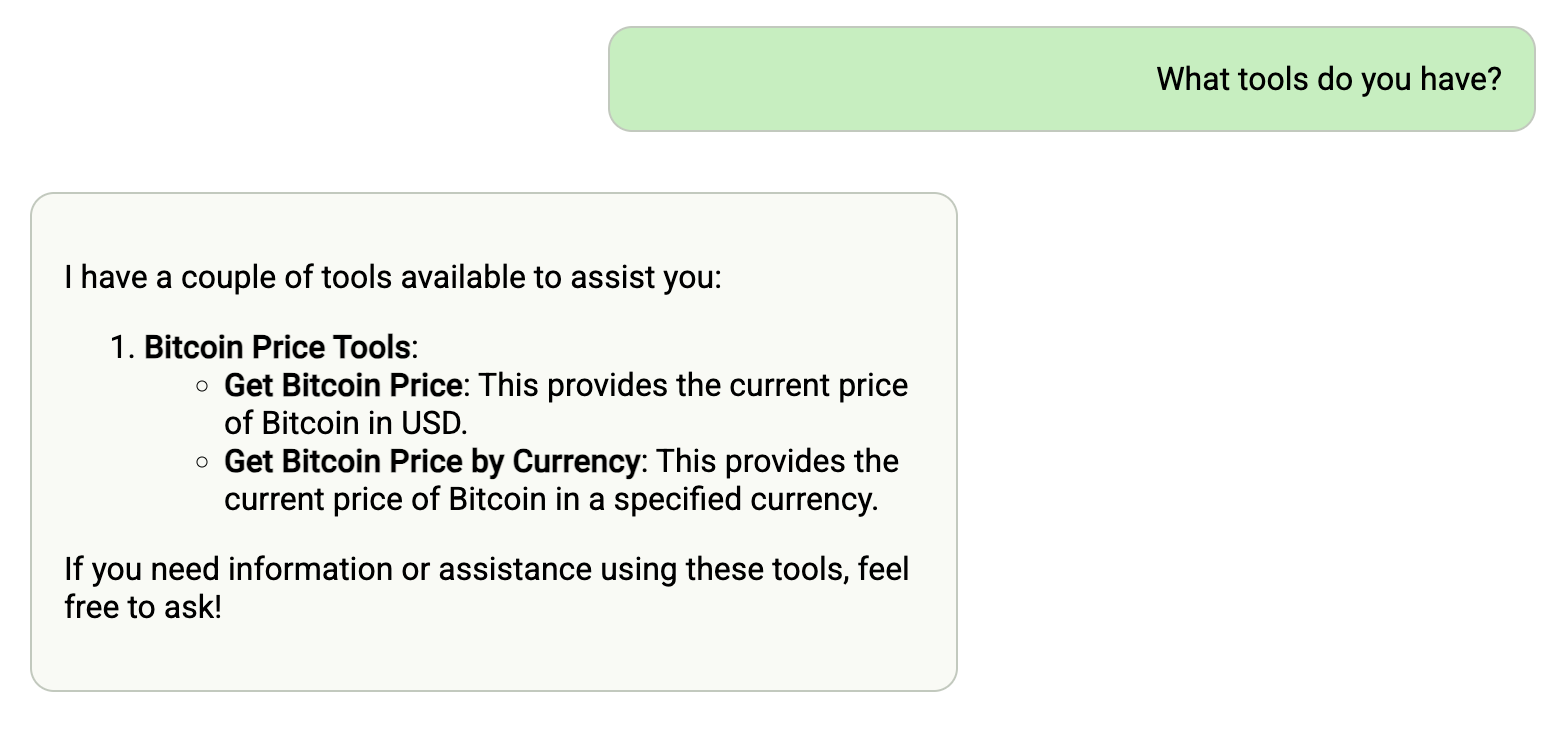
Your chatbot will now register with the MCP agent, and the LLM will be able to invoke the agent’s capabilities when responding to chat requests.
Using a Vector Store for Conversation Memory
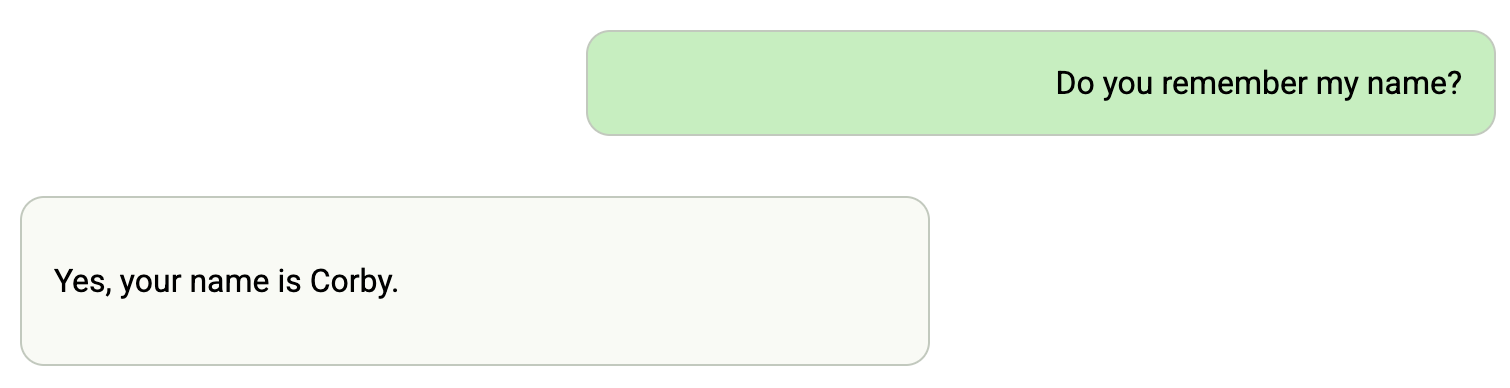
If you are bound to a vector database and an embedding model, then your chat memory will persist across application restarts and scaling.
- Follow the instructions above in Binding to Vector Databases
Dev Tools Supporting MCP
The following are the main code editors that support the Model Context Protocol. Click the link to visit the official website for more information.







