
Chatty Mcp
What is Chatty Mcp
Chatty MCP is a voice-enabled MCP server designed to enhance your AI code editor experience by providing voice capabilities and summarizing responses after each request.
Use cases
Use cases for Chatty MCP include coding while multitasking, quickly assessing AI-generated code through voice summaries, and enhancing the coding experience with interactive voice feedback.
How to use
To use Chatty MCP, integrate it with your AI code editor like Cursor or Cline. After installation, it will automatically announce summaries of your requests, allowing you to multitask while coding.
Key features
Key features of Chatty MCP include voice summaries of code editor outputs, customizable voice options using TTS systems, and the ability to enhance workflow by allowing users to listen instead of read.
Where to use
Chatty MCP can be used in software development environments, particularly where AI code editors are employed, making it suitable for programmers and developers who prefer auditory feedback.
Clients Supporting MCP
The following are the main client software that supports the Model Context Protocol. Click the link to visit the official website for more information.





Overview
What is Chatty Mcp
Chatty MCP is a voice-enabled MCP server designed to enhance your AI code editor experience by providing voice capabilities and summarizing responses after each request.
Use cases
Use cases for Chatty MCP include coding while multitasking, quickly assessing AI-generated code through voice summaries, and enhancing the coding experience with interactive voice feedback.
How to use
To use Chatty MCP, integrate it with your AI code editor like Cursor or Cline. After installation, it will automatically announce summaries of your requests, allowing you to multitask while coding.
Key features
Key features of Chatty MCP include voice summaries of code editor outputs, customizable voice options using TTS systems, and the ability to enhance workflow by allowing users to listen instead of read.
Where to use
Chatty MCP can be used in software development environments, particularly where AI code editors are employed, making it suitable for programmers and developers who prefer auditory feedback.
Clients Supporting MCP
The following are the main client software that supports the Model Context Protocol. Click the link to visit the official website for more information.
Content
Chatty MCP
Oh, hello there! Meet Chatty MCP, your new best buddy who loves to chat out loud! After every request in Cursor, Cline, or any MCP-supported editor, it will speak up and summarize what was just done. Not only will you know when your long request has completed, but you can also use another sense to quickly understand what the editor produced, integrating deeply with your workflow for a better coding experience.
Check out our main website for documentation, demos, and configuration: https://chatty-mcp.vercel.app/
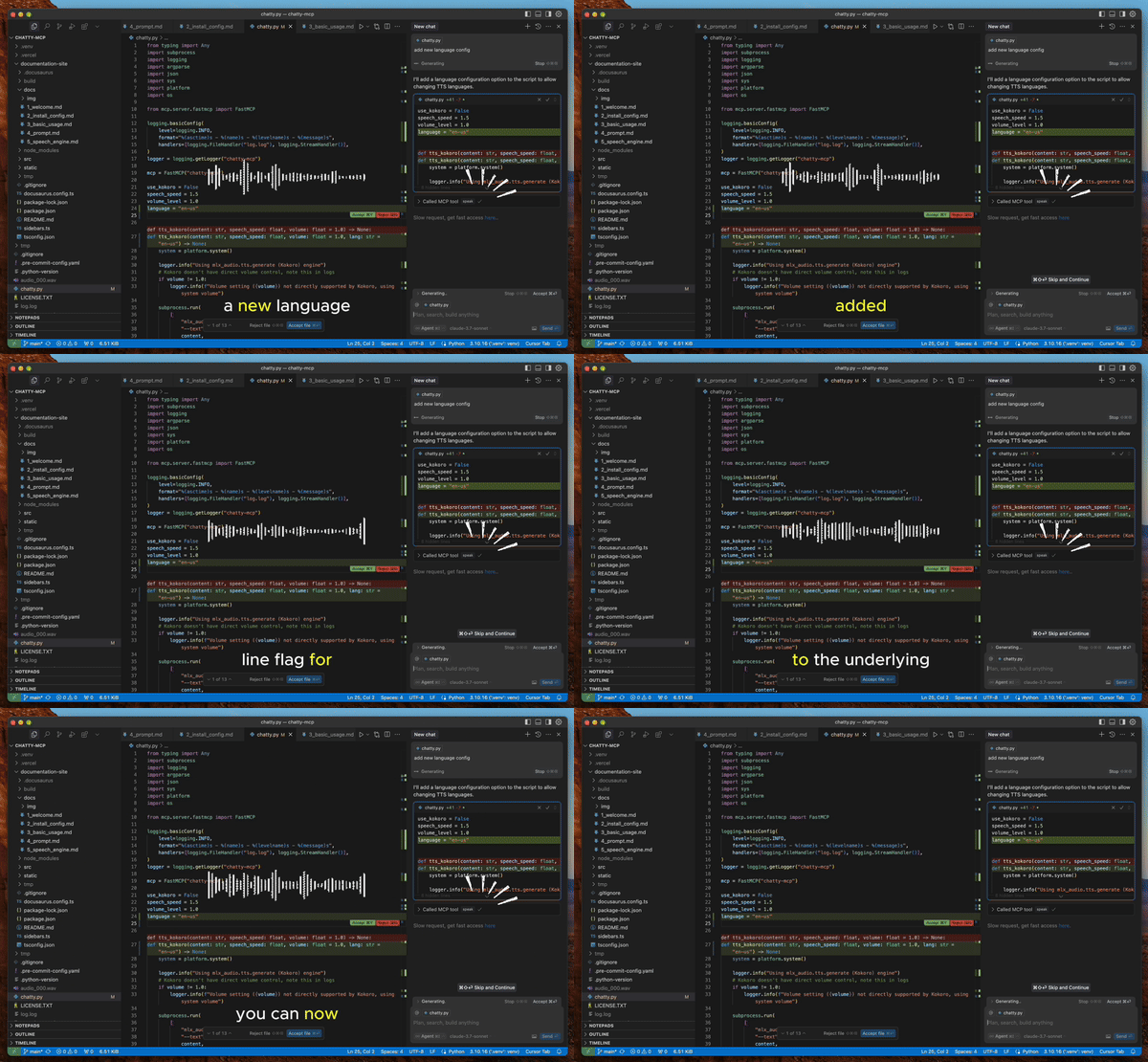
Why?
- Waiting for Cursor to complete your requests can be tedious - you’re just staring at a black screen. With Chatty MCP, you can Alt+Tab to another window while Cursor is thinking, and return when you hear the voice announcement.
- You don’t need to read everything produced by your AI - just listen to the summary and quickly decide if it’s going in the right direction, then make adjustments as needed.
- Having your computer interact with you by voice is an interesting coding experience.
Additionally, this gives you the ability to customize the voice. Use your system’s built-in TTS for convenience, Kokoro TTS for smooth and natural voice output, or even Fish TTS for anime-style voices in the future.
How to Get and Configure Chatty
I don’t like extremely long READMEs as documentation, so visit our site for everything you need to know: https://chatty-mcp.vercel.app/docs/welcome
Note
For Kokoro ONNX model to work, you must download the Kokoro model and place it in the correct directory. Check the documentation’s Speech Engine section for more information.
Made with 💖 by folks who believe every computer needs a voice!
Dev Tools Supporting MCP
The following are the main code editors that support the Model Context Protocol. Click the link to visit the official website for more information.







