
Maui Graphics Mcp Server
What is Maui Graphics Mcp Server
The maui-graphics-mcp-server is a server designed to create stunning mobile UI components using AI, powered by the Model Context Protocol (MCP). It provides utilities for drawing various shapes, text, and paths, allowing developers to build visually appealing controls for .NET MAUI applications.
Use cases
Use cases include creating custom UI components for mobile apps, designing interactive graphics, and rapidly prototyping user interfaces. It can be particularly useful for developers who want to integrate complex visual elements into their applications efficiently.
How to use
To use the maui-graphics-mcp-server, developers can start by running the MCP Inspector using the command npx @modelcontextprotocol/inspector dotnet run. They can then utilize various tools to draw shapes and text on the canvas, generating real-time visual components and code.
Key features
Key features include the ability to clear the drawing canvas, draw filled and outlined shapes (circles, rectangles, rounded rectangles), create custom paths, and render text. The server also allows for real-time visualization of the components being created.
Where to use
The maui-graphics-mcp-server is primarily used in mobile application development, specifically for creating user interfaces in .NET MAUI applications. It is suitable for developers looking to enhance their UI design process with AI-driven tools.
Clients Supporting MCP
The following are the main client software that supports the Model Context Protocol. Click the link to visit the official website for more information.





Overview
What is Maui Graphics Mcp Server
The maui-graphics-mcp-server is a server designed to create stunning mobile UI components using AI, powered by the Model Context Protocol (MCP). It provides utilities for drawing various shapes, text, and paths, allowing developers to build visually appealing controls for .NET MAUI applications.
Use cases
Use cases include creating custom UI components for mobile apps, designing interactive graphics, and rapidly prototyping user interfaces. It can be particularly useful for developers who want to integrate complex visual elements into their applications efficiently.
How to use
To use the maui-graphics-mcp-server, developers can start by running the MCP Inspector using the command npx @modelcontextprotocol/inspector dotnet run. They can then utilize various tools to draw shapes and text on the canvas, generating real-time visual components and code.
Key features
Key features include the ability to clear the drawing canvas, draw filled and outlined shapes (circles, rectangles, rounded rectangles), create custom paths, and render text. The server also allows for real-time visualization of the components being created.
Where to use
The maui-graphics-mcp-server is primarily used in mobile application development, specifically for creating user interfaces in .NET MAUI applications. It is suitable for developers looking to enhance their UI design process with AI-driven tools.
Clients Supporting MCP
The following are the main client software that supports the Model Context Protocol. Click the link to visit the official website for more information.
Content
.NET MAUI Graphics MCP Server
Effortlessly craft stunning mobile UI components with AI, powered by the Model Context Protocol! 🚀
This Model Context Protocol (MCP) is designed for building .NET MAUI controls, offering powerful utilities for drawing everything from basic shapes and text to intricate paths. By seamlessly combining these elements, developers can craft visually stunning UI components with precision and flexibility.
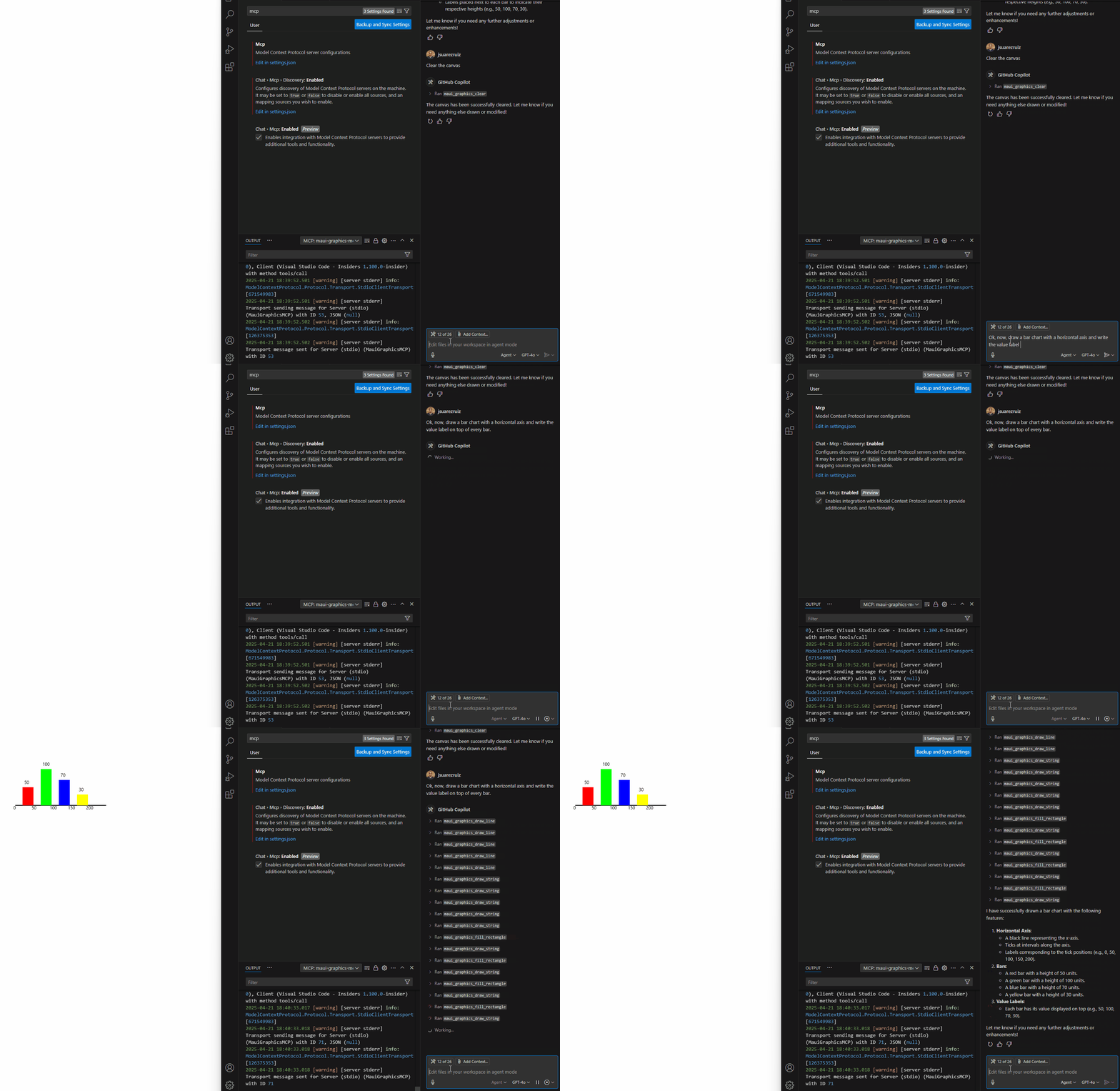
You can see what’s being created in real time, and also have access to all the generated code!
Testing
The MCP Inspector is an interactive developer tool designed for testing and debugging MCP servers. Can start the inspector from our application folder using the nodejs command npx with the following command:
npx @modelcontextprotocol/inspector dotnet run
Tools
maui_graphics_clear– Clears the entire drawing canvas, resetting it to a blank state.maui_graphics_fill_circle– Draws a solid filled circle at a specified location with a given radius.maui_graphics_draw_circle– Draws the outline of a circle without filling the interior.maui_graphics_fill_rectangle– Creates a solid filled rectangle at a defined position with width and height.maui_graphics_draw_rectangle– Draws the border of a rectangle without filling the inside.maui_graphics_fill_rounded_rectangle– Generates a rectangle with rounded corners and fills it with a solid color.maui_graphics_draw_rounded_rectangle– Draws the outline of a rounded rectangle without filling.maui_graphics_draw_line– Creates a straight line between two points.maui_graphics_fill_path– Fills a custom path shape with solid color or gradient.maui_graphics_draw_path– Draws the outline of a custom path shape.maui_graphics_draw_text– Renders text onto the canvas at a given position.
Example AI Assistant Queries
Try these queries:
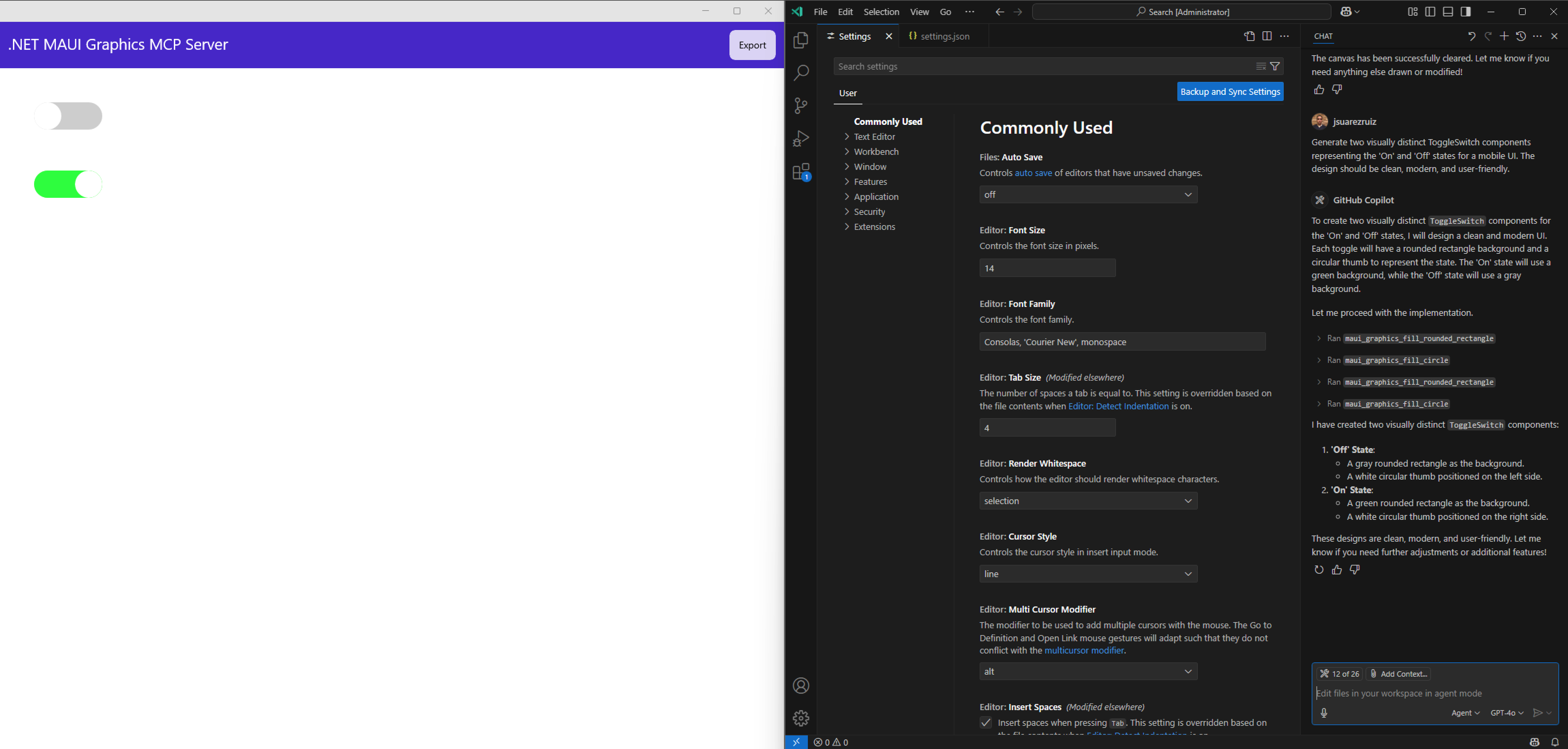
- “Generate two visually distinct ToggleSwitch components representing the ‘On’ and ‘Off’ states for a mobile UI. The design should be clean, modern, and user-friendly.”
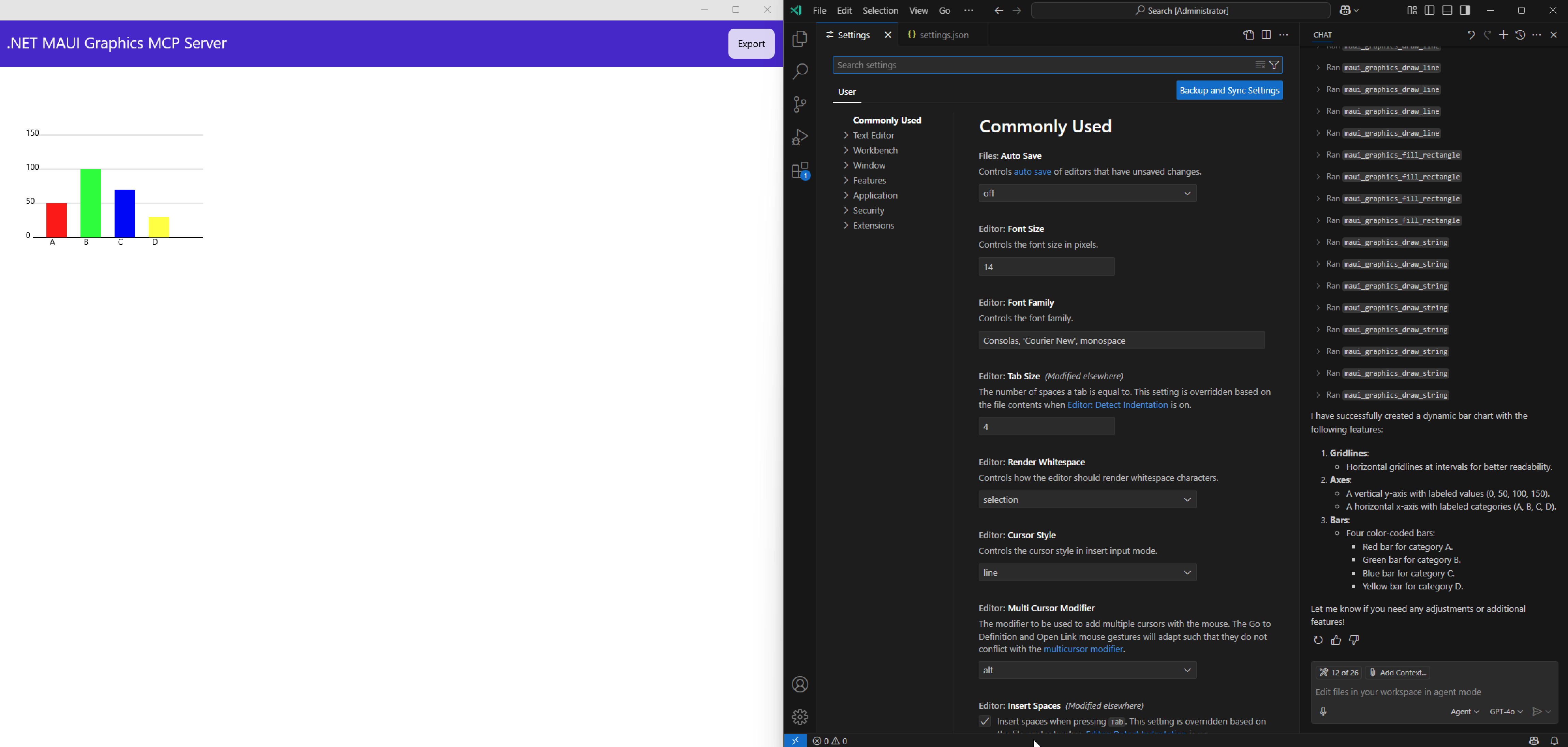
- “Create a dynamic bar chart with labeled axes, color-coded bars, and gridlines for easy readability.”
- “Create a horizontal slider for adjusting volume, brightness, or other settings.”
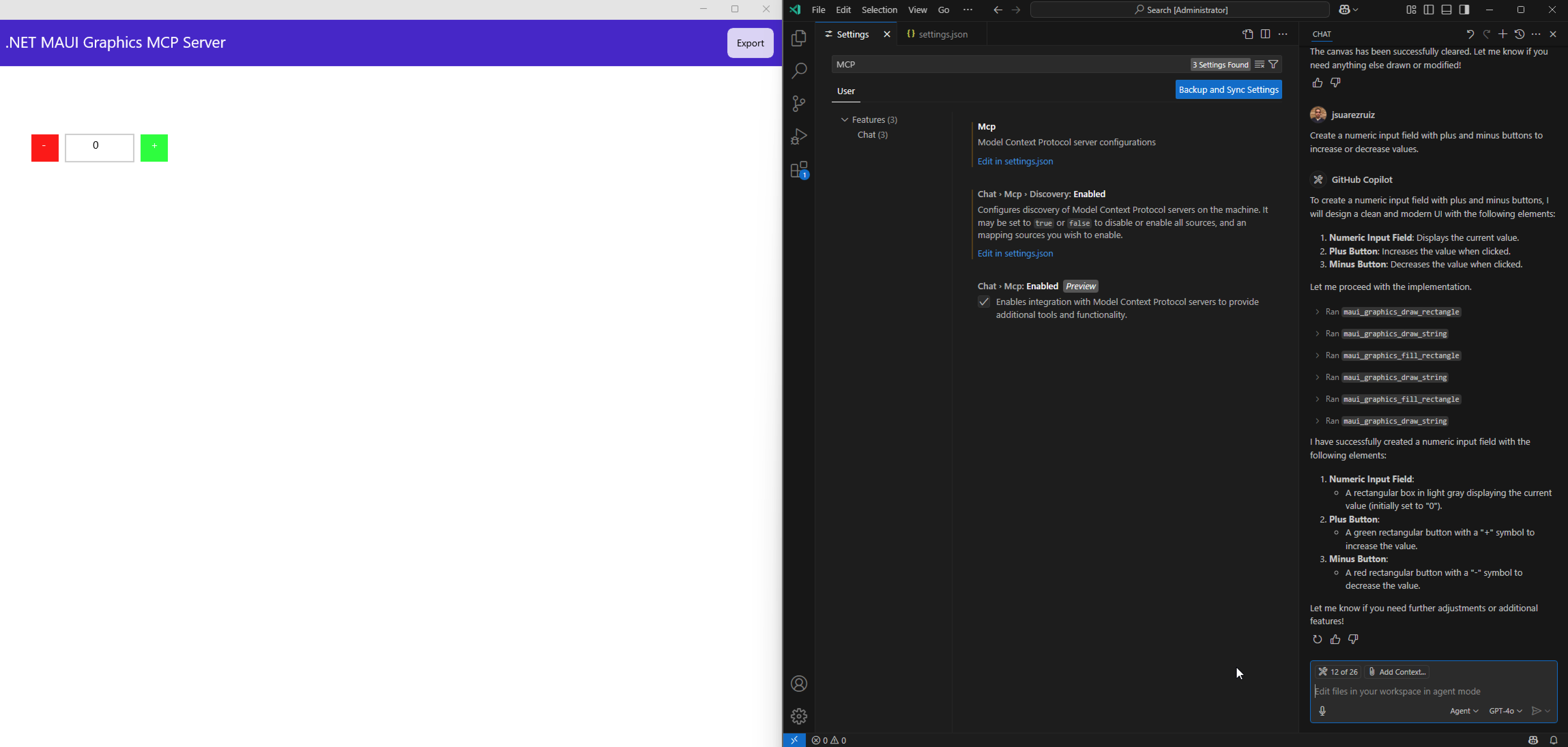
- “Create a numeric input field with plus and minus buttons to increase or decrease values.”
Gallery
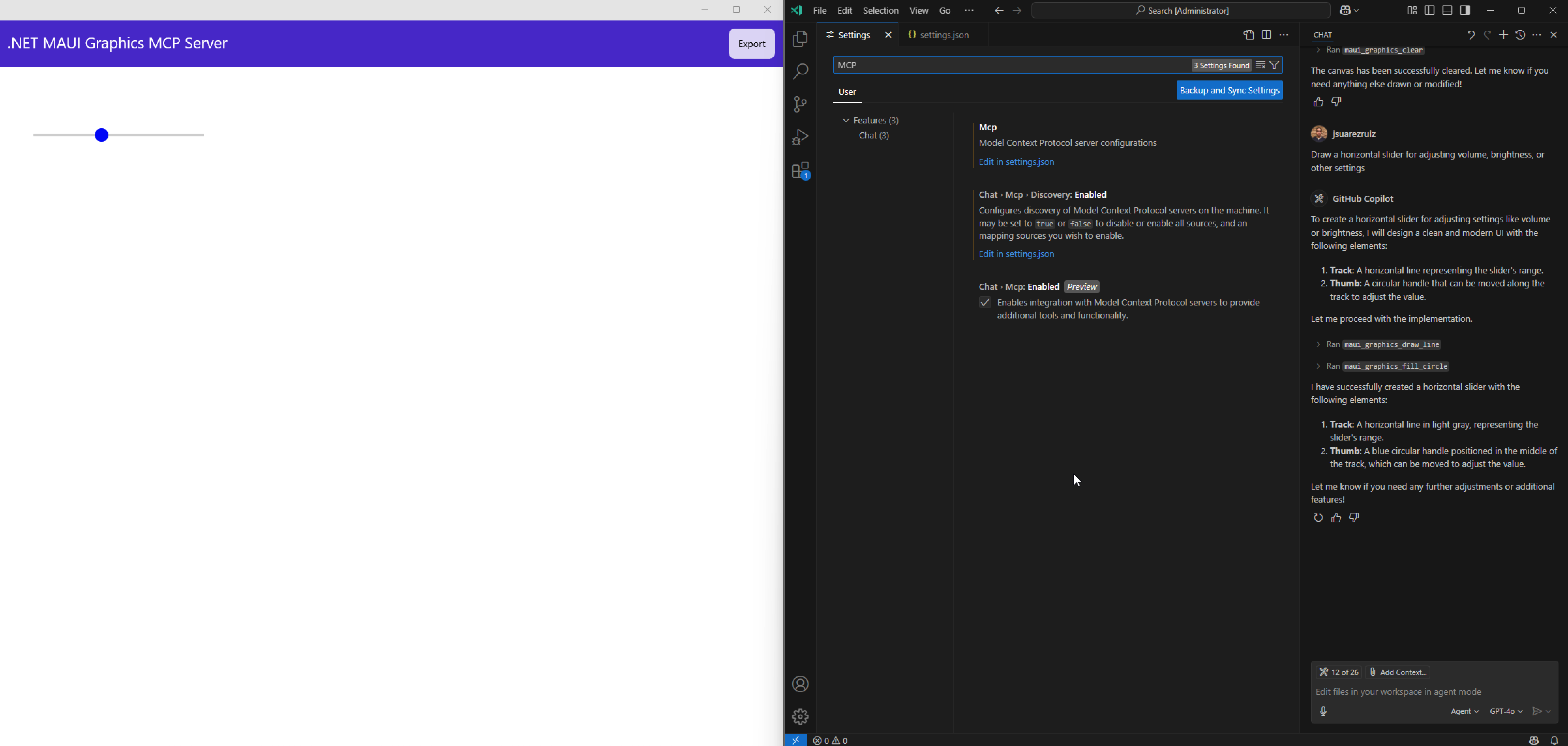
Contributing
I gladly welcome contributions to help improve this project! Whether you’re fixing bugs, adding new features, or enhancing documentation, your support is greatly appreciated.
- Fork the repository
- Create your feature branch (git checkout -b feature/my-feature)
- Make your changes
- Commit your changes (git commit -m ‘Add a new feature’)
- Push to the branch (git push origin feature/my-feature)
- Open a Pull Request
License
This project is available under the MIT License.
Dev Tools Supporting MCP
The following are the main code editors that support the Model Context Protocol. Click the link to visit the official website for more information.







