
Mcp Directory
What is Mcp Directory
mcp-directory is a tool designed to discover MCP Servers and Clients specifically for integration with Claude, facilitating seamless interaction and connectivity.
Use cases
Use cases for mcp-directory include developing applications that need to connect to MCP Servers, testing integrations with Claude, and providing a platform for developers to collaborate and share resources related to MCP.
How to use
To use mcp-directory, clone the repository from GitHub, install the necessary dependencies using pnpm, set up a database with Supabase, configure environment variables in a .env file, and run the development server to preview the site.
Key features
Key features of mcp-directory include easy discovery of MCP Servers and Clients, integration capabilities with Claude, a user-friendly interface for previewing the application, and community support via Telegram and Discord.
Where to use
mcp-directory can be used in software development environments, particularly in projects that require integration with Claude, as well as in research and development settings where MCP Servers are utilized.
Clients Supporting MCP
The following are the main client software that supports the Model Context Protocol. Click the link to visit the official website for more information.





Overview
What is Mcp Directory
mcp-directory is a tool designed to discover MCP Servers and Clients specifically for integration with Claude, facilitating seamless interaction and connectivity.
Use cases
Use cases for mcp-directory include developing applications that need to connect to MCP Servers, testing integrations with Claude, and providing a platform for developers to collaborate and share resources related to MCP.
How to use
To use mcp-directory, clone the repository from GitHub, install the necessary dependencies using pnpm, set up a database with Supabase, configure environment variables in a .env file, and run the development server to preview the site.
Key features
Key features of mcp-directory include easy discovery of MCP Servers and Clients, integration capabilities with Claude, a user-friendly interface for previewing the application, and community support via Telegram and Discord.
Where to use
mcp-directory can be used in software development environments, particularly in projects that require integration with Claude, as well as in research and development settings where MCP Servers are utilized.
Clients Supporting MCP
The following are the main client software that supports the Model Context Protocol. Click the link to visit the official website for more information.
Content
MCP Integration
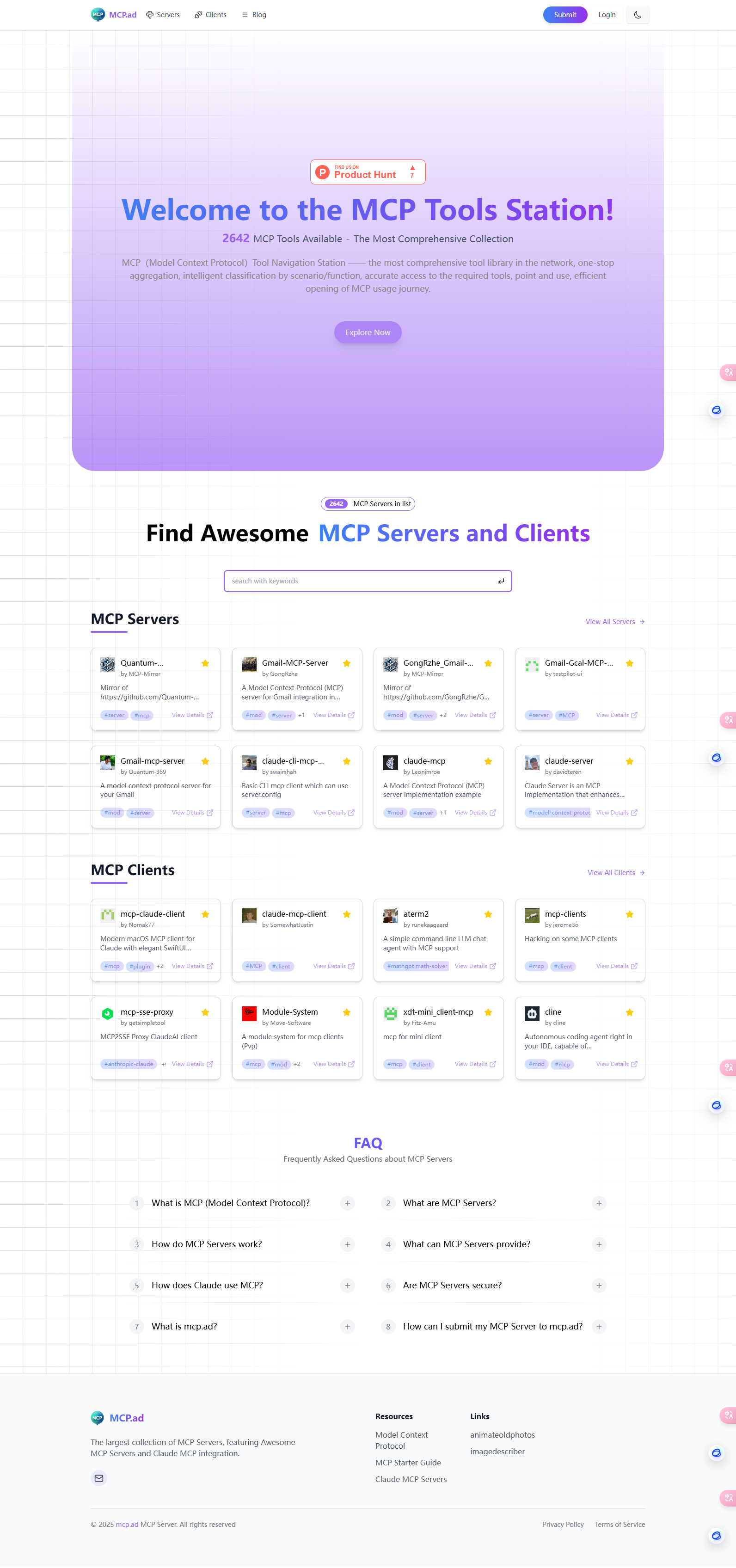
Discover MCP Servers and Clients for Claude Integration
live preview: https://mcp.ad
Quick Start
- clone the repo
git clone https://github.com/Go-To-Sea/mcp-directory.git
cd mcp-directory
- install dependencies
pnpm install
- prepare database
create a database with Supabase
run the sql file in data/install.sql
- set env variables
put a .env file in the root directory
with env variables:
SUPABASE_URL=""
SUPABASE_ANON_KEY=""

NEXT_PUBLIC_WEB_URL="http://localhost:3000"
- run the dev server
pnpm dev
- preview the site
open http://localhost:3000 in your browser
Community
About the author
Dev Tools Supporting MCP
The following are the main code editors that support the Model Context Protocol. Click the link to visit the official website for more information.







