
Mcp Github Copilot
What is Mcp Github Copilot
mcp-github-copilot is a repository that demonstrates how to create and use MCP Servers with GitHub Copilot Chat. It utilizes the Model Context Protocol (MCP), which allows language models to interact with external systems through standardized APIs.
Use cases
Use cases include developing applications that leverage language models for code suggestions, automating tasks in IDEs, and enhancing user interactions in chat applications.
How to use
To use mcp-github-copilot, clone the repository and follow the examples provided to set up an MCP Server. You can connect a client, such as a language model or an IDE like Visual Studio Code, to interact with the server.
Key features
Key features include the implementation of MCP Servers using Node.js and TypeScript, support for different transport methods like stdio and sse, and the ability to facilitate communication between language models and external systems.
Where to use
mcp-github-copilot can be used in software development environments, particularly for integrating language models with applications, IDEs, and other services that require external data interaction.
Clients Supporting MCP
The following are the main client software that supports the Model Context Protocol. Click the link to visit the official website for more information.





Overview
What is Mcp Github Copilot
mcp-github-copilot is a repository that demonstrates how to create and use MCP Servers with GitHub Copilot Chat. It utilizes the Model Context Protocol (MCP), which allows language models to interact with external systems through standardized APIs.
Use cases
Use cases include developing applications that leverage language models for code suggestions, automating tasks in IDEs, and enhancing user interactions in chat applications.
How to use
To use mcp-github-copilot, clone the repository and follow the examples provided to set up an MCP Server. You can connect a client, such as a language model or an IDE like Visual Studio Code, to interact with the server.
Key features
Key features include the implementation of MCP Servers using Node.js and TypeScript, support for different transport methods like stdio and sse, and the ability to facilitate communication between language models and external systems.
Where to use
mcp-github-copilot can be used in software development environments, particularly for integrating language models with applications, IDEs, and other services that require external data interaction.
Clients Supporting MCP
The following are the main client software that supports the Model Context Protocol. Click the link to visit the official website for more information.
Content
Cómo crear MCP Servers y usarlos con GitHub Copilot Chat 🚀💻🤖
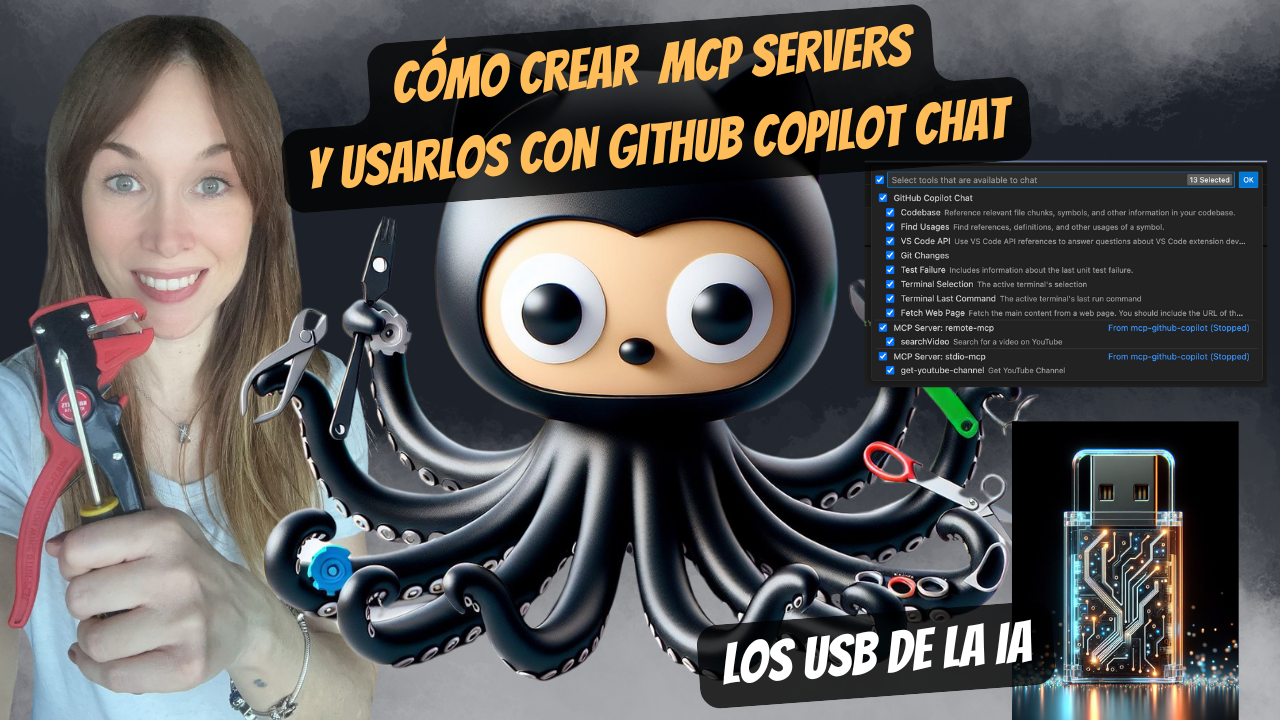
¡Hola developer 👋🏻! En este repo encontrarás las demos que te mostré durante mi vídeo Cómo crear MCP Servers y usarlos con GitHub Copilot Chat 🚀💻🤖 que puedes encontrar en mi canal de YouTube.
¿Qué es Model Context Protocol 🤔?
Model Context Protocol (MCP) es un protocolo que permite a los modelos de lenguaje interactuar con otros sistemas y servicios a través de un conjunto de APIs estandarizadas. Esto permite a los modelos de lenguaje acceder a información externa y realizar acciones en otros sistemas, lo que amplía su funcionalidad y utilidad. En la documentación oficial se compara con un USB-C, que permite conectar diferentes dispositivos y sistemas.
De qué se compone el MCP
- MCP Server: Es el servidor que implementa el protocolo y permite a los modelos de lenguaje interactuar con otros sistemas y servicios. El MCP Server actúa como intermediario entre el modelo de lenguaje y los sistemas externos.
- Algo con un cliente MCP: Es el cliente que se conecta al MCP Server y envía solicitudes para interactuar con otros sistemas y servicios. El MCP Client puede ser un modelo de lenguaje o cualquier otro sistema que necesite interactuar con el MCP Server. Este puede ser la apliación de escritorio de Claude o un IDE como Visual Studio Code y GitHub Copilot Chat 😃.
MCP servers de ejemplo
En este repositorio he dejado dos ejemplos de servidores MCP que puedes usar para probar tanto el transporte stdio como sse. Estos servidores son muy simples y están creados en Node.js con Typescript.
mcp-stdio: Este servidor implementa el transporte stdio y permite interactuar con el modelo de lenguaje a través de la entrada y salida estándar. Puedes usarlo para probar el protocolo MCP en un entorno local.mcp-remote: Este servidor implementa el transporte sse y permite interactuar con el modelo de lenguaje a través de eventos del servidor. Puedes usarlo para probar el protocolo MCP en un entorno local.
Ejecutar MCP Inspector
Para probar un mcp server puedes hacerlo usando directamente el Chat de Github Copilot pero hay veces que es más sencillo usar MCP Inspector. Para ello puedes lanzarlo usando este comando:
npx @modelcontextprotocol/inspector
Dev Tools Supporting MCP
The following are the main code editors that support the Model Context Protocol. Click the link to visit the official website for more information.







