
Mcp Multiagent Demo
What is Mcp Multiagent Demo
This repository, mcp-multiagent-demo, showcases multiple APIs built on MCP servers that facilitate communication with various chat applications. It serves as a demonstration of integrating multiple services for enhanced functionality.
Use cases
Common use cases include validating phone numbers, retrieving stock market information, analyzing text data, providing geographical details, generating summary reports from data, and counting tokens in a given text. These functionalities can be applied in customer service, financial analysis, and data processing scenarios.
How to use
To get started, download the repository and rename the .env.example file to .env. Populate the .env file with your registered API keys. Finally, run the command ‘docker compose up --build -d’ to build and start the services. Once set up, you can make API queries to test various functionalities.
Key features
Key features of the mcp-multiagent-demo include multi-agent communication capabilities, easy deployment via Docker, and a variety of pre-defined test queries for validation of phone numbers, stock information retrieval, text analysis, and more, allowing for versatile applications.
Where to use
This demo can be utilized in environments where chat-based interaction with external APIs is needed, such as customer support platforms, financial applications, text analysis tools, and any system that requires real-time data retrieval and processing from multiple sources.
Clients Supporting MCP
The following are the main client software that supports the Model Context Protocol. Click the link to visit the official website for more information.





Overview
What is Mcp Multiagent Demo
This repository, mcp-multiagent-demo, showcases multiple APIs built on MCP servers that facilitate communication with various chat applications. It serves as a demonstration of integrating multiple services for enhanced functionality.
Use cases
Common use cases include validating phone numbers, retrieving stock market information, analyzing text data, providing geographical details, generating summary reports from data, and counting tokens in a given text. These functionalities can be applied in customer service, financial analysis, and data processing scenarios.
How to use
To get started, download the repository and rename the .env.example file to .env. Populate the .env file with your registered API keys. Finally, run the command ‘docker compose up --build -d’ to build and start the services. Once set up, you can make API queries to test various functionalities.
Key features
Key features of the mcp-multiagent-demo include multi-agent communication capabilities, easy deployment via Docker, and a variety of pre-defined test queries for validation of phone numbers, stock information retrieval, text analysis, and more, allowing for versatile applications.
Where to use
This demo can be utilized in environments where chat-based interaction with external APIs is needed, such as customer support platforms, financial applications, text analysis tools, and any system that requires real-time data retrieval and processing from multiple sources.
Clients Supporting MCP
The following are the main client software that supports the Model Context Protocol. Click the link to visit the official website for more information.
Content
mcp-multiagent-demo
This repo deals with multiple API built with MCP severs and communication to Chat apps.
Quick Start
- Download the repo.
- Rename .env.example to .env
- Replace API keys with your own registerd API keys (it’s free)
- Run > docker compose up --build -d
Test Query
- Validate phone number 957578787 from India
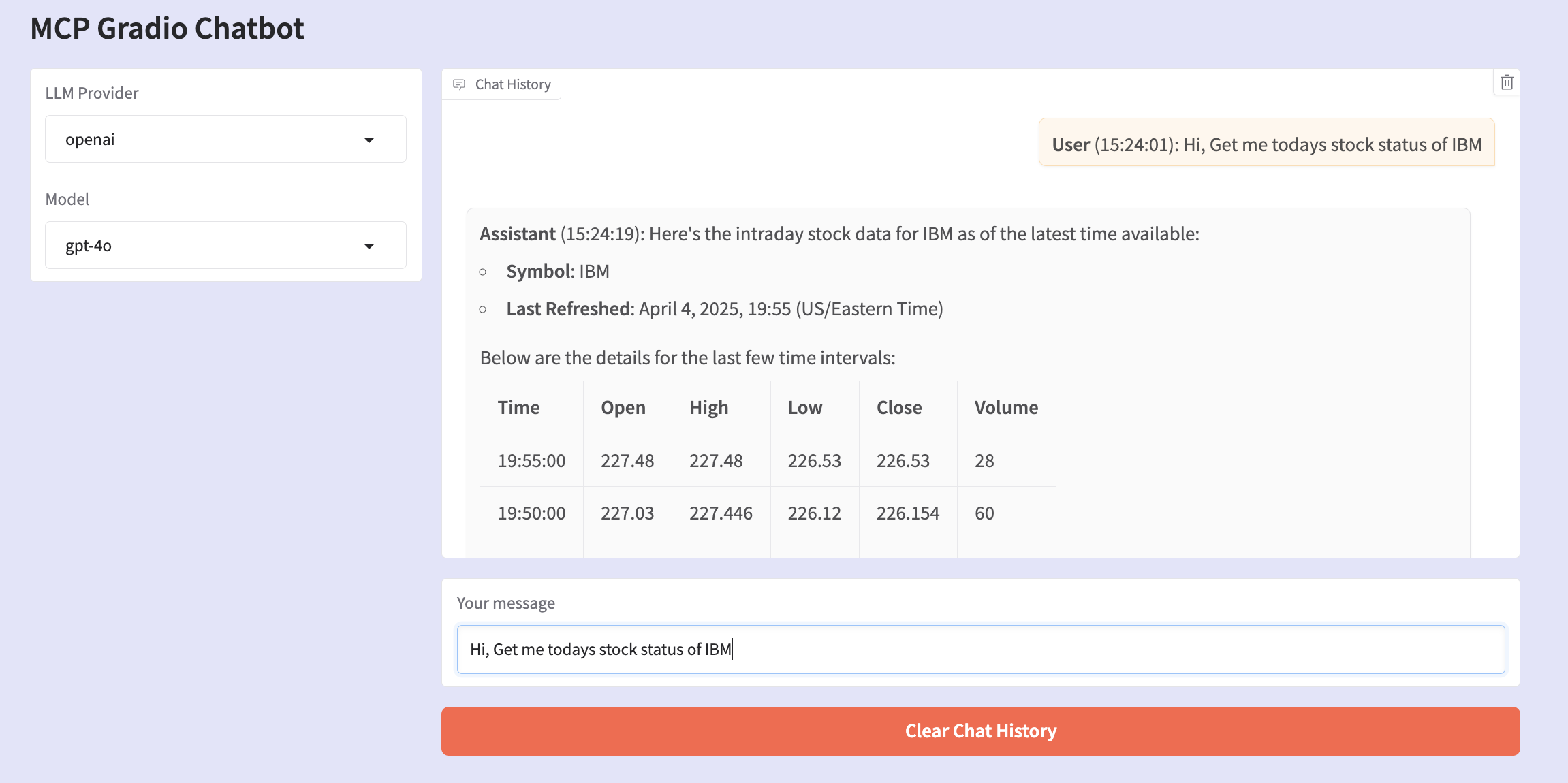
- Get me the recent stock details of IBM
- Analyze text “Your text here”
- Give me details of India
- Provide me summary report of “Copy paste some data or table”
- Get me token count of “your text”
Examples
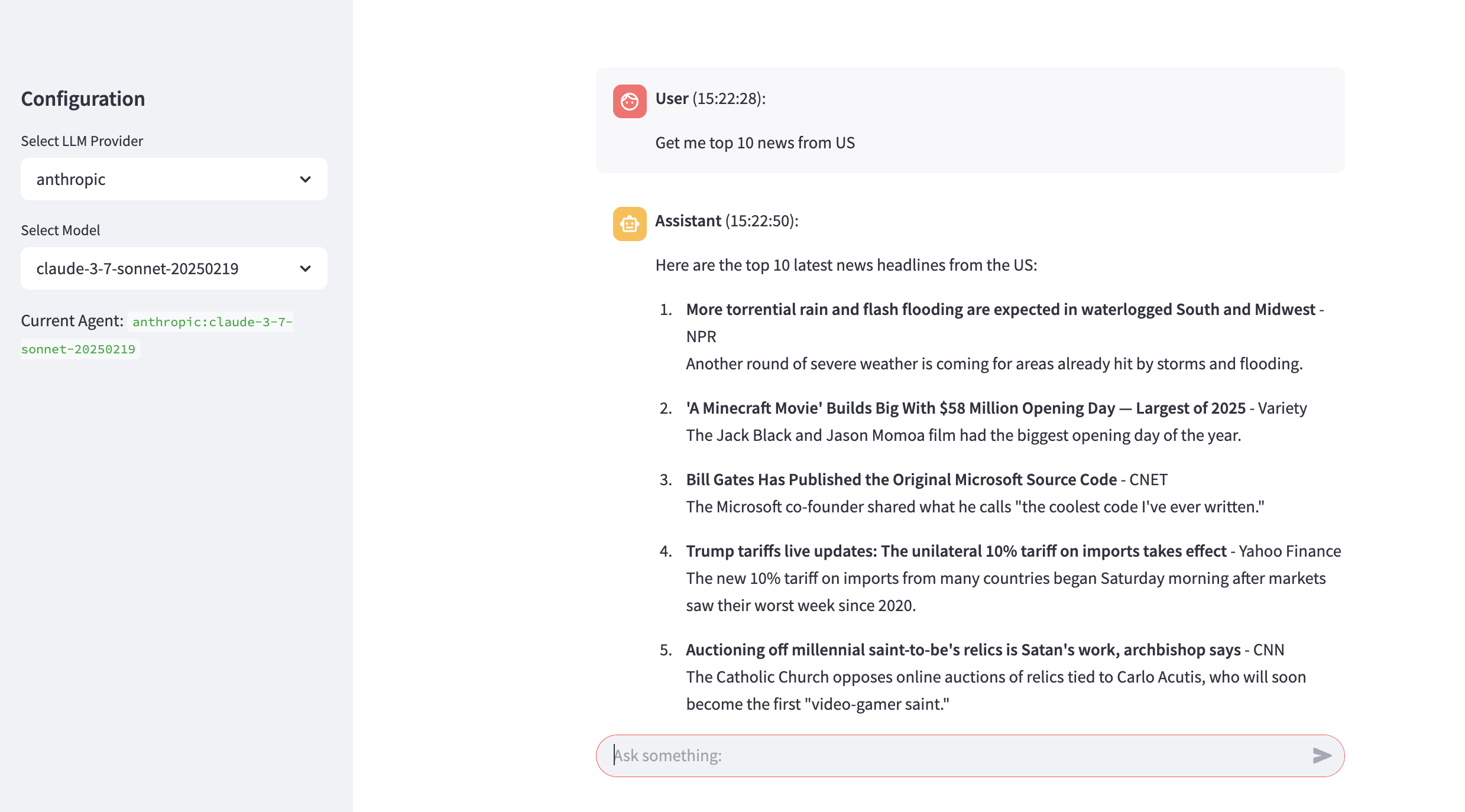
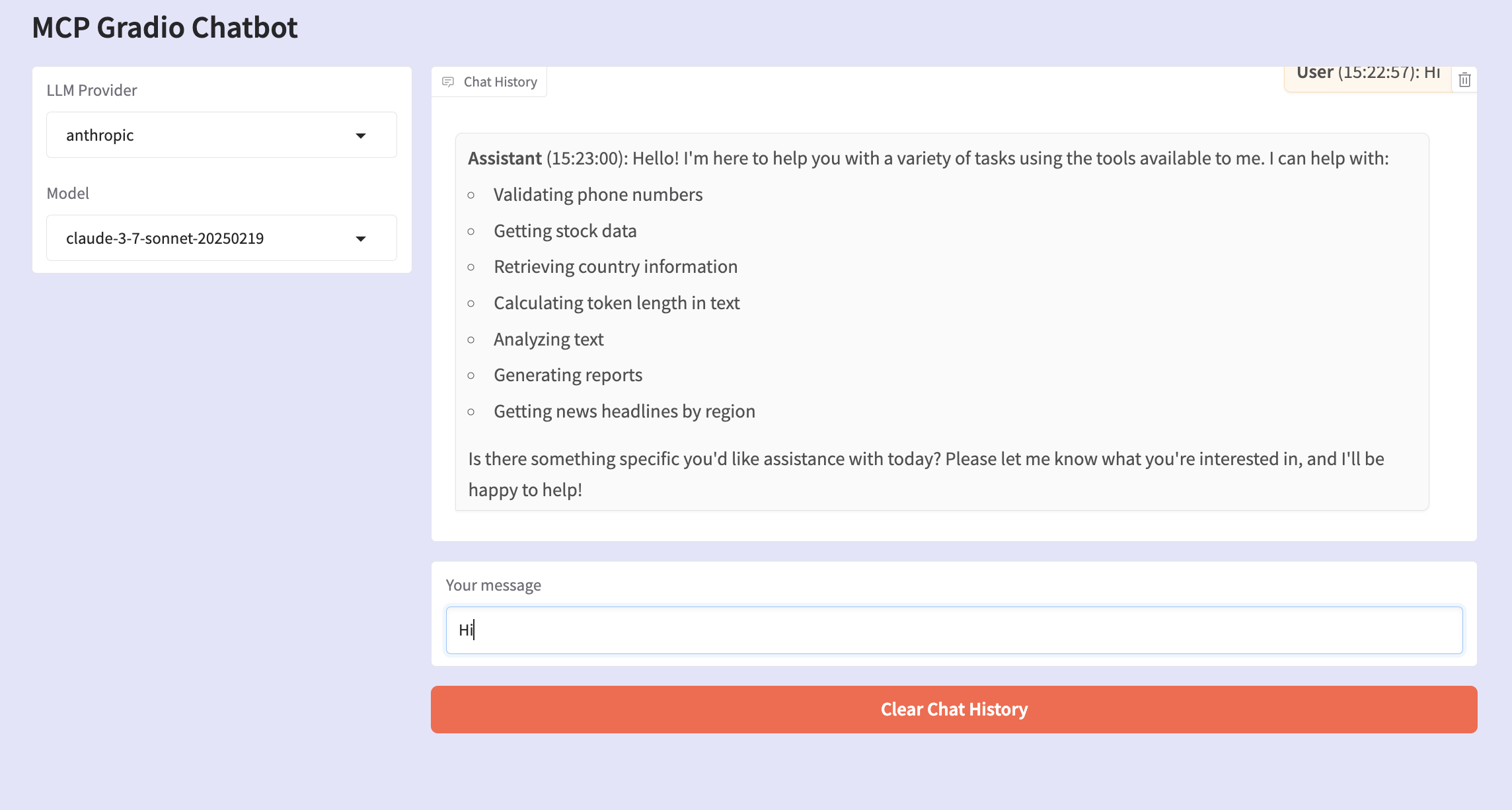
Here are some example images from the images folder:
Dev Tools Supporting MCP
The following are the main code editors that support the Model Context Protocol. Click the link to visit the official website for more information.







