
Mcp Server Rust
What is Mcp Server Rust
mcp-server-rust is a local server built using Rust programming language, designed to integrate with an MCP client. It allows users to execute Rust functions seamlessly within the MCP framework.
Use cases
Use cases for mcp-server-rust include executing complex algorithms within an MCP environment, enhancing the performance of applications that utilize Rust for backend processing, and providing a local server solution for development and testing.
How to use
To use mcp-server-rust, follow these steps: 1. Release the Rust and JavaScript/TypeScript code by running ‘npm run build:wasm:release’ and ‘npm install’. 2. Create a configuration file for Claude Desktop with the necessary command and arguments. 3. Start Claude Desktop and agree to use the MCP server function.
Key features
Key features of mcp-server-rust include: easy integration with MCP clients, support for Rust functions, a straightforward setup process, and the ability to run tests on Rust code.
Where to use
mcp-server-rust can be used in various fields such as software development, particularly in applications that require high-performance computations or integrations with machine learning models.
Clients Supporting MCP
The following are the main client software that supports the Model Context Protocol. Click the link to visit the official website for more information.





Overview
What is Mcp Server Rust
mcp-server-rust is a local server built using Rust programming language, designed to integrate with an MCP client. It allows users to execute Rust functions seamlessly within the MCP framework.
Use cases
Use cases for mcp-server-rust include executing complex algorithms within an MCP environment, enhancing the performance of applications that utilize Rust for backend processing, and providing a local server solution for development and testing.
How to use
To use mcp-server-rust, follow these steps: 1. Release the Rust and JavaScript/TypeScript code by running ‘npm run build:wasm:release’ and ‘npm install’. 2. Create a configuration file for Claude Desktop with the necessary command and arguments. 3. Start Claude Desktop and agree to use the MCP server function.
Key features
Key features of mcp-server-rust include: easy integration with MCP clients, support for Rust functions, a straightforward setup process, and the ability to run tests on Rust code.
Where to use
mcp-server-rust can be used in various fields such as software development, particularly in applications that require high-performance computations or integrations with machine learning models.
Clients Supporting MCP
The following are the main client software that supports the Model Context Protocol. Click the link to visit the official website for more information.
Content
A simple Rust function integrated with an MCP client.
Step 1: Relase the Rust & Javascript/TS code
Release
npm run build:wasm:release // release rust code
npm install // create javascript file and install all npm dependencies
Step 2: Claude Desktop Configuration
Create a configuration file at:
{
  "mcpServers": {
    "mcp-server": {
      "command": "node",
      "args": [
        "[your local path]/mcpserver/build/index.js"
      ]
    }
  }
}
locations:
- macOS:
~/Library/Application Support/Claude/claude_desktop_config.json - Windows:
%APPDATA%\Claude\claude_desktop_config.json
(source: https://modelcontextprotocol.info/docs/quickstart/user/#2-add-the-filesystem-mcp-server)
Step 3: Claude Desktop
Start Claude Desktop
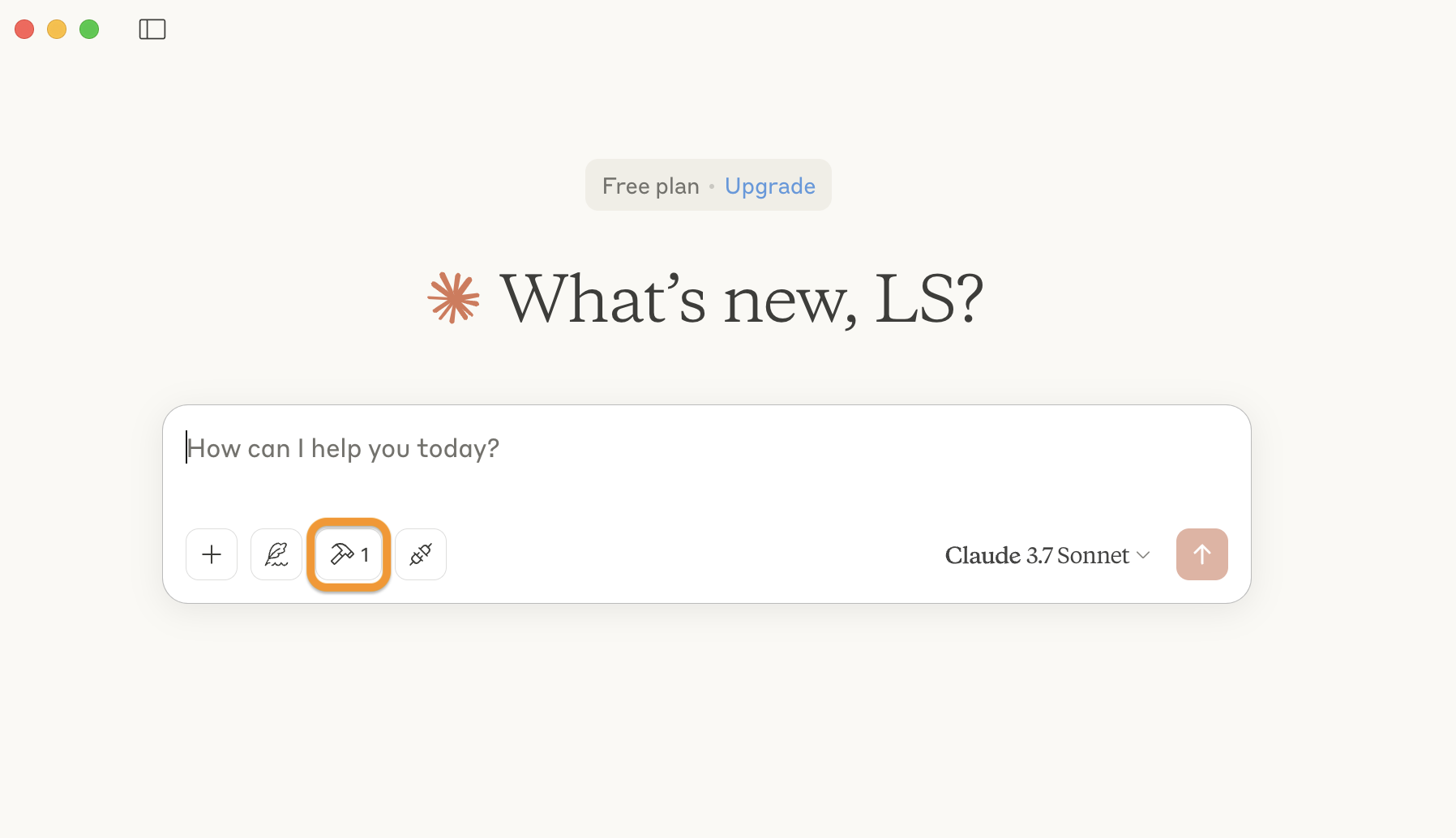
please note the additional mcp server icon in the frontend
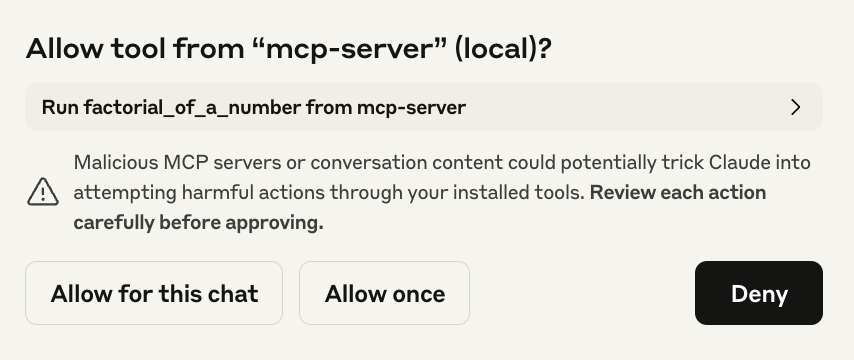
Agree to use the mcp server function:
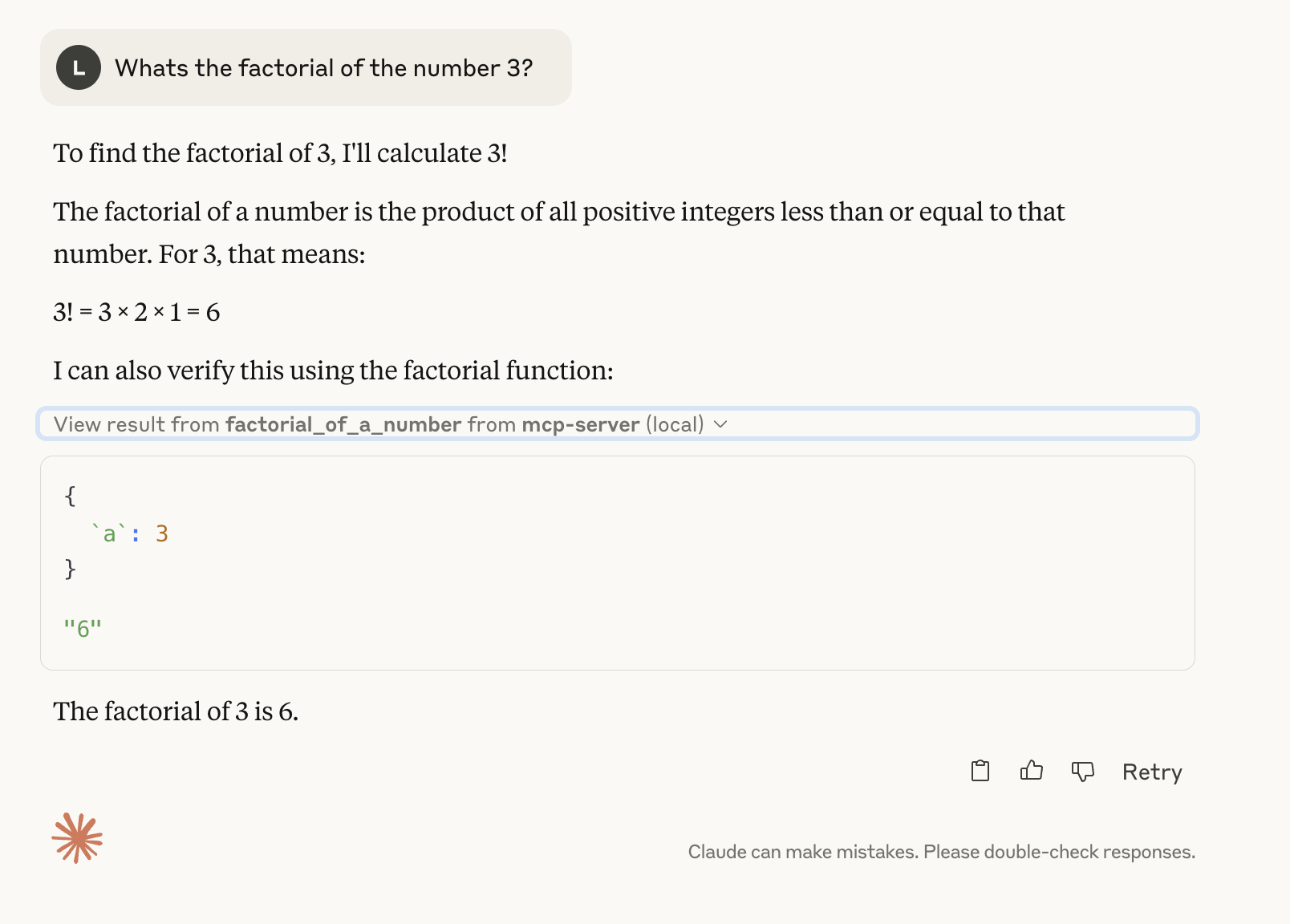
Observe the mcp server function:
Video
Watch the video tutorial here: YouTube video
Misc
Test the rust code
npm run test:rust
or
cd src/lib/rust-functions-lib
cargo test && cargo fmt --all -- --check
Clean the output files and folders
npm run clean
Build the rust code - alternatives
npm
npm run build:wasm
Alternative approach using wasm tool
cd src/lib/rust-functions-lib
wasm-pack build --target bundler
Build only ts code (npm)
npm build
Copy build Rust code
manual copy to the correct location - included in npm run build:wasm:release
mkdir -p build/lib/rust-functions-lib/pkg && cp src/lib/rust-functions-lib/pkg/rust_funcations_lib.js build/lib/rust-functions-lib/pkg/rust_funcations_lib.js
Rust import failed
issue:
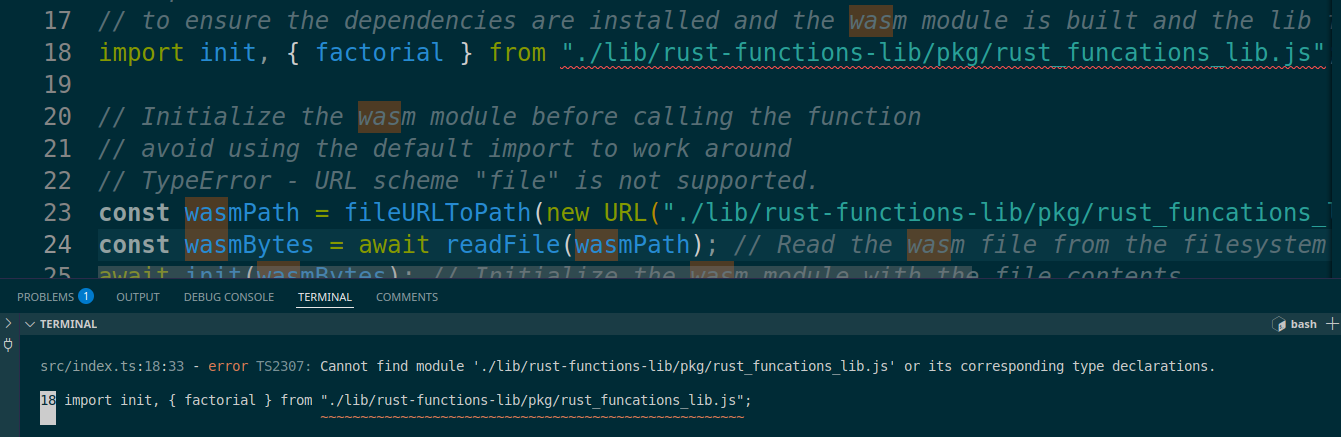
solution:
run npm run build:wasm:release to release the wasm-binding the factorial import depends on
Dev Tools Supporting MCP
The following are the main code editors that support the Model Context Protocol. Click the link to visit the official website for more information.







