
Mcp Tui
What is Mcp Tui
mcp-tui is a Python-based Textual User Interface (TUI) application designed to interact with MCP servers by listing them from a configuration file named ‘mcp.json’.
Use cases
Use cases for mcp-tui include server management, log monitoring, and tool invocation for MCP servers in development and production environments.
How to use
To use mcp-tui, install the required dependencies and run the application using the command: ‘uv run python mcp_tui/app.py ~/.cursor/mcp.json’.
Key features
Key features of mcp-tui include the ability to list MCP servers, view server logs, list tools for each server, and invoke tools directly from the interface.
Where to use
mcp-tui is suitable for developers and system administrators who need to manage and monitor MCP servers efficiently through a command-line interface.
Clients Supporting MCP
The following are the main client software that supports the Model Context Protocol. Click the link to visit the official website for more information.





Overview
What is Mcp Tui
mcp-tui is a Python-based Textual User Interface (TUI) application designed to interact with MCP servers by listing them from a configuration file named ‘mcp.json’.
Use cases
Use cases for mcp-tui include server management, log monitoring, and tool invocation for MCP servers in development and production environments.
How to use
To use mcp-tui, install the required dependencies and run the application using the command: ‘uv run python mcp_tui/app.py ~/.cursor/mcp.json’.
Key features
Key features of mcp-tui include the ability to list MCP servers, view server logs, list tools for each server, and invoke tools directly from the interface.
Where to use
mcp-tui is suitable for developers and system administrators who need to manage and monitor MCP servers efficiently through a command-line interface.
Clients Supporting MCP
The following are the main client software that supports the Model Context Protocol. Click the link to visit the official website for more information.
Content
MCP TUI
An MCP Host application that runs in your terminal; written in Python
If you like this project, please consider starring the repo on GitHub! You can also upvote on Hacker News. ⭐️
Pull requests are very welcome! If you have ideas, bug fixes, or improvements, please open a PR.
A Python TUI app using uv, Typer, and Textual to list MCP servers from a mcp.json file.
Screenshots
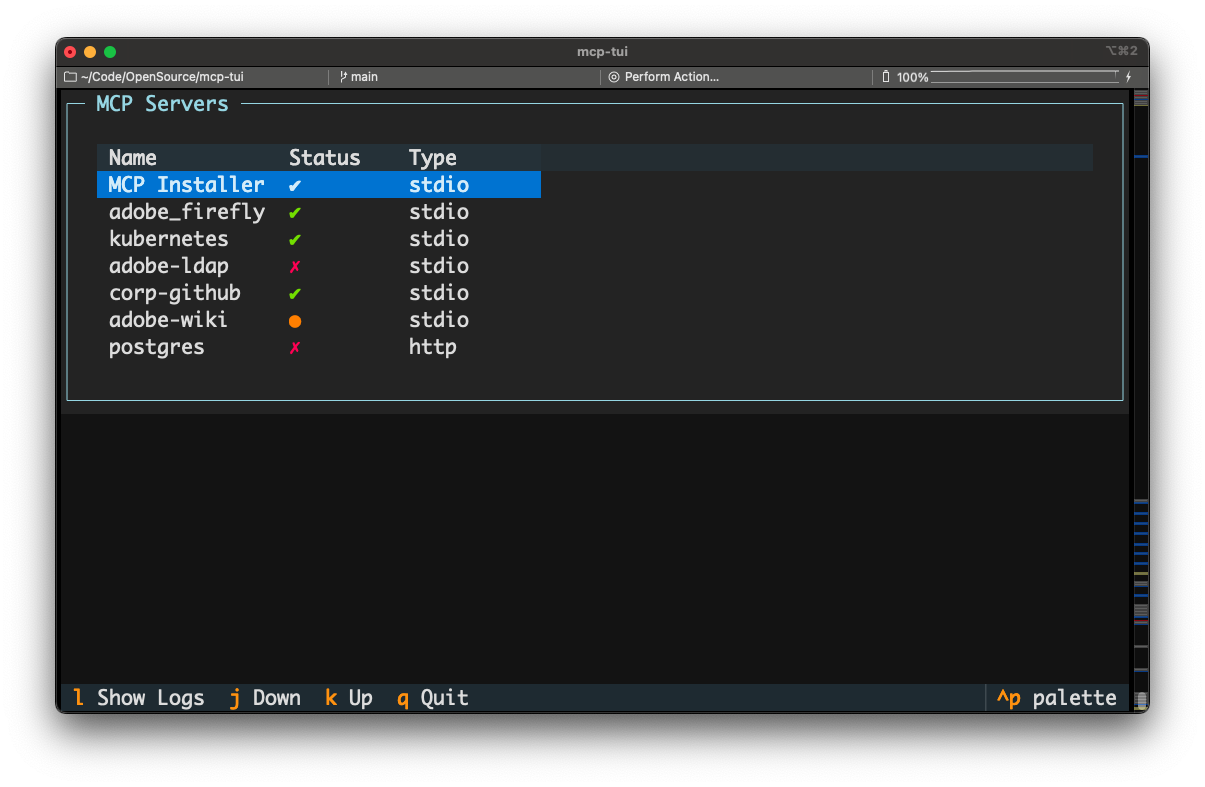
MCP server list
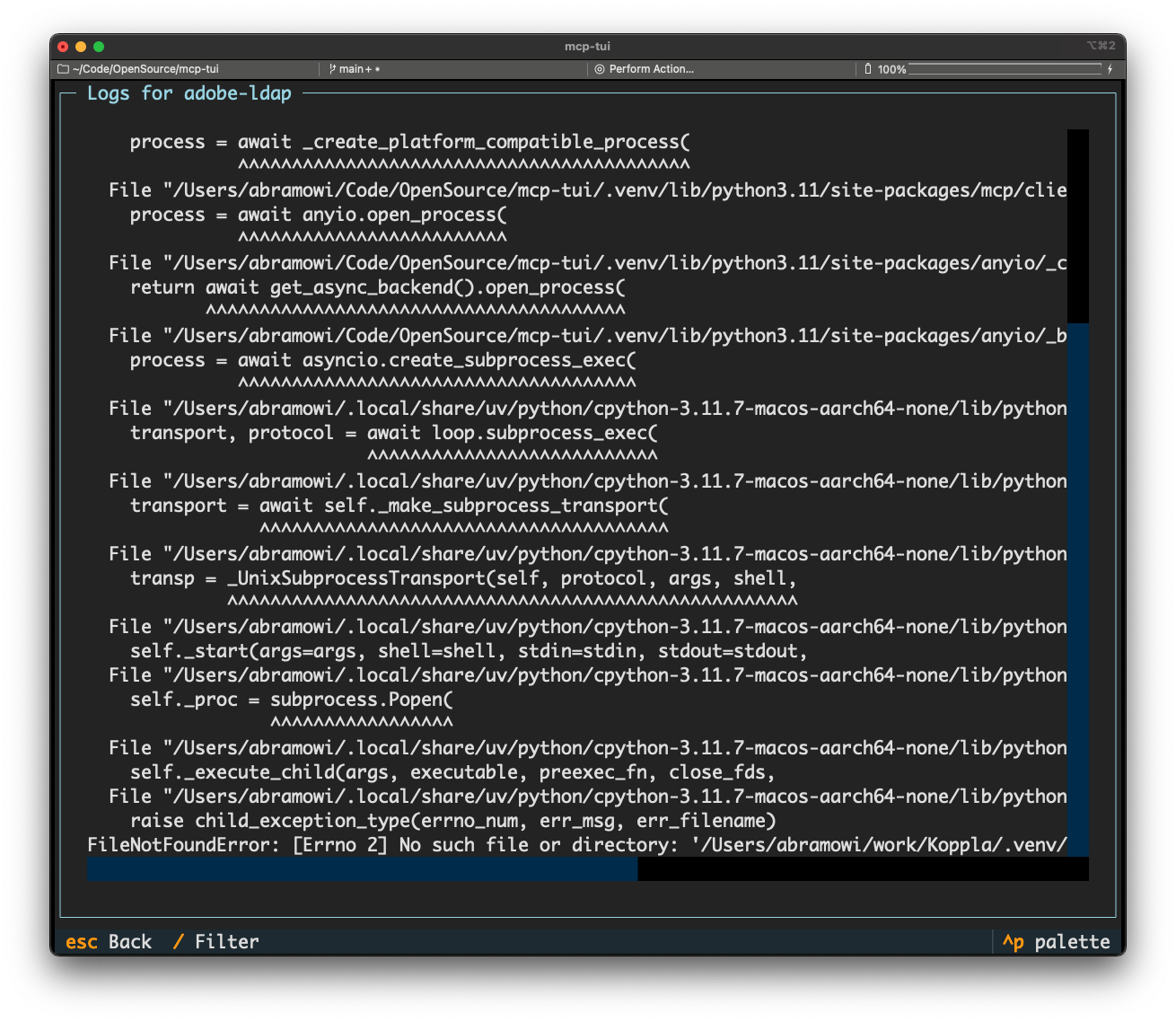
Show logs for an MCP server
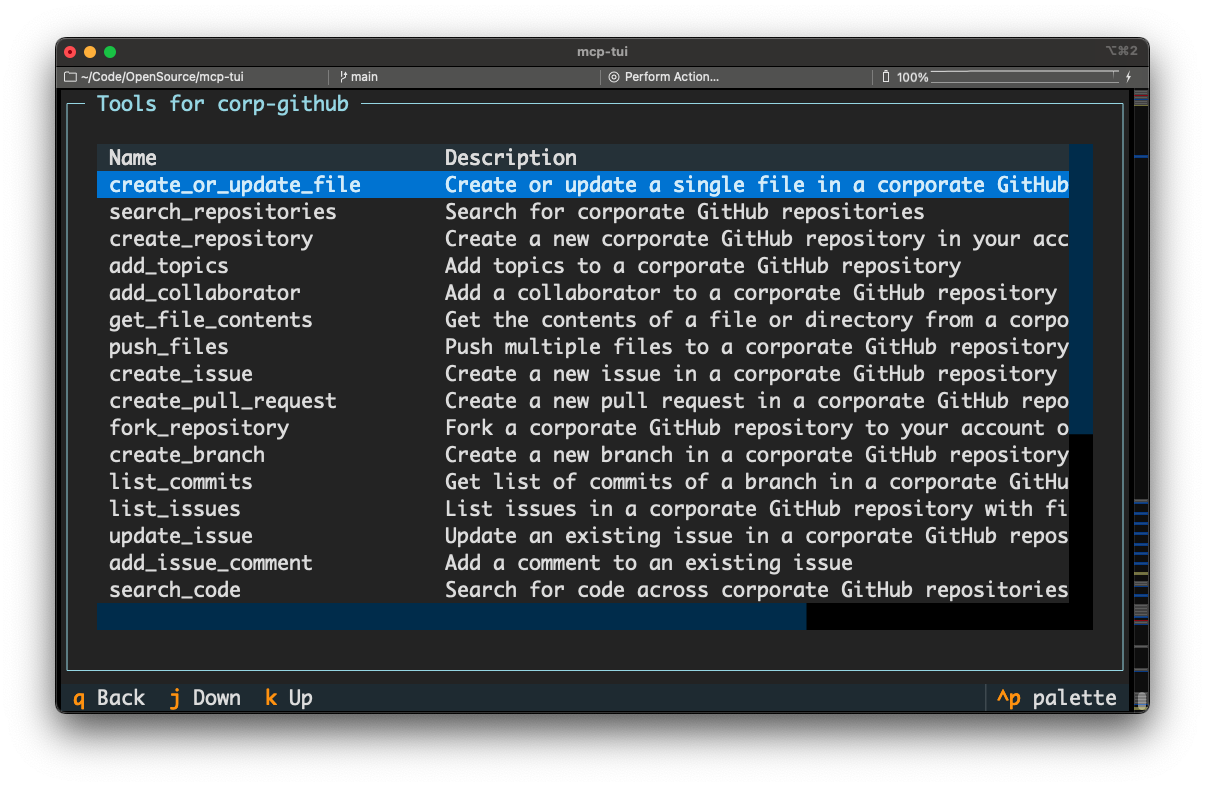
List tools for an MCP server
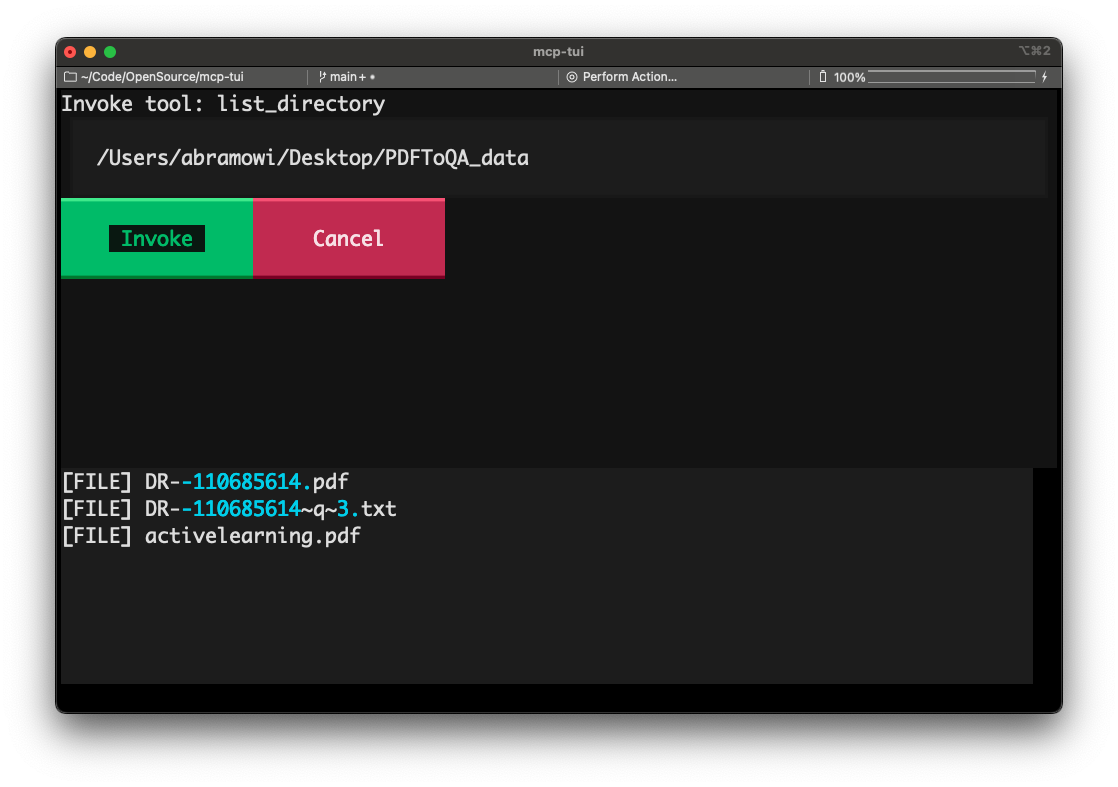
Invoke a tool
Installation (easy) without development
This is if you just want to use the app and not contribute to the development,
which I will not judge you for (even though LLMs make it so easy to vibe-code
and you could just vibe-code some stuff and make a PR but that’s okay it’s cool.
It is cool).
Install uv if you don’t have it already.
uv tool install git+https://github.com/msabramo/mcp-tui
Installation for development
Clone the repository:
git clone [email protected]:msabramo/mcp-tui.git
cd mcp-tui
Install uv if you don’t have it already.
Install dependencies using uv:
uv sync
Usage
Run the app with:
uv run python mcp_tui/app.py ~/.cursor/mcp.json
Dev Tools Supporting MCP
The following are the main code editors that support the Model Context Protocol. Click the link to visit the official website for more information.







