
Mcp Web 101
What is Mcp Web 101
mcp-web-101 is an interactive web tutorial designed to teach users how to build MCP (Model Context Protocol) servers. It provides step-by-step guidance for implementing and understanding the intricacies of MCP servers.
Use cases
Use cases for mcp-web-101 include self-paced learning for aspiring developers, classroom settings for teaching server implementation, and as a reference guide for professionals looking to understand MCP servers.
How to use
To use mcp-web-101, clone the repository from GitHub, install the necessary dependencies using npm or yarn, start the server, and visit http://localhost:3000 in your browser to access the tutorial.
Key features
Key features of mcp-web-101 include a modern responsive design, comprehensive tutorial content, real-time code examples, syntax highlighting, copy-to-clipboard functionality, progress tracking, step-by-step installation guide, interactive UI elements, live previews, and dark mode support.
Where to use
mcp-web-101 can be used in educational contexts, particularly for developers and students interested in learning about server development and the Model Context Protocol.
Clients Supporting MCP
The following are the main client software that supports the Model Context Protocol. Click the link to visit the official website for more information.





Overview
What is Mcp Web 101
mcp-web-101 is an interactive web tutorial designed to teach users how to build MCP (Model Context Protocol) servers. It provides step-by-step guidance for implementing and understanding the intricacies of MCP servers.
Use cases
Use cases for mcp-web-101 include self-paced learning for aspiring developers, classroom settings for teaching server implementation, and as a reference guide for professionals looking to understand MCP servers.
How to use
To use mcp-web-101, clone the repository from GitHub, install the necessary dependencies using npm or yarn, start the server, and visit http://localhost:3000 in your browser to access the tutorial.
Key features
Key features of mcp-web-101 include a modern responsive design, comprehensive tutorial content, real-time code examples, syntax highlighting, copy-to-clipboard functionality, progress tracking, step-by-step installation guide, interactive UI elements, live previews, and dark mode support.
Where to use
mcp-web-101 can be used in educational contexts, particularly for developers and students interested in learning about server development and the Model Context Protocol.
Clients Supporting MCP
The following are the main client software that supports the Model Context Protocol. Click the link to visit the official website for more information.
Content
MCP Web Tutorial 🚀
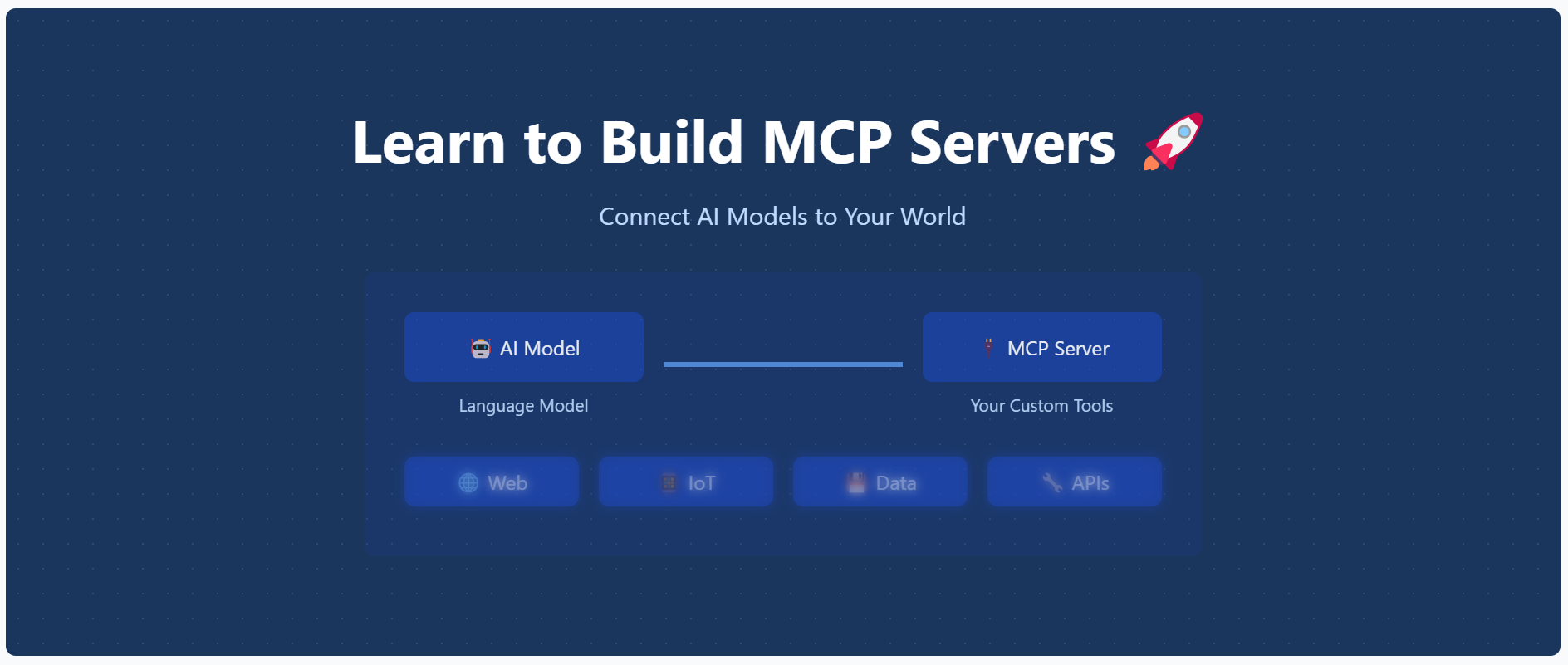
An interactive web tutorial for learning how to build MCP (Model Context Protocol) servers. This educational website provides step-by-step guidance for implementing and understanding MCP servers.
Features ✨
- 📱 Modern, responsive design with mobile-first approach
- 📚 Comprehensive tutorial content
- ⚡ Real-time code examples
- 🎨 Syntax highlighting
- 📋 Copy-to-clipboard functionality
- 📊 Progress tracking
- 🔍 Step-by-step installation guide
- 🌐 Interactive UI elements
- 🔄 Live previews
- 🌙 Dark mode support
Getting Started 🚀
Prerequisites 📋
- Node.js (v14 or higher) 💻
- npm or yarn 📦
Installation 🛠️
- Clone the repository:
git clone https://github.com/opestro/mcp-web.git
cd mcp-web
- Install dependencies:
npm install
- Start the server:
node server.js
- Visit
http://localhost:3000in your browser 🌐
Project Structure 📁
mcp-web/
├── views/              # EJS templates
│   ├── layout.ejs      # Main layout template 🏗️
│   ├── index.ejs       # Home page 🏠
│   ├── installation.ejs # Installation guide ⚙️
│   └── tutorial.ejs    # Tutorial content 📚
├── public/             # Static assets 🖼️
│   └── image.png       # Main hero image 🖼️
├── server.js           # Express server 🖥️
└── package.json        # Dependencies 📦
Technologies Used 🛠️
- ⚡ Express.js - Web framework
- 🧩 EJS - Templating engine
- 💅 TailwindCSS - Styling
- ✨ Prism.js - Code syntax highlighting
Contributing 🤝
Contributions are welcome! Please feel free to submit a Pull Request.
- Fork the project 🍴
- Create your feature branch (
git checkout -b feature/amazing-feature) - Commit your changes (
git commit -m 'Add some amazing feature') - Push to the branch (
git push origin feature/amazing-feature) - Open a Pull Request 📬
Author ✍️
Mehdi Harzallah
- 💼 LinkedIn: Mehdi Harzallah
- 🐱 GitHub: @opestro
- 📧 Email: [email protected]
License 📄
This project is licensed under the MIT License - see the LICENSE file for details.
Acknowledgments 🙏
- Thanks to all contributors who helped in building this educational resource ❤️
- Special thanks to the MCP community 🌟
Support 💬
For support, you can:
- 🐞 Open an issue on GitHub
- 💬 Contact via WhatsApp: +213 778191078
- 📧 Send an email to [email protected]
Dev Tools Supporting MCP
The following are the main code editors that support the Model Context Protocol. Click the link to visit the official website for more information.







