
Mcp Web Content Pick
What is Mcp Web Content Pick
mcp-web-content-pick is a powerful tool designed to extract structured content from web pages using customizable selectors and crawling options. It is part of the Model Context Protocol toolkit.
Use cases
Use cases include extracting product information from e-commerce sites, gathering news articles from online publications, and compiling data for market research or competitive analysis.
How to use
To use mcp-web-content-pick, first install it globally using the command npm install -g mcp-web-content-pick. Then, configure it in the ‘claude_desktop_config.json’ file by adding the relevant command and arguments.
Key features
Key features include the ability to extract structured content from any web page, customizable CSS selectors for targeted content extraction, recursive crawling with depth control, an automatic retry mechanism, fast processing, and a clean hierarchical output format.
Where to use
mcp-web-content-pick can be used in various fields such as data scraping, web content aggregation, research, and any application requiring structured data extraction from websites.
Clients Supporting MCP
The following are the main client software that supports the Model Context Protocol. Click the link to visit the official website for more information.





Overview
What is Mcp Web Content Pick
mcp-web-content-pick is a powerful tool designed to extract structured content from web pages using customizable selectors and crawling options. It is part of the Model Context Protocol toolkit.
Use cases
Use cases include extracting product information from e-commerce sites, gathering news articles from online publications, and compiling data for market research or competitive analysis.
How to use
To use mcp-web-content-pick, first install it globally using the command npm install -g mcp-web-content-pick. Then, configure it in the ‘claude_desktop_config.json’ file by adding the relevant command and arguments.
Key features
Key features include the ability to extract structured content from any web page, customizable CSS selectors for targeted content extraction, recursive crawling with depth control, an automatic retry mechanism, fast processing, and a clean hierarchical output format.
Where to use
mcp-web-content-pick can be used in various fields such as data scraping, web content aggregation, research, and any application requiring structured data extraction from websites.
Clients Supporting MCP
The following are the main client software that supports the Model Context Protocol. Click the link to visit the official website for more information.
Content
@modelcontextprotocol/web-content-pick
A powerful tool for extracting structured content from web pages with customizable selectors and crawling options. Part of the Model Context Protocol toolkit.
Features
- 🌐 Extract structured content from any web page
- 🎯 Customizable CSS selectors for content targeting
- 🌲 Recursive crawling with depth control
- 🔄 Automatic retry mechanism
- ⚡ Fast and efficient processing
- 📝 Clean, hierarchical output format
Usage
-
install the tool with
npm install -g mcp-web-content-pick -
add config in claude_desktop_config.json
{
  "mcpServers": {
    "web_content_search": {
      "command": "npx",
      "args": [
        "-y",
        "mcp-web-content-pick"
      ]
    }
  }
}
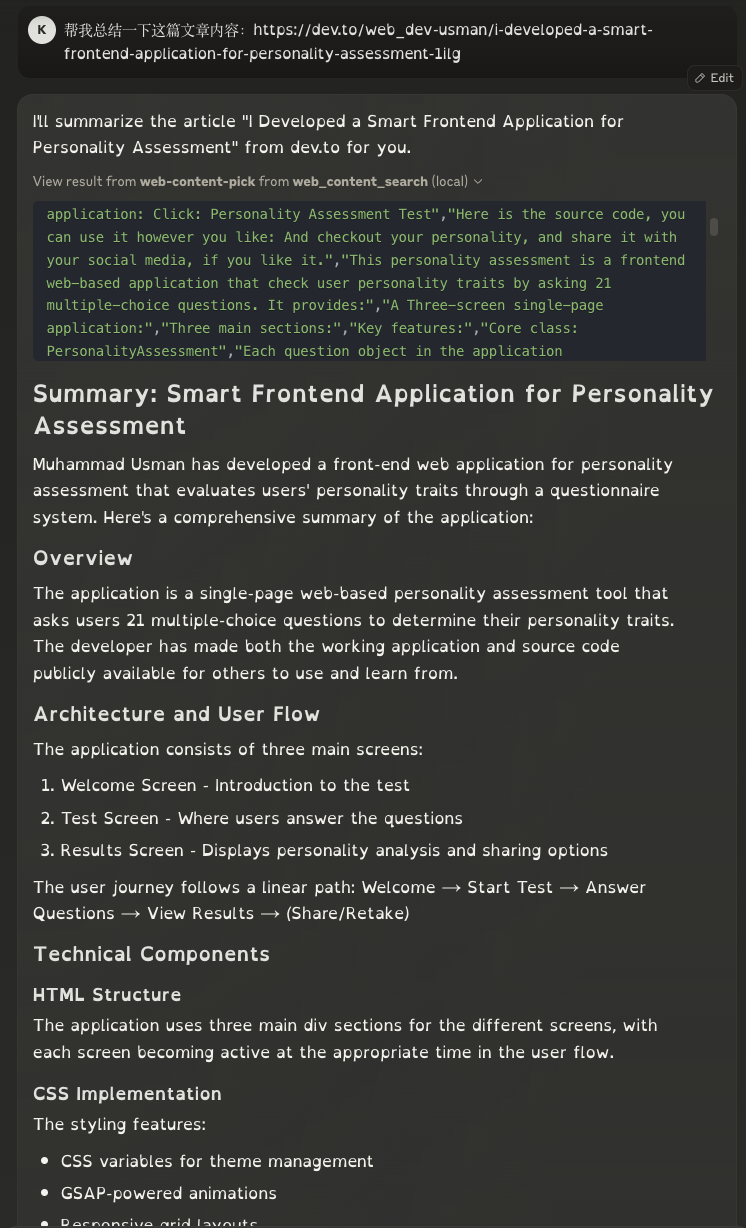
Demo
Dev Tools Supporting MCP
The following are the main code editors that support the Model Context Protocol. Click the link to visit the official website for more information.







