
N8n Ai Unified Infrastructure Suite
What is N8n Ai Unified Infrastructure Suite
n8n-ai-unified-infrastructure-suite is a self-hosted AI and workflow automation platform that integrates n8n orchestration, multi-agent MCPs, Crawl4AI browser cluster, and Traefik reverse proxy into a single Docker Compose stack.
Use cases
Use cases include automating data collection from websites, integrating AI reasoning into workflows, managing scheduled tasks, and orchestrating complex data flows across multiple services.
How to use
To use n8n-ai-unified-infrastructure-suite, simply execute the command docker compose up -d to deploy the entire stack, which includes SSL setup via Traefik and Let’s Encrypt.
Key features
Key features include end-to-end automation of data flows, AI integration with OpenAI or local LLMs, self-hosted privacy-first architecture, one-command deployment, and pre-configured services with sensible defaults.
Where to use
This suite can be used in various fields such as data automation, web scraping, AI-driven applications, and any environment requiring workflow orchestration.
Clients Supporting MCP
The following are the main client software that supports the Model Context Protocol. Click the link to visit the official website for more information.





Overview
What is N8n Ai Unified Infrastructure Suite
n8n-ai-unified-infrastructure-suite is a self-hosted AI and workflow automation platform that integrates n8n orchestration, multi-agent MCPs, Crawl4AI browser cluster, and Traefik reverse proxy into a single Docker Compose stack.
Use cases
Use cases include automating data collection from websites, integrating AI reasoning into workflows, managing scheduled tasks, and orchestrating complex data flows across multiple services.
How to use
To use n8n-ai-unified-infrastructure-suite, simply execute the command docker compose up -d to deploy the entire stack, which includes SSL setup via Traefik and Let’s Encrypt.
Key features
Key features include end-to-end automation of data flows, AI integration with OpenAI or local LLMs, self-hosted privacy-first architecture, one-command deployment, and pre-configured services with sensible defaults.
Where to use
This suite can be used in various fields such as data automation, web scraping, AI-driven applications, and any environment requiring workflow orchestration.
Clients Supporting MCP
The following are the main client software that supports the Model Context Protocol. Click the link to visit the official website for more information.
Content
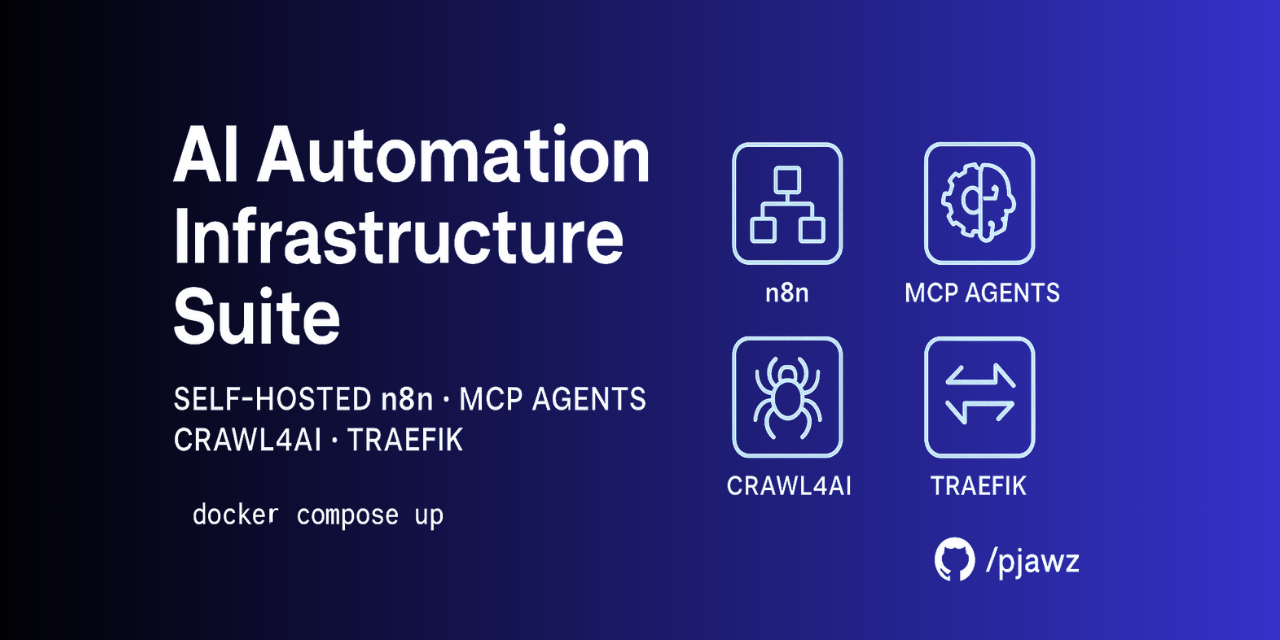
Unified N8N AI Automation Infrastructure Suite
Self‑hosted AI & workflow automation platform — n8n orchestration, multi‑agent MCPs, Crawl4AI browser cluster, and Traefik reverse proxy in a single Docker Compose stack.
Features
- End‑to‑end automation — orchestrate data flows, AI reasoning, browser actions, and scheduled tasks without juggling multiple servers.
- AI‑ready out of the box — integrate OpenAI or local LLMs with n8n workflows; MCP agents handle scraping, parsing, and complex reasoning.
- Self‑hosted & Privacy‑first — keep data and API keys on infrastructure you control.
- One‑command deployment —
docker compose up -dbrings the entire stack online with SSL via Traefik and Let’s Encrypt. - Batteries included — sensible defaults, health checks, volume persistence, automated container updates (Watchtower), and pre‑configured Traefik labels.
Included Services
| Layer | Component | Image | Purpose |
|---|---|---|---|
| Orchestration | n8n + Postgres | n8nio/n8n |
Low‑code workflow engine and database |
| Agent Layer | MCP servers (Sequential‑Thinking, Supabase, Apify, GitHub) | community images | Specialized micro‑agents for scraping, API calls, and reasoning |
| Browser Automation | Crawl4AI (Chromium cluster) | crawl4ai/crawl4ai |
Dynamic web scraping & headless interaction |
| Networking | Traefik | traefik |
Reverse proxy with auto HTTPS & middleware |
| Messaging/Ops | Redis, Watchtower | redis, containrrr/watchtower |
Queues/caching and zero‑downtime auto‑updates |
Tip : Each service definition lives in its own subfolder with environment examples and scaling notes.
Quick Start
# 1. Clone the repo
$ git clone https://github.com/pjawz/ai‑automation‑infrastructure‑suite.git
$ cd ai‑automation‑infrastructure‑suite

$ docker compose up -d

# 4. Access the UIs
- n8n : https://n8n.<your-domain>
- Traefik Dashboard : https://traefik.<your-domain>
- MCP APIs : https://mcp.<your-domain>/docs
- Crawl4AI : https://crawl.<your-domain>
Current Architecture Overview
                           ┌──────────────┐
                           │   Clients    │
                           └──────┬───────┘
                                  │ HTTPS (Traefik)
┌─────────────────────────────────┴──────────────────────────────────┐
│                           Traefik Proxy                           │
└────────────┬───────────────┬───────────────┬───────────────┬───────┘
             │               │               │               │
       n8n.<domain>     mcp.<domain>   crawl.<domain>   traefik.<dom>
             │               │               │
       ┌─────▼─────┐   ┌─────▼─────┐   ┌─────▼─────┐
       │   n8n     │   │   MCP     │   │ Crawl4AI  │
       │ +Postgres │   │ cluster   │   │ Chromium  │
       └───────────┘   └───────────┘   └───────────┘
             │               │               │
             └───────►  Redis  ◄──────────────┘
Full‑size diagram available in /docs/architecture.png
Scaling & Production Notes
- n8n workers — add
n8n-workerreplicas with queue mode enabled. - Postgres — externalize to managed RDS or a separate container with persistent storage.
- Traefik — enable sticky sessions when scaling n8n horizontally.
- Crawl4AI — GPU acceleration optional; replicate containers behind internal load balancer.
- Logging/Monitoring — integrate Loki/Grafana or ELK via the
/opsoverlay compose file.
Customization Guide
- Adding a new agent : copy
/services/mcp-supabaseas template, adjust image and labels, then append todocker-compose.yml. - New sub‑domain : add router rule in
/services/traefik/traefik.ymland matching labels. - Secrets management : switch
.envto.envrc+ direnv, or use Docker Secrets. - CI/CD : reference
/.github/workflows/ci.ymlfor automated build, lint, and push.
Roadmap
- [ ] More MCP Servers
- [ ] Automated MCP server additions
- [ ] Auto‑scaling rules for MCU/MCP cluster
- [ ] One‑click n8n workflow templates
Contributing
Pull requests welcome! Please open an issue first to discuss your proposed change. Follow the Contributor Guidelines and our Code of Conduct.
License
MIT © 2025. See LICENSE for details.
Dev Tools Supporting MCP
The following are the main code editors that support the Model Context Protocol. Click the link to visit the official website for more information.







