
Options Perps Derivatives Mcp
What is Options Perps Derivatives Mcp
options-perps-derivatives-mcp is a derivatives toolkit marketplace that provides real-time options pricing data and enables the creation of advanced trading signals through AI agents, facilitating agentic trading.
Use cases
Use cases include fetching real-time asset prices, generating AI-driven trading signals, analyzing market data for insights, and accessing data from various DeFi protocols.
How to use
To use options-perps-derivatives-mcp, obtain a Grix API key from the Grix platform, configure your MCP settings in the mcp.json file, and then access various methods provided by the Grix Protocol SDK for trading and market analysis.
Key features
Key features include real-time options pricing data, AI-powered trading signal generation, integration with multiple DeFi protocols, and an advanced derivatives toolkit.
Where to use
options-perps-derivatives-mcp can be used in financial trading, particularly in derivatives trading, market analysis, and developing trading strategies in decentralized finance (DeFi) environments.
Clients Supporting MCP
The following are the main client software that supports the Model Context Protocol. Click the link to visit the official website for more information.





Overview
What is Options Perps Derivatives Mcp
options-perps-derivatives-mcp is a derivatives toolkit marketplace that provides real-time options pricing data and enables the creation of advanced trading signals through AI agents, facilitating agentic trading.
Use cases
Use cases include fetching real-time asset prices, generating AI-driven trading signals, analyzing market data for insights, and accessing data from various DeFi protocols.
How to use
To use options-perps-derivatives-mcp, obtain a Grix API key from the Grix platform, configure your MCP settings in the mcp.json file, and then access various methods provided by the Grix Protocol SDK for trading and market analysis.
Key features
Key features include real-time options pricing data, AI-powered trading signal generation, integration with multiple DeFi protocols, and an advanced derivatives toolkit.
Where to use
options-perps-derivatives-mcp can be used in financial trading, particularly in derivatives trading, market analysis, and developing trading strategies in decentralized finance (DeFi) environments.
Clients Supporting MCP
The following are the main client software that supports the Model Context Protocol. Click the link to visit the official website for more information.
Content
Grix MCP (Model Context Protocol)
Grix is a powerful Derivatives Toolkits Marketplace designed for Agentic Trading, providing real-time options pricing data from various protocols and enabling the creation of sophisticated trading signals through AI agents.
Features
- Real-time options pricing data
- AI-powered trading signal generation
- Integration with multiple DeFi protocols
- Advanced derivatives toolkit
Prerequisites
Before you begin, ensure you have:
- A Grix API key (obtain from Grix App)
Setup
-
Get your API key from the Grix platform:
- Visit https://app.grix.finance/api
- Generate your API key
-
Set up MCP configuration:
Create or update your~/.cursor/mcp.json:Using npm:
{
  "mcpServers": {
    "GRIX": {
      "command": "npm",
      "args": [
        "x",
        "@grixprotocol/grix_mcp"
      ],
      "env": {
        "GRIX_API_KEY": "your_api_key_here"
      }
    }
  }
}
Using pnpm:
{
  "mcpServers": {
    "GRIX": {
      "command": "pnpm",
      "args": [
        "dlx",
        "@grixprotocol/grix_mcp"
      ],
      "env": {
        "GRIX_API_KEY": "your_api_key_here"
      }
    }
  }
}
Usage
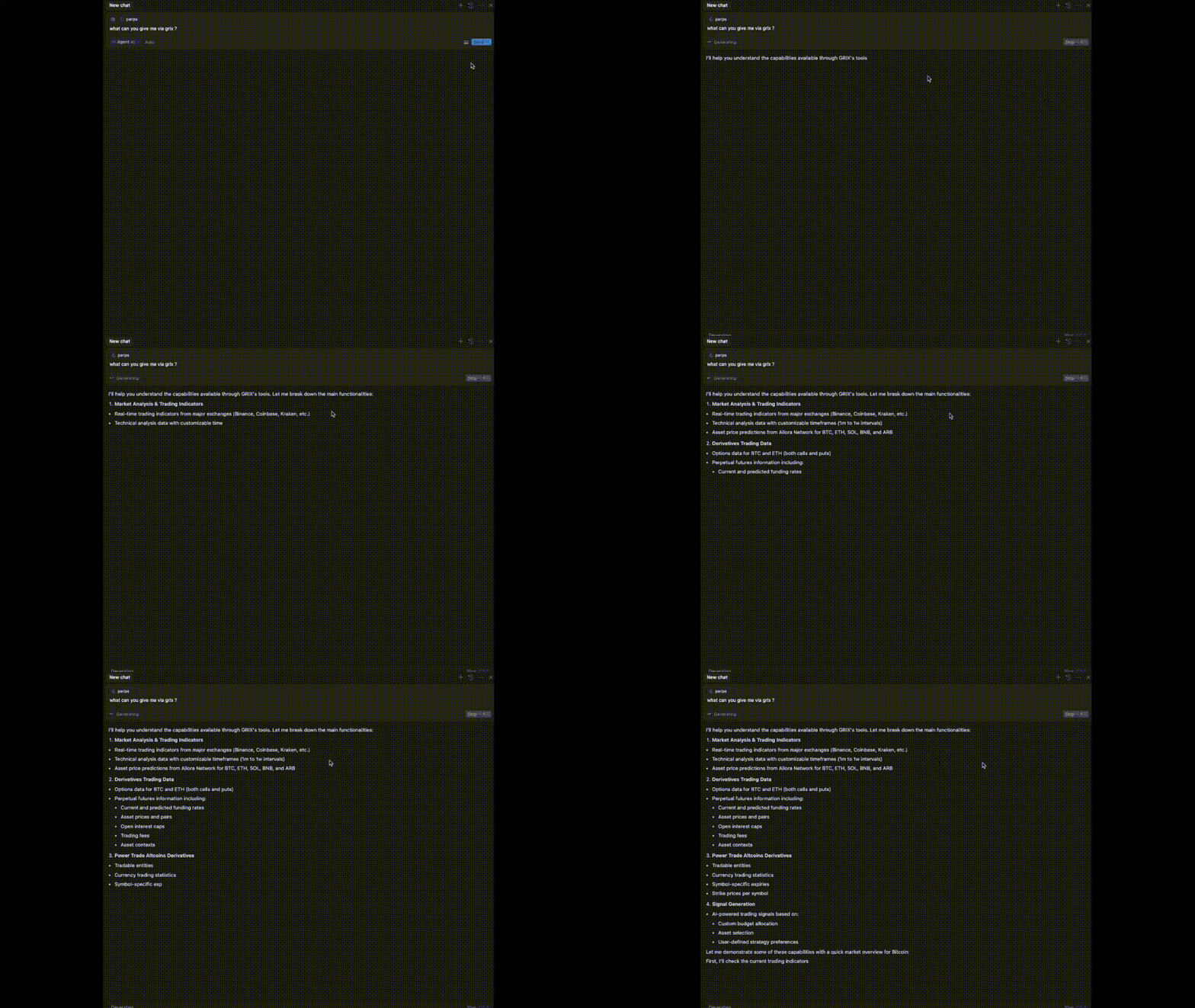
Once configured, you’ll have seamless access to all methods provided by the Grix Protocol SDK through the MCP interface. This means you can directly use:
Available SDK Methods
Asset and Option Price Methods
- Fetch real-time asset prices
- Get option price information
- Retrieve asset and option price history
Market Analysis Methods
- Generate AI-powered trading signals
- Analyze market data for insights
- Access DeFi protocol data (Hyperliquid, etc.)
Example Queries
- “Get current BTC price”
- “Show me option data for BTC calls”
- “Generate moderate growth trading strategies with a $5000 budget”
- “What are the predicted funding rates for Hyperliquid?”
All functionality from the Grix SDK repository is available through this MCP interface without requiring additional configuration.
Note: The Grix SDK is continuously evolving with new features and capabilities being added regularly. The examples above represent just a sample of the available functionality. For the most up-to-date capabilities, refer to the SDK repository or simply ask what’s possible through the MCP interface.
Support
For any questions or issues:
- Join our Telegram channel
- Join our Discord community
Dev Tools Supporting MCP
The following are the main code editors that support the Model Context Protocol. Click the link to visit the official website for more information.







