
Simple Nodejs Mcp Client
What is Simple Nodejs Mcp Client
simple-nodejs-mcp-client is a study repository designed for implementing a Model Context Protocol (MCP) client. It features a straightforward interactive MCP client built using Node.js.
Use cases
Use cases include developing applications that need to communicate with MCP servers, testing and experimenting with MCP protocols, and serving as a learning tool for developers interested in understanding MCP client implementations.
How to use
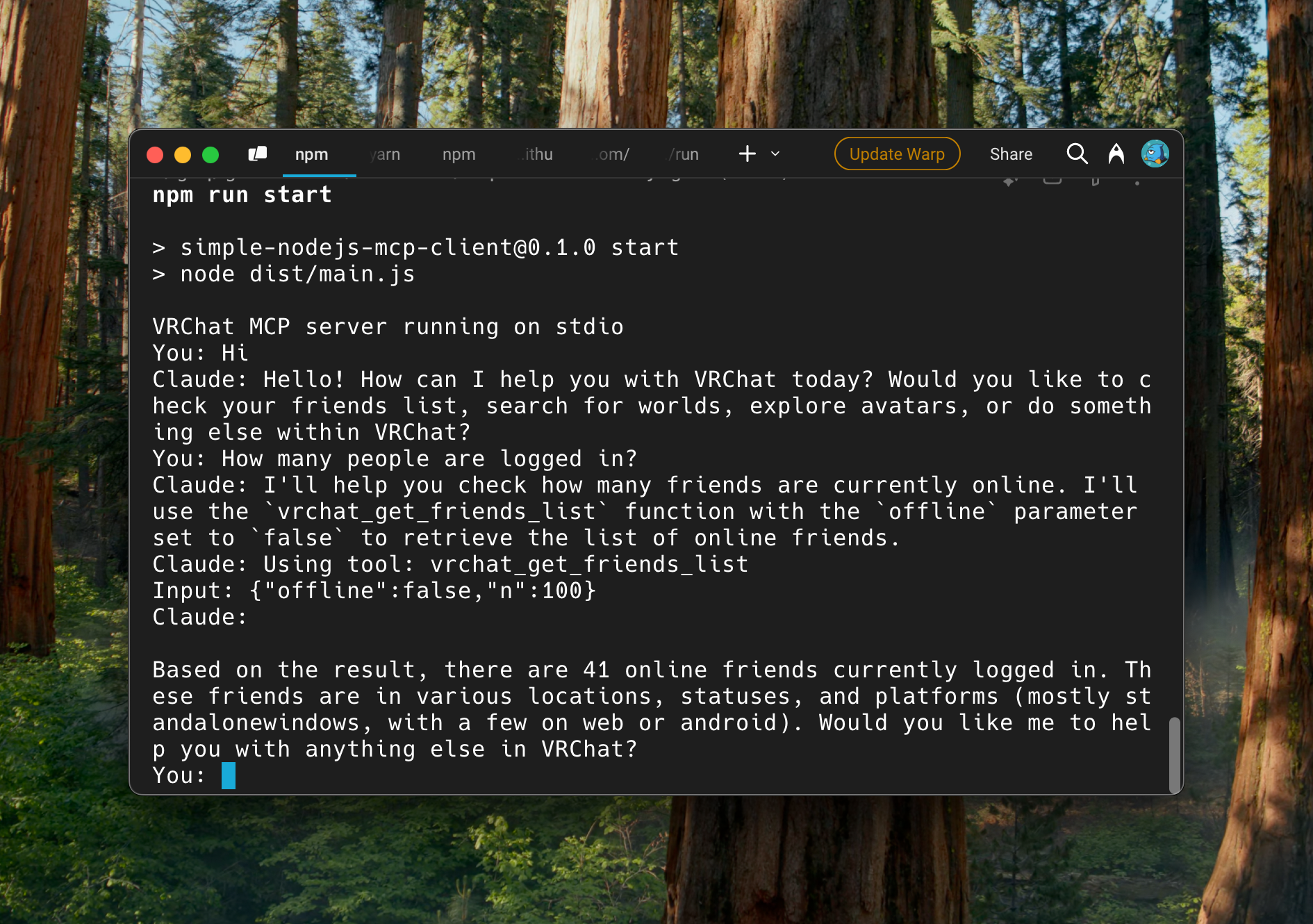
To use simple-nodejs-mcp-client, first install the dependencies using ‘npm install’. Then, copy the example configuration file and edit it to include your settings. Build the project with ‘npm run build’ and start the client using ‘npm run start’.
Key features
Key features include a simple interactive interface, easy configuration through a JSON file, and the ability to connect to MCP servers. The client is implemented in Node.js, making it lightweight and efficient.
Where to use
simple-nodejs-mcp-client can be used in various fields such as software development, particularly in applications that require interaction with Model Context Protocols, and in educational settings for learning about MCP implementations.
Clients Supporting MCP
The following are the main client software that supports the Model Context Protocol. Click the link to visit the official website for more information.





Overview
What is Simple Nodejs Mcp Client
simple-nodejs-mcp-client is a study repository designed for implementing a Model Context Protocol (MCP) client. It features a straightforward interactive MCP client built using Node.js.
Use cases
Use cases include developing applications that need to communicate with MCP servers, testing and experimenting with MCP protocols, and serving as a learning tool for developers interested in understanding MCP client implementations.
How to use
To use simple-nodejs-mcp-client, first install the dependencies using ‘npm install’. Then, copy the example configuration file and edit it to include your settings. Build the project with ‘npm run build’ and start the client using ‘npm run start’.
Key features
Key features include a simple interactive interface, easy configuration through a JSON file, and the ability to connect to MCP servers. The client is implemented in Node.js, making it lightweight and efficient.
Where to use
simple-nodejs-mcp-client can be used in various fields such as software development, particularly in applications that require interaction with Model Context Protocols, and in educational settings for learning about MCP implementations.
Clients Supporting MCP
The following are the main client software that supports the Model Context Protocol. Click the link to visit the official website for more information.
Content
Simple Nodejs MCP Client
This is a study repository for implementing a Model Context Protocol (MCP) client. It features a simple interactive MCP client implemented in Node.js.
Installation
npm install
Configuration
- Copy the example configuration file:
cp config.example.json config.json
- Edit
config.jsonand update the configuration values with your own settings:
claudeApiKey: Your Claude API keysystemPrompt: The system prompt for the anthorpic clientmcpServers: Configuration for MCP servers (if needed)
Usage
- Build the project:
npm run build
- Start the client:
npm run start
License
See LICENSE file for details.
Dev Tools Supporting MCP
The following are the main code editors that support the Model Context Protocol. Click the link to visit the official website for more information.







