
Tuui
What is Tuui
tuui is a Tool-Unified User Interface designed to accelerate the integration of AI tools via the Model Context Protocol (MCP) and to orchestrate APIs from various vendors of Large Language Models (LLMs).
Use cases
Use cases for tuui include creating chatbots that leverage multiple LLMs, developing AI-driven applications that require dynamic configuration of tools, and automating testing processes for AI applications.
How to use
To use tuui, you need to set up your own LLM backend that supports tool calls. You can refer to the documentation for installation and configuration guidance, and explore the project through the wiki page at TUUI.com.
Key features
Key features of tuui include accelerated AI tool integration via MCP, orchestration of cross-vendor LLM APIs, automated application testing support, TypeScript support, multilingual capabilities, a basic layout manager, global state management with Pinia, and quick support through the GitHub community.
Where to use
tuui can be used in various fields where AI tool integration is required, such as software development, customer support, and any application needing interaction with multiple LLM APIs.
Clients Supporting MCP
The following are the main client software that supports the Model Context Protocol. Click the link to visit the official website for more information.





Overview
What is Tuui
tuui is a Tool-Unified User Interface designed to accelerate the integration of AI tools via the Model Context Protocol (MCP) and to orchestrate APIs from various vendors of Large Language Models (LLMs).
Use cases
Use cases for tuui include creating chatbots that leverage multiple LLMs, developing AI-driven applications that require dynamic configuration of tools, and automating testing processes for AI applications.
How to use
To use tuui, you need to set up your own LLM backend that supports tool calls. You can refer to the documentation for installation and configuration guidance, and explore the project through the wiki page at TUUI.com.
Key features
Key features of tuui include accelerated AI tool integration via MCP, orchestration of cross-vendor LLM APIs, automated application testing support, TypeScript support, multilingual capabilities, a basic layout manager, global state management with Pinia, and quick support through the GitHub community.
Where to use
tuui can be used in various fields where AI tool integration is required, such as software development, customer support, and any application needing interaction with multiple LLM APIs.
Clients Supporting MCP
The following are the main client software that supports the Model Context Protocol. Click the link to visit the official website for more information.
Content
TUUI - Tool Unitary User Interface




TUUI is a desktop MCP client designed as a tool unitary utility integration, accelerating AI adoption through the Model Context Protocol (MCP) and enabling cross-vendor LLM API orchestration.
:bulb: Introduction
This repository is essentially an LLM chat desktop application based on MCP. It also represents a bold experiment in creating a complete project using AI. Many components within the project have been directly converted or generated from the prototype project through AI.
Given the considerations regarding the quality and safety of AI-generated content, this project employs strict syntax checks and naming conventions. Therefore, for any further development, please ensure that you use the linting tools I’ve set up to check and automatically fix syntax issues.
:sparkles: Features
- :sparkles: Accelerate AI tool integration via MCP
- :sparkles: Orchestrate cross-vendor LLM APIs through dynamic configuring
- :sparkles: Automated application testing Support
- :sparkles: TypeScript support
- :sparkles: Multilingual support
- :sparkles: Basic layout manager
- :sparkles: Global state management through the Pinia store
- :sparkles: Quick support through the GitHub community and official documentation
:book: Getting Started
To explore the project, please check wiki page: TUUI.com
You can also check the documentation of the current project in sections: Getting Started | 快速入门
You can also ask the AI directly about project-related questions: TUUI@DeepWiki
For features related to MCP, you’ll need to set up your own LLM backend that supports tool calls.
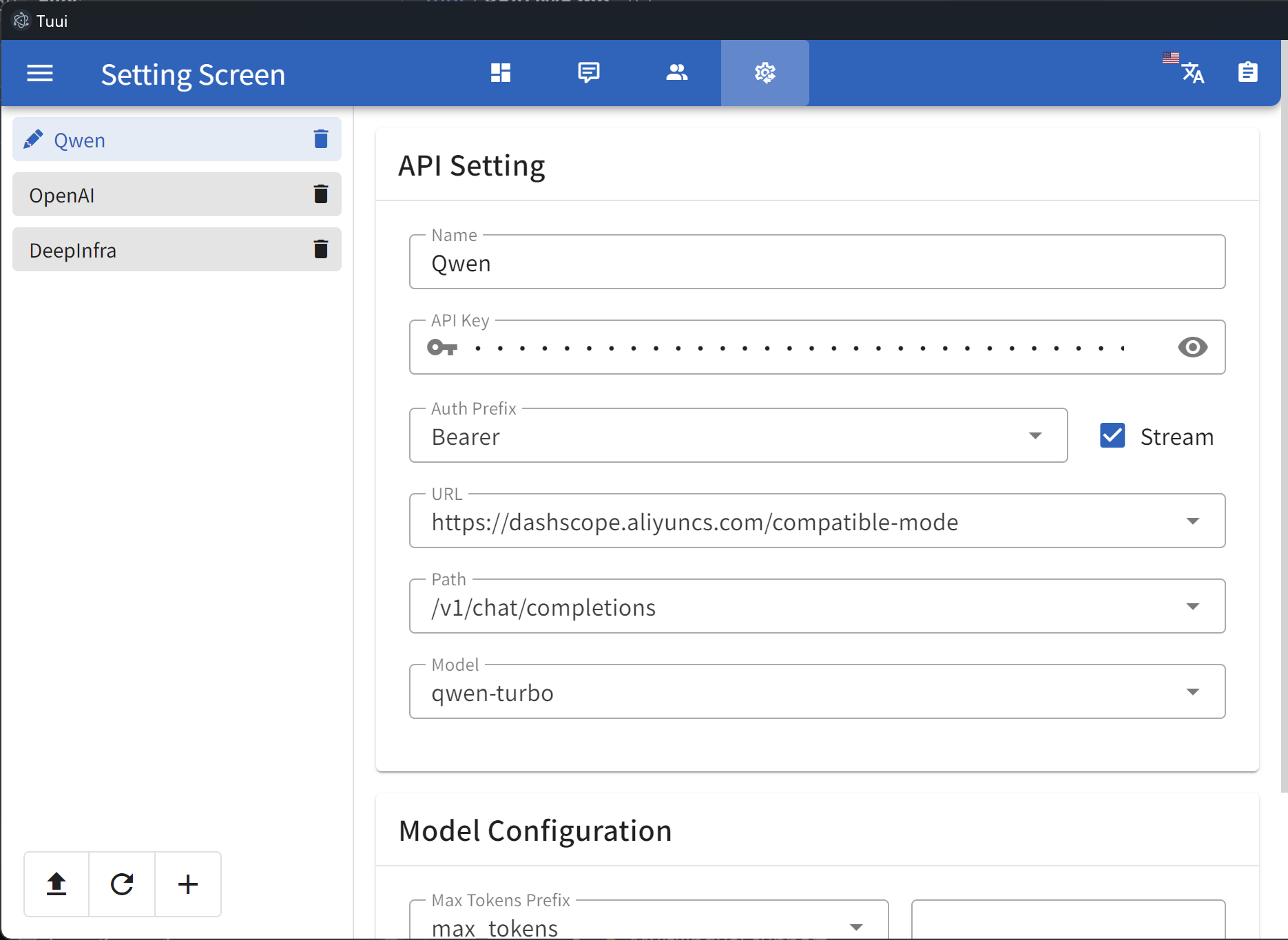
For guidance on configuring the LLM, refer to the template(i.e.: Qwen):
{
  "chatbotStore": {
    "chatbots": [
      {
        "name": "Qwen",
        "apiKey": "",
        "url": "https://dashscope.aliyuncs.com/compatible-mode",
        "path": "/v1/chat/completions",
        "model": "qwen-turbo",
        "modelList": [
          "qwen-turbo",
          "qwen-plus",
          "qwen-max"
        ],
        "maxTokensValue": "",
        "mcp": true
      }
    ]
  }
}
The full config and corresponding types could be found in: Config Type
Once you modify or import the LLM configuration, it will be stored in your localStorage by default. You can use the developer tools to view or clear the corresponding cache.
:lipstick: Demo
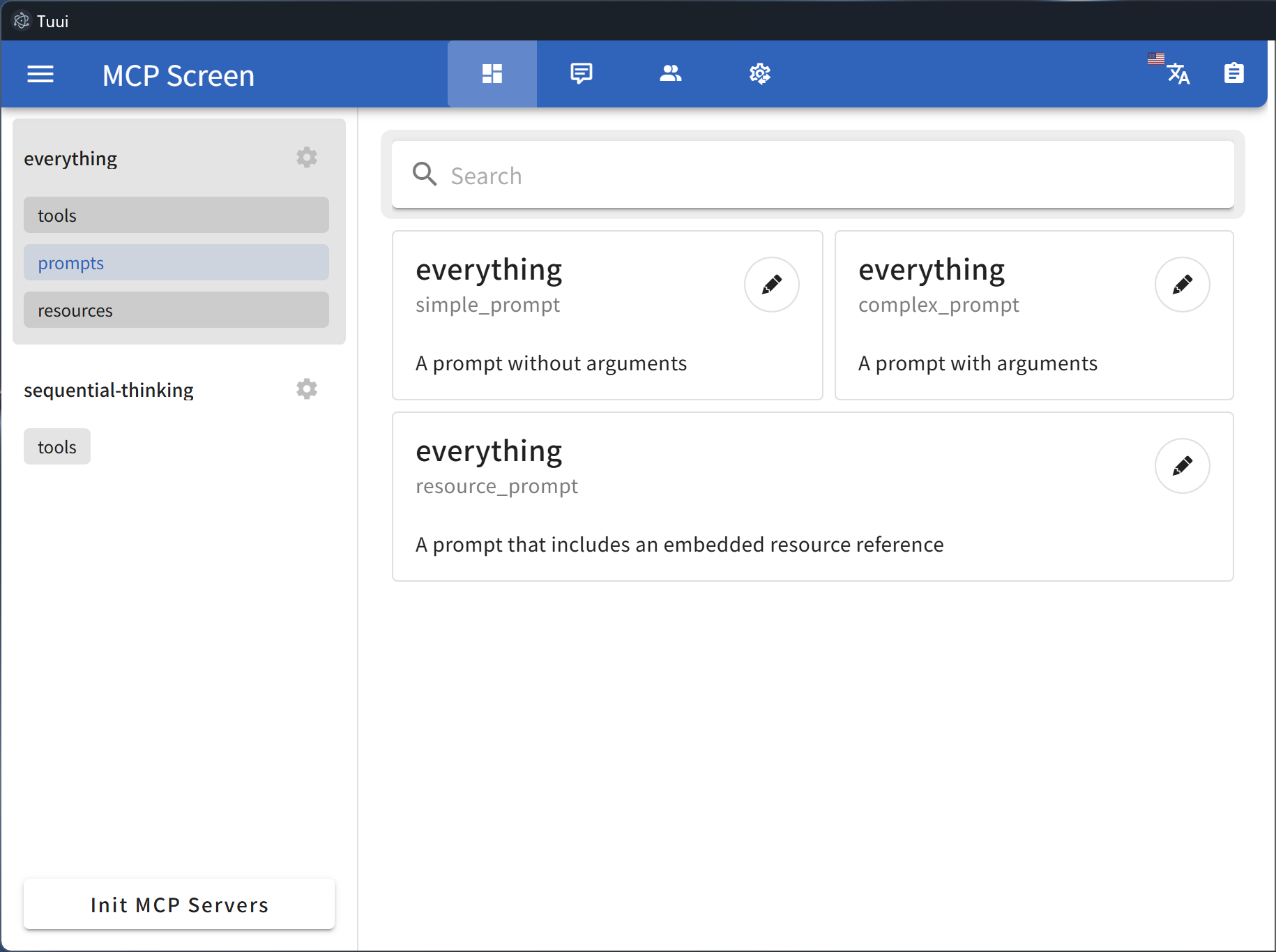
MCP primitive visualization
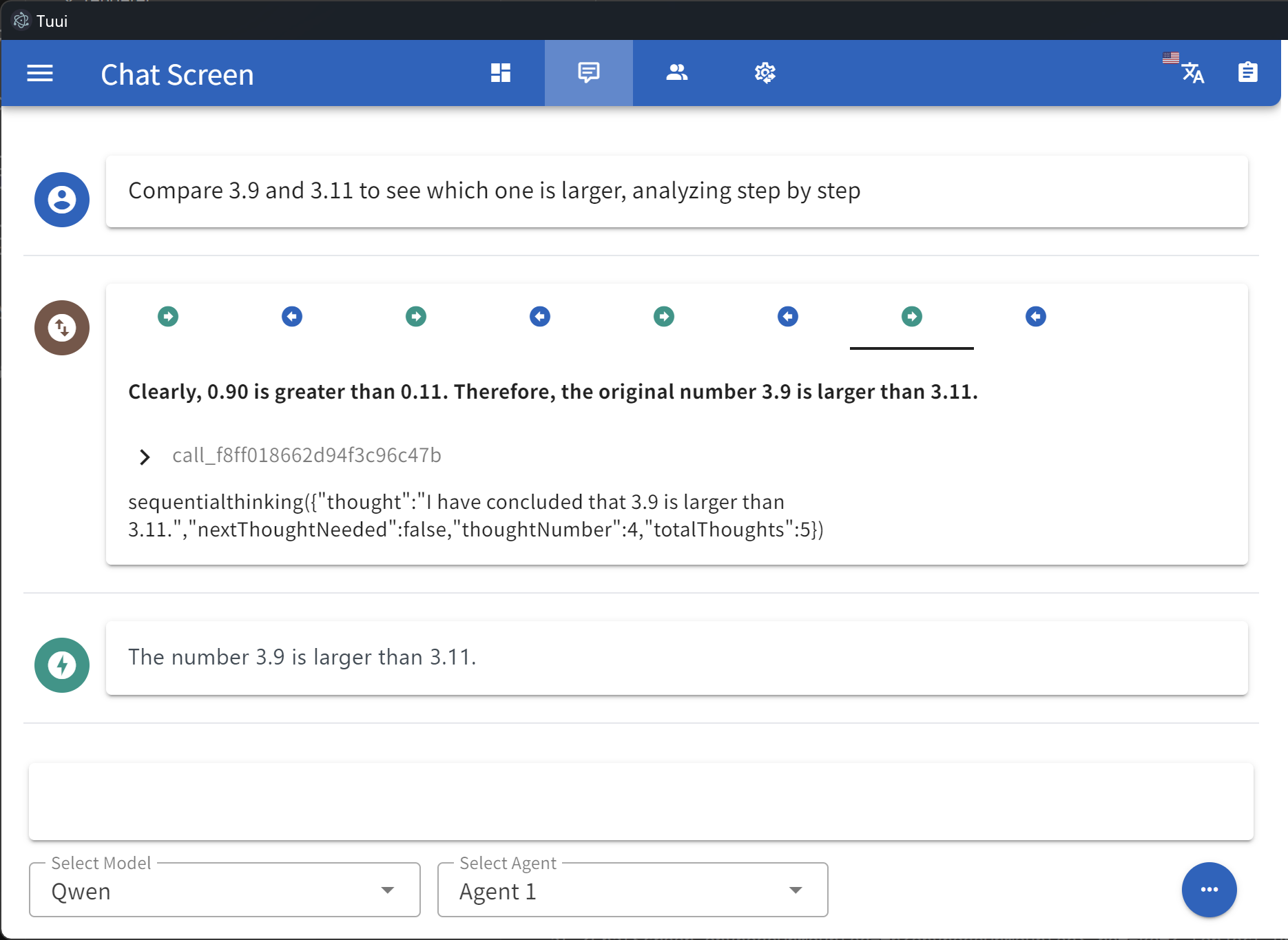
Tool call tracing
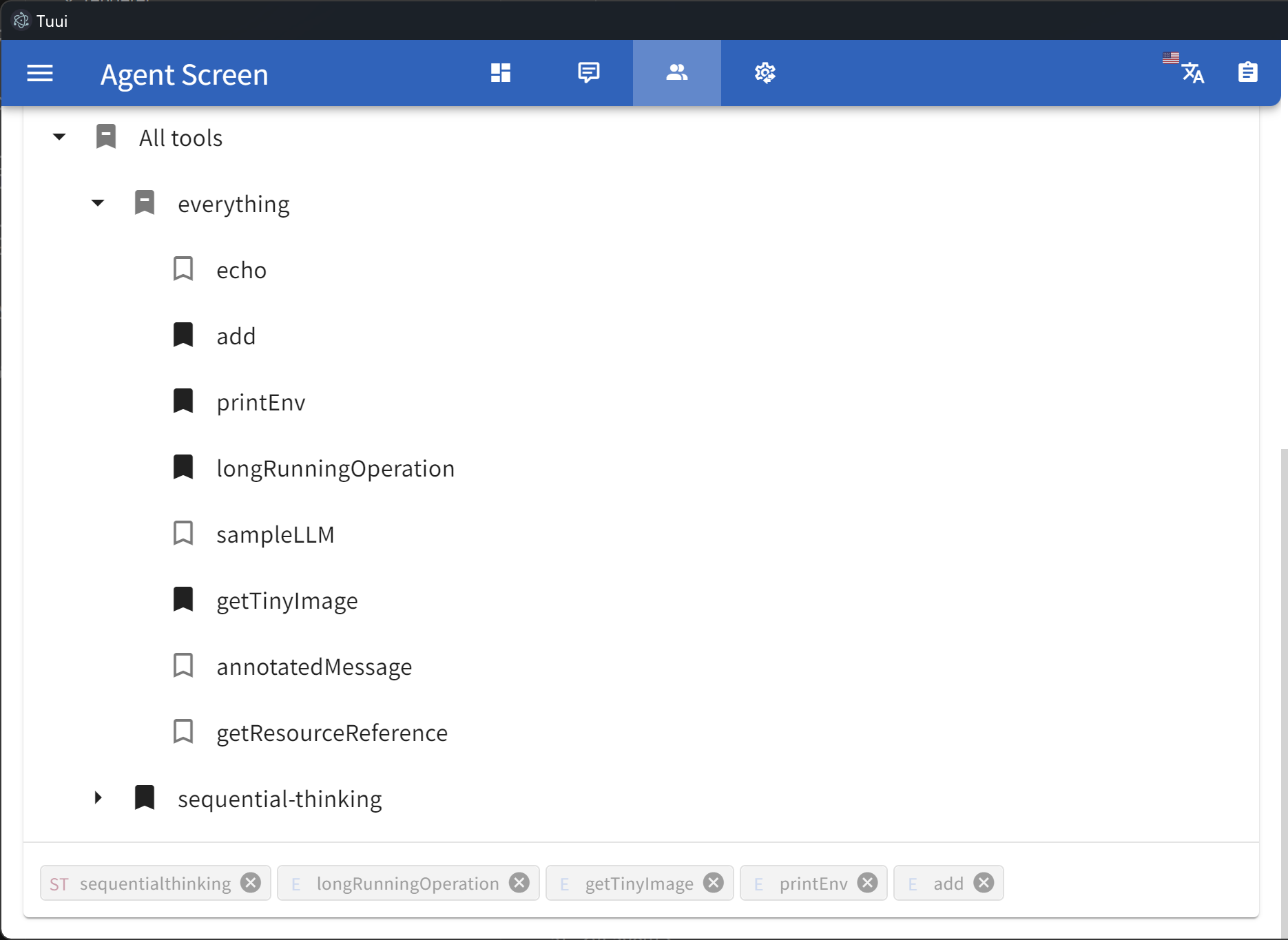
Specify tool selection
LLM API setting
Selectable sampling
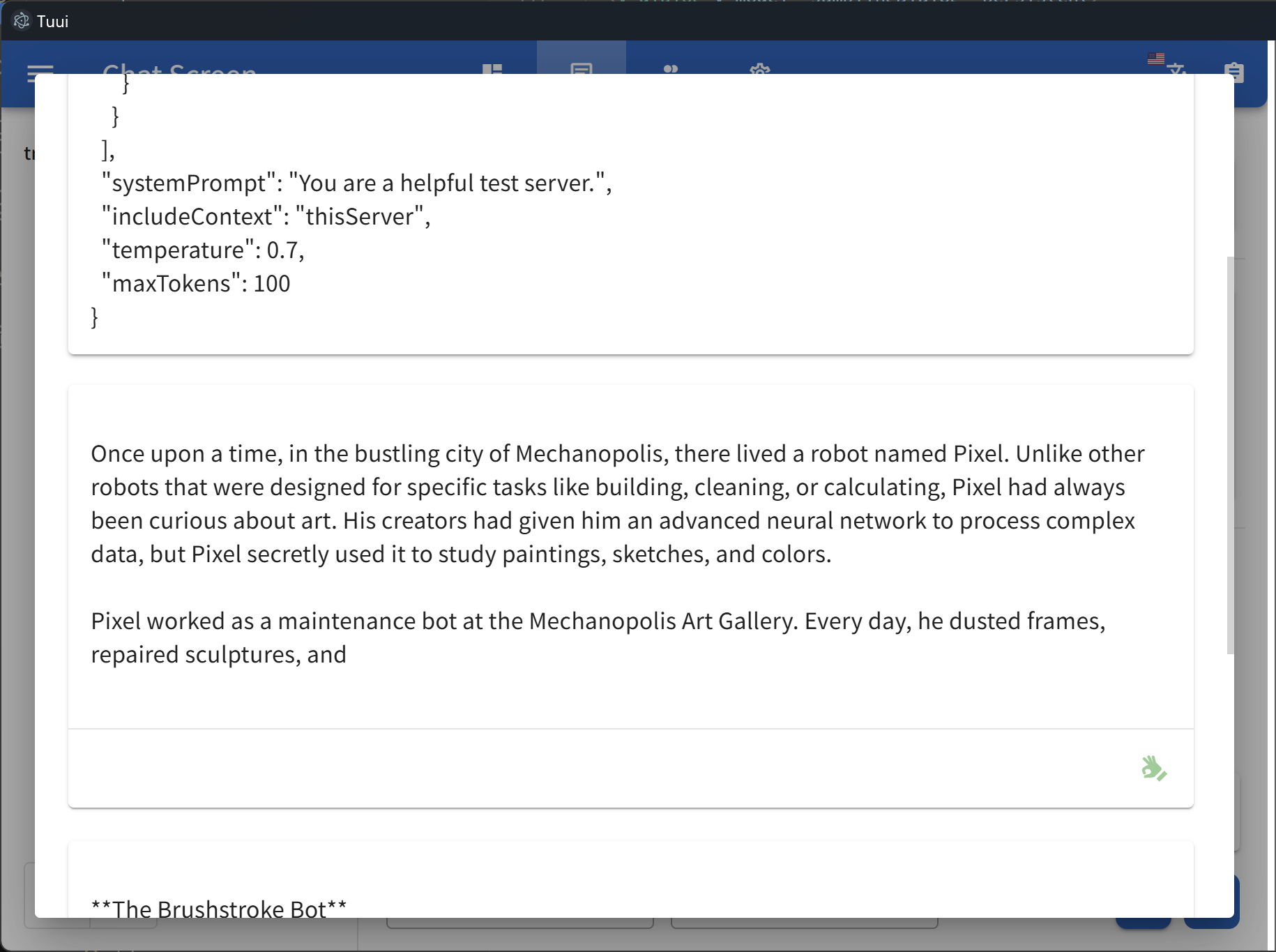
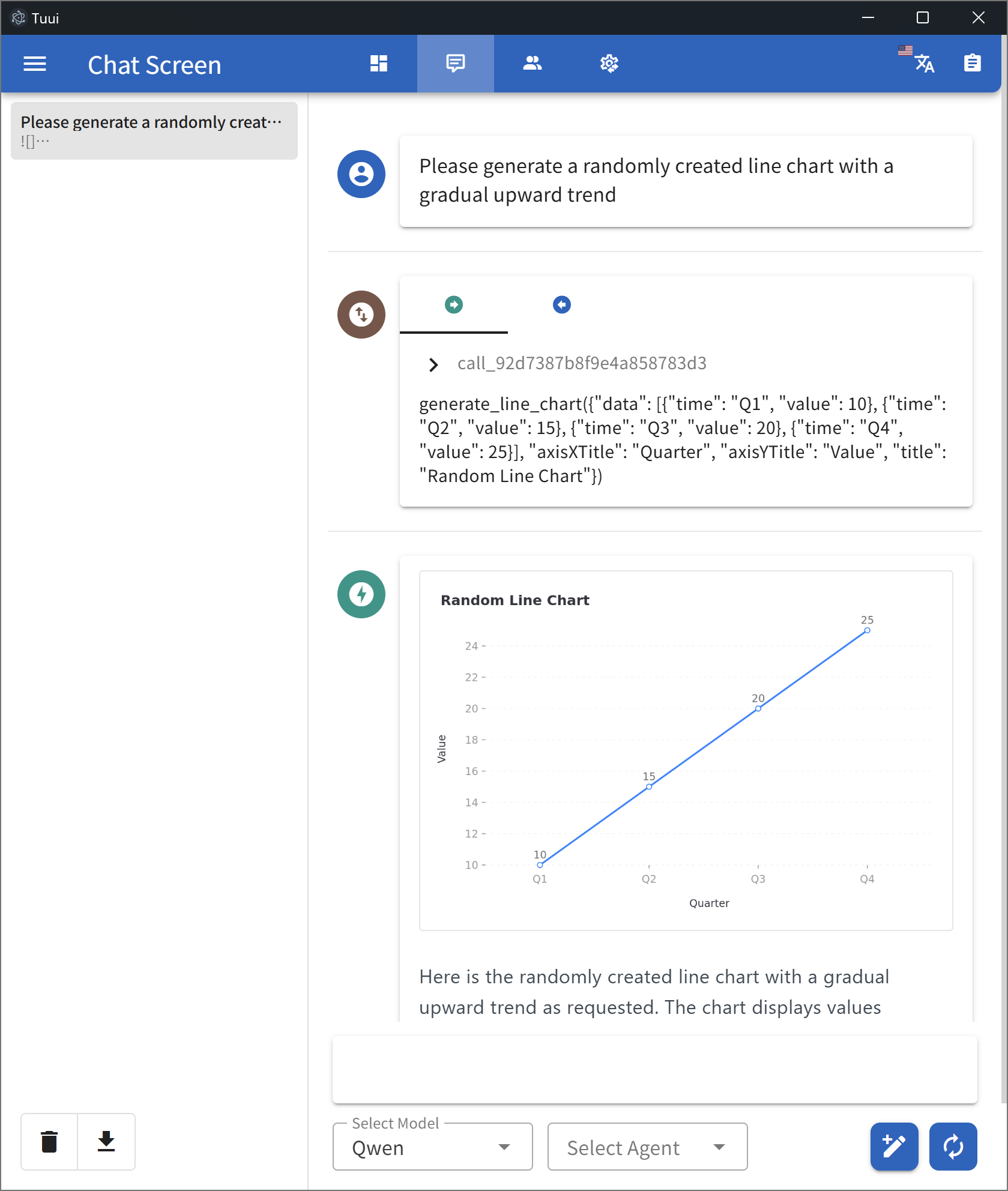
Data insights
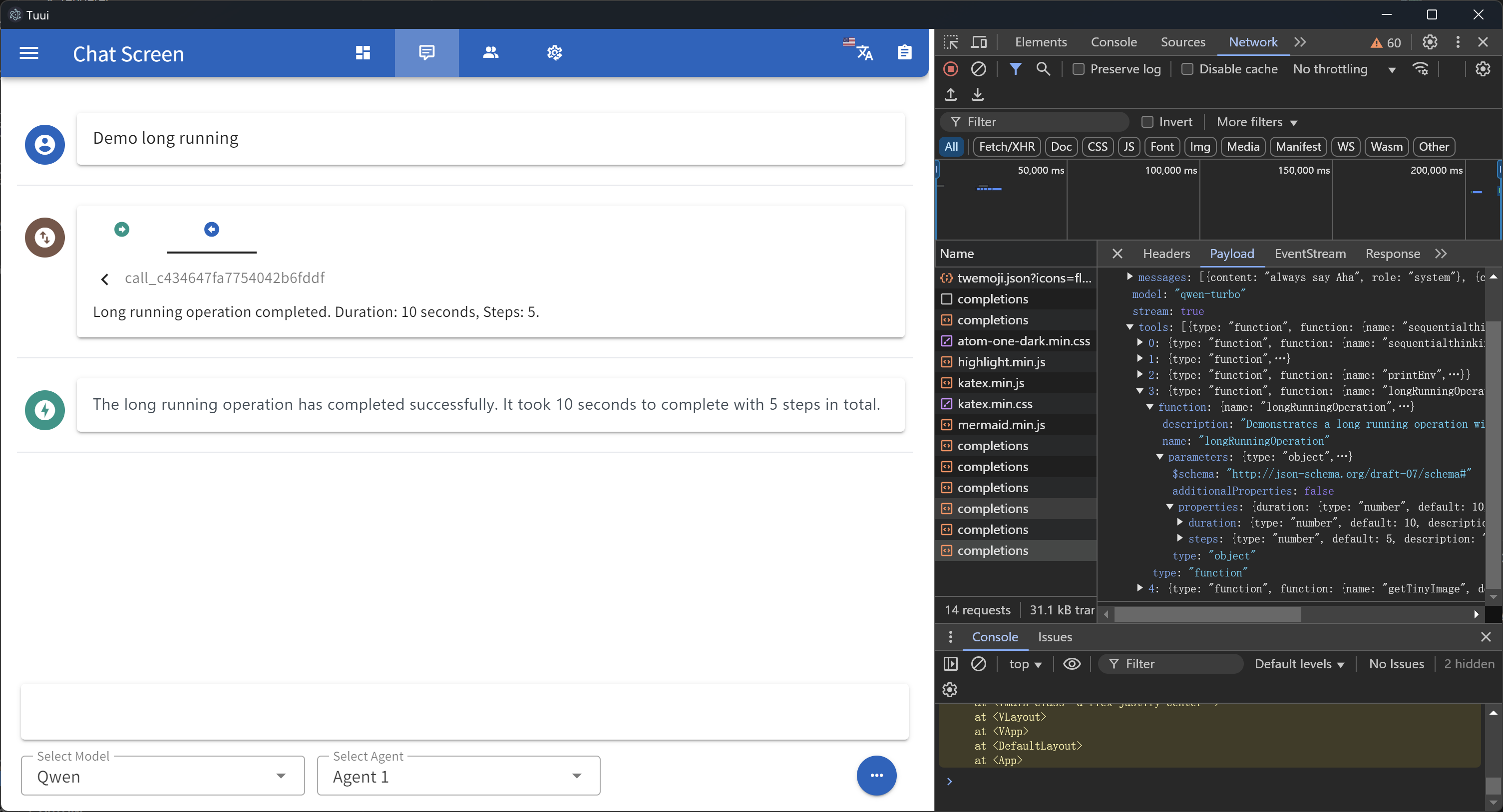
Native devtools
Remote MCP server
You can utilize Cloudflare’s recommended mcp-remote to implement the full suite of remote MCP server functionalities (including Auth). For example, simply add the following to your config.json file:
{
  "mcpServers": {
    "cloudflare": {
      "command": "npx",
      "args": [
        "-y",
        "mcp-remote",
        "https://YOURDOMAIN.com/sse"
      ]
    }
  }
}
In this example, I have provided a test remote server: https://YOURDOMAIN.com on Cloudflare. This server will always approve your authentication requests.
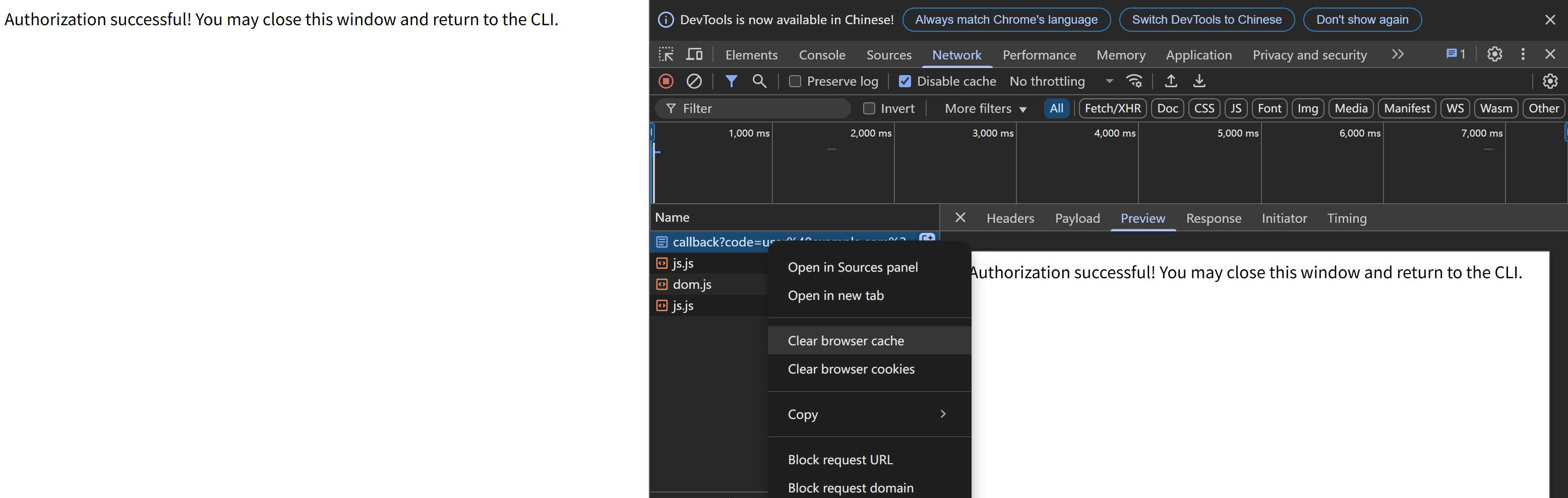
If you encounter any issues (please try to maintain OAuth auto-redirect to prevent callback delays that might cause failures), such as the common HTTP 400 error. You can resolve them by clearing your browser cache on the authentication page and then attempting verification again:
:inbox_tray: Contributing
We welcome contributions of any kind to this project, including feature enhancements, UI improvements, documentation updates, test case completions, and syntax corrections. I believe that a real developer can write better code than AI, so if you have concerns about certain parts of the code implementation, feel free to share your suggestions or submit a pull request.
Please review our Code of Conduct. It is in effect at all times. We expect it to be honored by everyone who contributes to this project.
For more information, please see Contributing Guidelines
:beetle: Opening an Issue
Before creating an issue, check if you are using the latest version of the project. If you are not up-to-date, see if updating fixes your issue first.
:lock: Reporting Security Issues
Review our Security Policy. Do not file a public issue for security vulnerabilities.
:pray: Credits
Written by @AIQL.com.
Many of the ideas and prose for the statements in this project were based on or inspired by work from the following communities:
You can review the specific technical details and the license. We commend them for their efforts to facilitate collaboration in their projects.
Dev Tools Supporting MCP
The following are the main code editors that support the Model Context Protocol. Click the link to visit the official website for more information.







