
Youtube Mcp
What is Youtube Mcp
youtube_mcp is a YouTube transcriber MCP server designed to convert YouTube video audio into text format using advanced transcription technology.
Use cases
Use cases for youtube_mcp include generating subtitles for videos, creating transcripts for educational purposes, and providing accessibility options for hearing-impaired users.
How to use
To use youtube_mcp, clone the repository, configure the environment variables, and run the server. Ensure you have the required OpenAI API key and cookies for authentication.
Key features
Key features include real-time transcription of YouTube videos, integration with OpenAI for enhanced processing, and easy setup through a straightforward installation process.
Where to use
youtube_mcp can be used in various fields such as content creation, education, and accessibility services where video content needs to be transcribed into text.
Clients Supporting MCP
The following are the main client software that supports the Model Context Protocol. Click the link to visit the official website for more information.





Overview
What is Youtube Mcp
youtube_mcp is a YouTube transcriber MCP server designed to convert YouTube video audio into text format using advanced transcription technology.
Use cases
Use cases for youtube_mcp include generating subtitles for videos, creating transcripts for educational purposes, and providing accessibility options for hearing-impaired users.
How to use
To use youtube_mcp, clone the repository, configure the environment variables, and run the server. Ensure you have the required OpenAI API key and cookies for authentication.
Key features
Key features include real-time transcription of YouTube videos, integration with OpenAI for enhanced processing, and easy setup through a straightforward installation process.
Where to use
youtube_mcp can be used in various fields such as content creation, education, and accessibility services where video content needs to be transcribed into text.
Clients Supporting MCP
The following are the main client software that supports the Model Context Protocol. Click the link to visit the official website for more information.
Content
youtube_mcp
Youtube transcribation MCP server
Demo Video
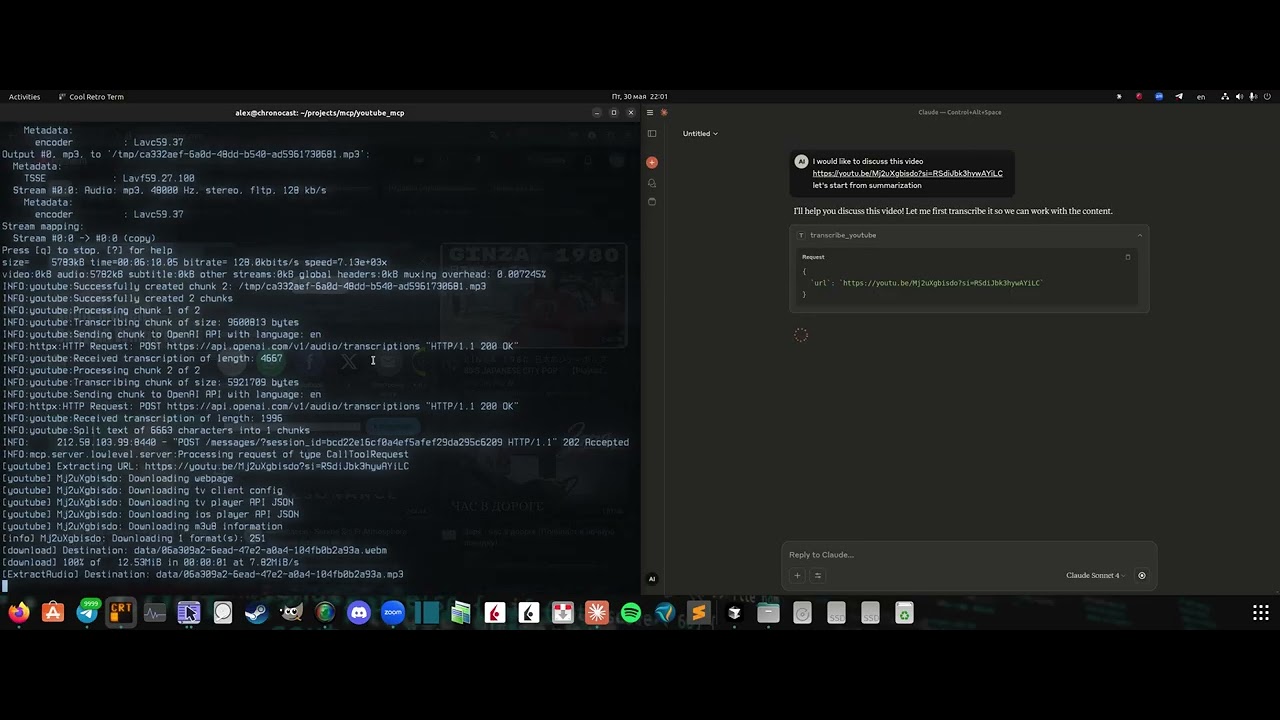
Click the image above to watch the demo video
Requirements:
- OpenAI API key
- Cookies
Server installation
- Clone the repo:
git clone https://github.com/format37/youtube_mcp.git
cd youtube_mcp
nano .env
- Extract your cookies. See cookies.md
Place cookies.txt in the ./mcp/ folder. - Generate MCP_KEY:
python token_generator.py
- Define .env:
CONTAINER_NAME=youtube_mcp_main
PORT=7001
MCP_KEY=YOUR-MCP-KEY
OPENAI_API_KEY=YOUR-OPENAI-KRY
- Provide run access
sudo chmod +x compose.sh
sudo chmod +x logs.sh
sudo chmod +x update.sh
- Run
./compose.sh
- Check that port is opened for incoming connections.
Client configuration
- Add Bybit server to the Claude desktop config:
Example:
{
    "mcpServers": {
      "youtube": {
        "command": "npx",
        "args": [
          "mcp-remote",
          "http://localhost:7001/sse",
          "--header",
          "Authorization:YOUR-TOKEN",
          "--allow-http"
        ],
        "disabled": false
      }
    }
}
Client side
4. Restart Claude desktop
5. Check that tws tools are listed in the tools list. Ask Claude to check ibkr account
Dev Tools Supporting MCP
The following are the main code editors that support the Model Context Protocol. Click the link to visit the official website for more information.







